Check for Fake svchost.exe and ChromeUpdate Tasks if You Suspect KGB RAT Infection
Group-IB analysis reveals KGB RAT malware steals credentials and controls Windows PCs while hiding behind familiar system process names.
Key points
- KGB RAT is a malware-as-a-service tool built on modified NjRAT code that steals credentials and allows remote desktop control.
- The trojan disguises itself as svchost.exe and creates a scheduled task named ChromeUpdate to persist on infected Windows systems.
- Attackers use Telegram channels to receive infection alerts, while the malware contacts command-and-control servers for further instructions.
Windows users whose computers have been infected by KGB RAT face immediate risks to their personal data and account security. This remote access trojan allows attackers to spy on activity, steal login credentials and take direct control of the desktop environment. According to analysis by Group-IB, the malware is particularly dangerous because it masquerades as legitimate system processes, making it difficult for average users to detect without specialised security tools.
What data is at risk?
KGB RAT is designed to harvest sensitive information from infected machines. Group-IB analysts found that the tool combines credential theft with keylogging capabilities, meaning every keystroke typed on the compromised computer can be recorded and sent to attackers. The malware also grants remote control over the desktop, allowing operators to view what is on the screen, access files and potentially deploy ransomware. This means banking details, email passwords and private documents stored locally are all exposed to the threat actors renting this service.
How does the malware hide?
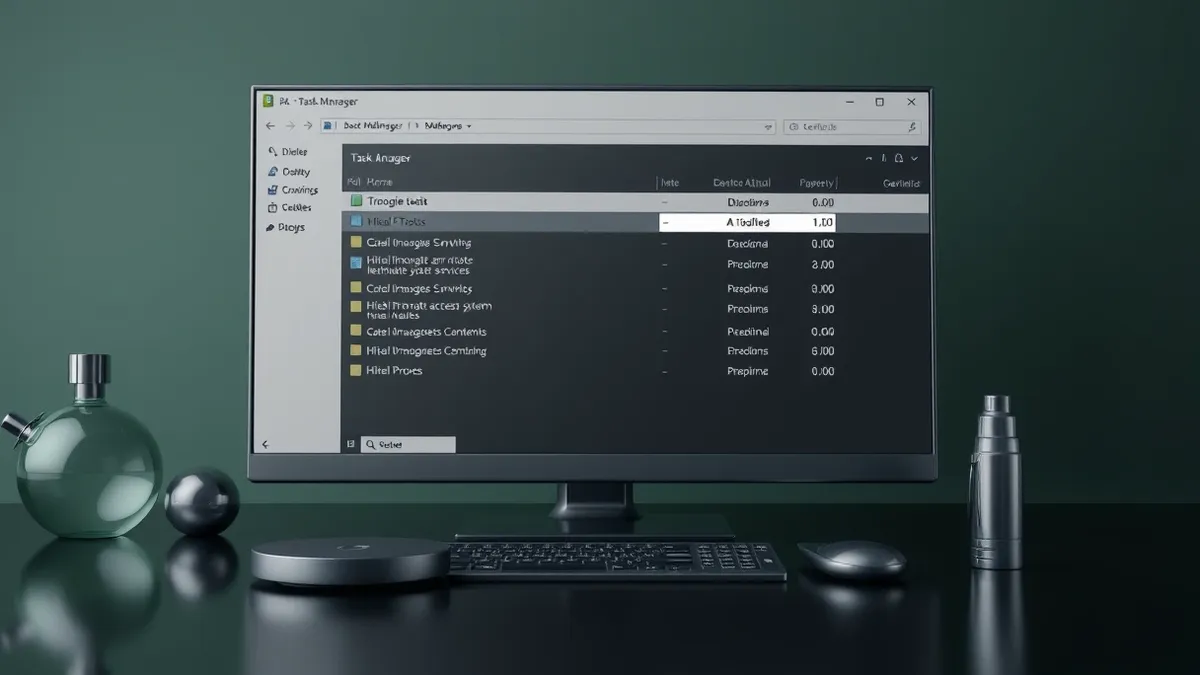
The malware uses several techniques to avoid detection by both users and security software. In samples tested by Group-IB, the original program copied itself into a temporary folder and relaunched using the name svchost.exe. This name closely resembles a genuine Windows operating system process, which can confuse users checking their task manager. Additionally, the malware creates a scheduled task called ChromeUpdate. This task ensures the trojan runs automatically every time the user signs in, maintaining persistent access even if the computer is restarted.
Who is behind this threat?
KGB RAT is sold through a malware-as-a-service model, allowing cybercriminals to rent access to the tool rather than developing their own malware. Group-IB reports that the product was promoted on underground forums from late 2025, although traces of its server infrastructure date back to January 2022. The sellers advertise a crypter that they claim is fully undetectable and capable of bypassing Windows Defender and other antivirus products. However, Group-IB notes that while the evasion capabilities are advertised, their report does not confirm that every version reliably defeats all security solutions on every system.
How does it communicate?
The malware relies on two distinct communication channels to operate effectively. Group-IB found that the operators use a separate Telegram channel to receive alerts when a new computer is successfully infected. This allows the attackers to know immediately when their payload has executed. For ongoing control and instructions, the malware contacts dedicated command-and-control servers. This separation of alerting and command channels helps the operators manage multiple infected computers efficiently while keeping their coordination private from the victims.
What affected people can do
If you suspect your computer is infected, check your scheduled tasks for any entries named ChromeUpdate, as this is a specific persistence mechanism used by KGB RAT. Look for multiple instances of svchost.exe running from temporary folders rather than the standard system directory, which indicates the malware is masquerading as a legitimate process. Review your recent account activity for unauthorised logins, as the trojan steals credentials and keystrokes. Be wary of follow-up phishing emails that claim to offer removal tools or account recovery, as these are often scams designed to steal further information.
What to do and how to stay safe: KGB RAT
- Run a full system scan using your installed antivirus or anti-malware software to detect and remove known signatures of KGB RAT and its variants.
- Change passwords for all critical accounts, including email, banking and social media, from a different, clean device that has not been connected to the infected network.
- Enable multi-factor authentication on all important accounts to ensure that stolen passwords alone cannot be used to gain access by attackers.
- Monitor your financial statements and credit reports for unusual activity, as credential theft can lead to identity fraud or unauthorised transactions.
Step-by-step guide: Endpoint Detection and Response for Small Teams
General security guidance from the DarkWeb Dispatch newsroom. It is not confirmed advice from the organisations named in this story.
Frequently asked questions
Is KGB RAT a new type of malware?
No, Group-IB analysis shows KGB RAT is based on an obfuscated version of NjRAT, a known remote access trojan, rather than being entirely new code.
Can Windows Defender detect KGB RAT?
The malware sellers claim their crypter bypasses Windows Defender, but Group-IB states their report does not prove every version reliably defeats the security software.
How do attackers know when the malware has worked?
According to Group-IB, the operators use a separate Telegram channel to receive immediate alerts when a computer is successfully infected by the trojan.