Endpoint Detection and Response for Small Teams
Small teams gain enterprise-grade visibility by offloading alert triage to managed providers rather than hiring full-time security analysts.

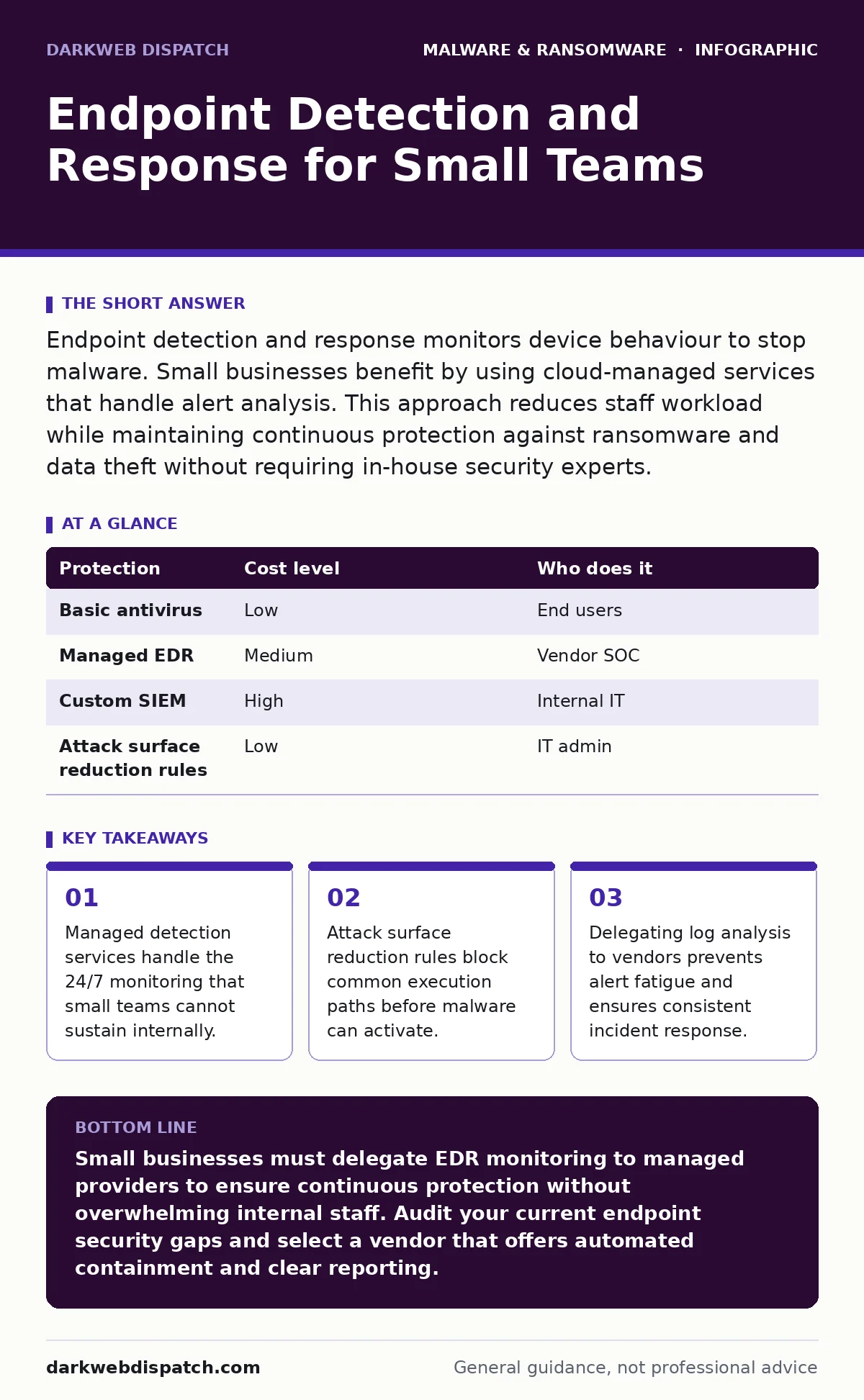
Endpoint detection and response monitors device behaviour to stop malware. Small businesses benefit by using cloud-managed services that handle alert analysis. This approach reduces staff workload while maintaining continuous protection against ransomware and data theft without requiring in-house security experts.
Why EDR matters at small scale
Endpoint detection and response (EDR) records process behaviour on computers and servers. Unlike traditional antivirus software that checks files against known signatures, EDR looks for suspicious actions. It tracks how programs start, how they access memory, and how they communicate with networks. Small businesses often believe they are too small to be targets. Threat actors automate their attacks, meaning a ten-person office faces the same automated scanning traffic as a multinational corporation. The cost of a single successful breach often exceeds the annual cost of security tools.
Small teams lack the bandwidth to investigate every alert. An EDR tool generates thousands of signals daily. Without human analysis, these signals become noise. The value of EDR lies not just in detection but in response capabilities. It allows you to isolate an infected device from the network instantly. This containment prevents lateral movement, where malware spreads from one compromised machine to others. For small businesses, this automated containment is a critical safety net.
Affordable ways to implement detection
You do not need expensive hardware or dedicated security staff to use EDR. Cloud-based solutions deliver protection via lightweight agents installed on endpoints. These agents send telemetry data to a central cloud platform. The vendor handles the heavy computation and pattern matching. This model shifts the cost from capital expenditure to a predictable operational subscription. You pay for the number of devices monitored, not for the underlying infrastructure.
Many modern EDR platforms include baseline monitoring features that require minimal configuration. They learn normal behaviour for your environment over time. This reduces false positives, which are alerts triggered by legitimate activity. False positives waste time and erode trust in security tools. Selecting a vendor that provides pre-built response playbooks adds value. These playbooks guide the system through common remediation steps automatically. This automation compensates for the lack of senior security personnel.
| Protection | Cost level | Who does it |
|---|---|---|
| Basic antivirus | Low | End users |
| Managed EDR | Medium | Vendor SOC |
| Custom SIEM | High | Internal IT |
| Attack surface reduction rules | Low | IT admin |
What to delegate to vendors
Small businesses should delegate alert triage and initial incident response. A Security Operations Centre (SOC) monitors the EDR dashboard around the clock. They distinguish between benign anomalies and genuine threats. This service is often included in managed detection and response (MDR) packages. You retain control over final decisions but rely on the vendor for initial analysis. This partnership model provides expertise that would be prohibitively expensive to hire internally.
Delegating log retention and compliance reporting is also wise. Storing security logs for legal or insurance requirements demands significant storage capacity and management. Vendors maintain these records in compliant formats. They can produce reports during audits without pulling your IT staff away from daily tasks. This delegation frees your team to focus on business-critical operations rather than security housekeeping. It ensures that security monitoring remains consistent even during staff absences or high workload periods.
Integrating attack surface reduction
EDR works best when combined with attack surface reduction rules. These rules restrict where and how code can execute. For example, they can prevent scripts from running in temporary folders. This blocks many common malware techniques without impacting normal user activity. You configure these rules at the group policy level. They act as a first line of defence, stopping threats before they trigger EDR alerts. This layered approach reduces the volume of alerts your team must review.
Browser hijackers often serve as the entry point for more serious malware. They redirect users to malicious sites that host drive-by downloads. EDR can detect the resulting malicious processes, but prevention is superior. Configuring browsers to block outdated plugins and enforcing strict content policies reduces this risk. You should also consider the threat of malvertising, where legitimate ad networks serve malicious code. EDR monitors the network traffic resulting from these ads, allowing you to block the source domains.
Handling ransomware and notes
Ransomware-as-a-service has lowered the barrier to entry for cybercriminals. Anyone can lease ransomware capabilities and launch attacks. These tools often include double extortion ransomware capabilities. Attackers steal data before encrypting it. They threaten to publish the stolen data if you do not pay. EDR helps by detecting the data exfiltration phase. It can alert you to unusual outbound transfers to unknown cloud storage services. This early warning allows you to isolate the network before encryption completes.
Ransom notes are text files left on infected devices. They contain instructions for payment and decryption. EDR tools can identify and quarantine these files automatically. This prevents users from reading and following malicious instructions. You should educate staff to report any unusual files immediately. However, reliance on user reporting is unreliable. Automated detection ensures that ransom notes are handled consistently. This reduces the psychological pressure on staff and prevents accidental compliance with attacker demands.
See also: Network Segmentation for Small Business: Stop Lateral Movement
Questions for IT providers
Choosing the right provider requires careful evaluation. You need a partner who understands your specific risks. Ask about their response times during critical incidents. Inquire about their experience with small business environments. Large enterprise solutions may be too complex for your needs. A provider that specialises in small to medium businesses will offer more tailored support.
- What is the average time to acknowledge a critical alert?
- Do you provide 24/7 monitoring or only business hours?
- How do you handle false positives to avoid disruption?
- Can you demonstrate a live containment action during a trial?
- What is your process for post-incident reporting?
Managing Mac malware risks
Many small businesses overlook Mac devices in their security strategy. Mac malware is less common but growing in sophistication. Attackers target Macs because they often have weaker security controls. Users assume their devices are immune to threats. This false sense of security leads to lax hygiene. EDR solutions that support macOS provide consistent visibility across all devices. This uniformity simplifies management and ensures no gaps in protection.
You should apply the same EDR policies to Macs as to Windows machines. This includes monitoring for suspicious kernel extensions and unsigned applications. Malware analysis reveals that many Mac threats are trojans designed to steal credentials. These credentials can then be used to access corporate networks. Consistent monitoring ensures that a compromised Mac does not become a foothold for broader attacks. Ignoring Mac security creates a blind spot that attackers will exploit.
Maintaining long-term resilience
Security is not a one-time setup. It requires continuous adjustment. Threat actors constantly change their techniques. Your EDR configuration must evolve to match these changes. Regularly review blocked processes and adjust rules as needed. This tuning reduces noise and improves detection accuracy. Engage with your provider to understand emerging threats. They can advise on specific configurations that address new tactics.
Document your incident response procedures clearly. Ensure that all staff know what to do when an alert occurs. Conduct tabletop exercises to test these procedures. These exercises reveal gaps in your plan before a real attack occurs. They also build confidence in your team. Resilience comes from preparation and practice. By integrating EDR into your daily operations, you create a culture of security awareness. This cultural shift is as important as the technology itself.
Key takeaways
- Managed detection services handle the 24/7 monitoring that small teams cannot sustain internally.
- Attack surface reduction rules block common execution paths before malware can activate.
- Delegating log analysis to vendors prevents alert fatigue and ensures consistent incident response.
Small businesses must delegate EDR monitoring to managed providers to ensure continuous protection without overwhelming internal staff. Audit your current endpoint security gaps and select a vendor that offers automated containment and clear reporting.
Frequently asked questions
Is EDR enough to stop all ransomware attacks?
No, EDR detects and responds to threats but cannot prevent all initial infections. It works best when combined with user training and backup strategies to mitigate damage.
Do I need EDR if I already have antivirus?
Yes, antivirus relies on known signatures and misses new threats. EDR monitors behaviour to detect unknown malware and provides tools to isolate infected devices quickly.
How many devices does a small business typically monitor?
Small businesses usually monitor between 10 and 100 devices. This includes laptops, desktops, and servers. Cloud-based pricing scales easily with device count.
Can EDR slow down my computers?
Modern EDR agents are lightweight and have minimal impact on performance. They run in the background and only consume significant resources during active incidents or scans.
How this guide was produced: written by the DarkWeb Dispatch editorial team with AI assistance, checked against the public references listed below, and reviewed when the facts change. See our editorial policy or report an error.