Scheduled Task Abuse: How Attackers Hide Plain Sight
Attackers hide malicious processes in standard system maintenance jobs, allowing them to execute code without triggering standard security alerts or requiring direct interaction.

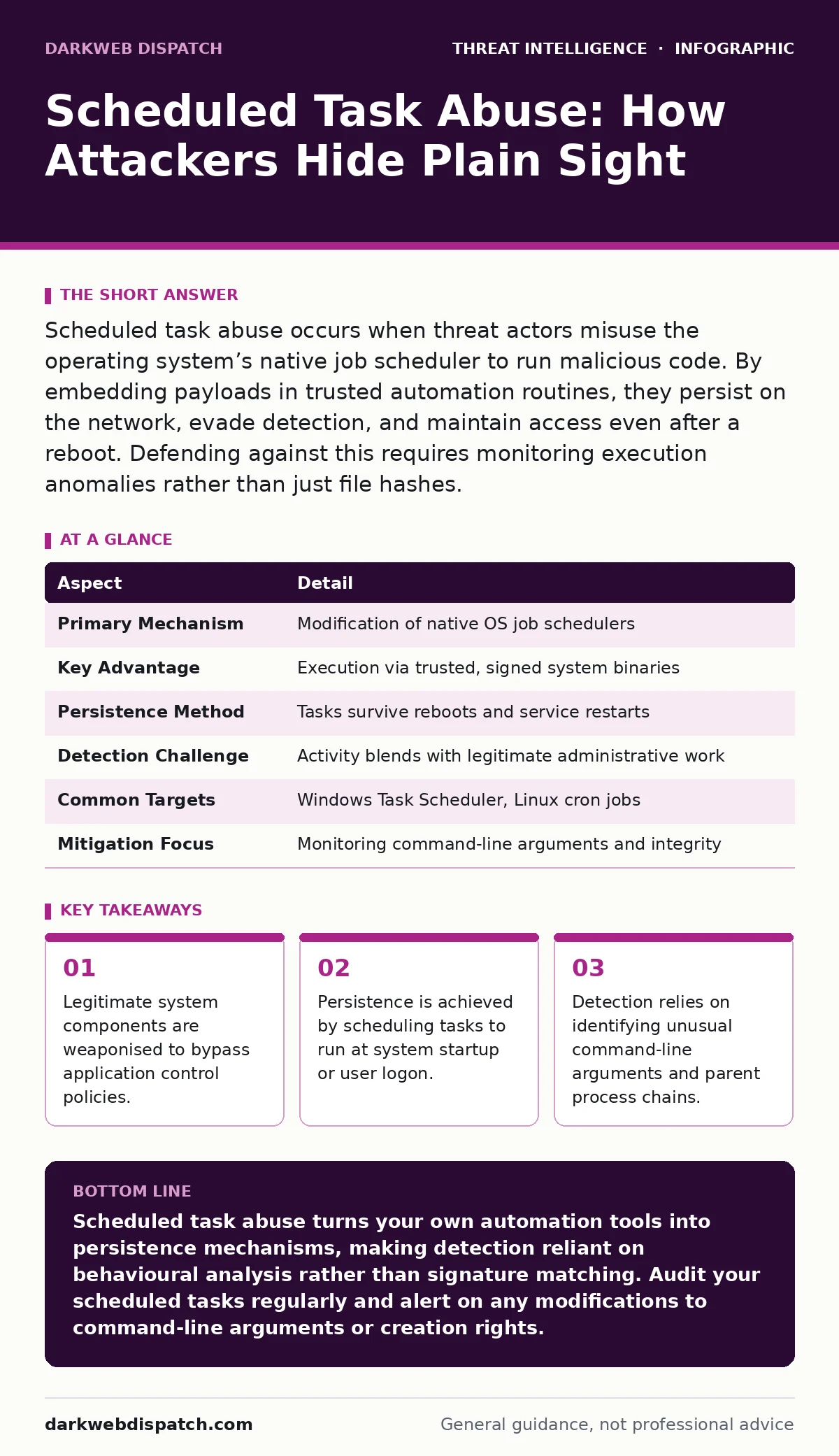
Scheduled task abuse occurs when threat actors misuse the operating system’s native job scheduler to run malicious code. By embedding payloads in trusted automation routines, they persist on the network, evade detection, and maintain access even after a reboot. Defending against this requires monitoring execution anomalies rather than just file hashes.
The Clockwork Trojan
Imagine leaving a note for the cleaning staff that says, "Please tidy the office, and also copy this confidential file to an external drive." The cleaner follows instructions perfectly. They are doing their job. Yet, the outcome serves a hidden agenda.
Scheduled task abuse operates on this exact principle. You are not installing new, suspicious software. Instead, an attacker co-opts the built-in scheduling service of your operating system. This service is designed to automate routine maintenance, such as updating drivers or clearing temporary files. It runs with system privileges, which means it has deep access to the machine.
When an attacker modifies a scheduled task, they do not need to break in again. They simply tell the system to run their code at a specific time or under specific conditions. The operating system executes it because the scheduler is a trusted component. To the security team, the activity looks like normal housekeeping.
At a Glance
| Aspect | Detail |
|---|---|
| Primary Mechanism | Modification of native OS job schedulers |
| Key Advantage | Execution via trusted, signed system binaries |
| Persistence Method | Tasks survive reboots and service restarts |
| Detection Challenge | Activity blends with legitimate administrative work |
| Common Targets | Windows Task Scheduler, Linux cron jobs |
| Mitigation Focus | Monitoring command-line arguments and integrity |
The Mechanics of Deception
The attack begins with privilege escalation. The adversary must first gain sufficient rights to create or modify a scheduled task. This often happens after an initial breach via phishing or exploiting an unpatched service. Once inside, they look for the scheduler interface.
On Windows systems, this involves the Task Scheduler service. On Linux and macOS, it is typically the cron daemon or launchd. The attacker creates a new task or alters an existing one. They specify the executable to run and the arguments to pass.
Here lies the danger. The executable might be a legitimate system tool like PowerShell or Command Prompt. These tools are necessary for administration, so security policies rarely block them. The attacker uses these trusted tools to download a payload or execute a script. The security event logs show "PowerShell ran a command." They do not immediately reveal that the command was to exfiltrate data.
This technique exploits the principle of least privilege in reverse. The scheduler runs with high privileges, so the malicious code inherits that power. It can access files and network resources that the original attacker could not reach directly.
Common Forms of Abuse
Attackers use several standard patterns to implement this abuse. Understanding these forms helps in building detection rules.
Living off the Land
The adversary uses binaries already present on the system. They might schedule certutil to download a file or bitsadmin to transfer data. Since these tools are signed by the operating system vendor, they pass basic integrity checks.
Fileless Execution
The malicious code never touches the disk as a separate file. It runs entirely in memory. The scheduled task points to a system binary with an argument that triggers remote code execution. When the task runs, the code appears in RAM, executes, and vanishes. Forensic analysis of the hard drive reveals nothing.
Time-Based Execution
The task is set to run during maintenance windows. If your security team is asleep or the monitoring system is less active during the night, the attacker schedules the job for 3:00 AM. This reduces the chance of immediate human intervention.
Trigger-Based Execution
Instead of a clock, the task triggers on an event. For example, "Run when User X logs in." This ensures the malware starts every time a specific person accesses the machine, maintaining persistent access without needing constant network connectivity.
Who Gets Hit
This technique affects any environment that relies on automation. Small businesses with limited IT staff often neglect to monitor scheduled tasks, assuming they are safe because they are built-in. Large enterprises face a different challenge: the volume of legitimate scheduled tasks is so high that anomalies are lost in the noise.
Remote work environments are particularly vulnerable. If an attacker compromises a home laptop, they can schedule tasks to exfiltrate data when the user is connected to the corporate VPN. The traffic looks like normal background noise.
Cloud instances are also targets. Attackers modify the scheduler on virtual machines to maintain footholds. Even if the cloud provider detects unusual network traffic, the internal execution is authorised by the guest operating system. The boundary between infrastructure and application blurs here.
See also: Stop Cyber Range Platforms Leaking Data: Prevention Measures · YARA vs Sigma Rules: Which Detection Method Fits Your Environment
What People Usually Get Wrong
Many security teams focus on file hashes. They maintain a list of known malicious files and block them. This approach fails against scheduled task abuse. The files being executed are legitimate system binaries. Blocking cmd.exe or bash would break the entire operating system.
Another common error is trusting the task name. An attacker will name their malicious job "Windows Defender Update" or "Office 365 Sync." The name is cosmetic. It does not change the underlying command. Security analysts who glance at the name and move on miss the actual payload.
There is also a misconception that disabling the scheduler is a solution. You cannot simply turn it off. Critical security updates, antivirus scans, and system maintenance rely on it. Disabling it creates more vulnerabilities than it solves.
This aligns with the concepts in the Unified Kill Chain. Simply blocking the initial entry point is not enough. Attackers persist through the installation and actions on objectives stages using native tools. You must monitor the behaviour, not just the entry.
Reducing the Risk
You cannot stop the use of scheduled tasks, so you must monitor them. The goal is to detect deviations from the norm.
Baseline Your Environment
Document every scheduled task in your environment. Know which ones exist, who created them, and what they do. Any new task or modification to an existing one should trigger an alert. This is difficult in large environments, so focus on high-value assets first.
Monitor Command-Line Arguments
The binary name is less important than what it is told to do. PowerShell running Write-Host "Hello" is benign. PowerShell running Invoke-WebRequest to download a script is suspicious. Configure your SIEM to parse and alert on high-risk arguments passed to scheduled tasks.
Restrict Creation Rights
Not everyone needs to create scheduled tasks. Use Group Policy or similar configuration management to restrict who can modify the scheduler. Limit this right to specific administrative groups. This raises the bar for attackers, forcing them to escalate privileges further before they can establish persistence.
The Hidden Cost of Complexity
The trade-off with scheduled task abuse is visibility. The more you automate, the harder it is to see what is running. In modern infrastructure, automation is necessary. You cannot manually check every server.
This is where purple teaming becomes valuable. Have your defensive team simulate this attack. Can they detect a new scheduled task that runs a PowerShell download? If the answer is no, your monitoring has a blind spot.
Understanding the Diamond Model of intrusion analysis helps here. The capability is the scheduler. The infrastructure is the command and control server. The adversary is the attacker. The victim is your system. Linking these elements helps you trace the activity back to the source, rather than just cleaning up the symptom.
While techniques like domain fronting may help attackers hide their command servers, the local execution remains visible if you look closely enough. Focus on the local anomaly. The remote hiding techniques are secondary to the fact that your own system is running unauthorised code.
Key takeaways
- Legitimate system components are weaponised to bypass application control policies.
- Persistence is achieved by scheduling tasks to run at system startup or user logon.
- Detection relies on identifying unusual command-line arguments and parent process chains.
Scheduled task abuse turns your own automation tools into persistence mechanisms, making detection reliant on behavioural analysis rather than signature matching. Audit your scheduled tasks regularly and alert on any modifications to command-line arguments or creation rights.
Frequently asked questions
Can antivirus software detect scheduled task abuse?
Traditional antivirus often misses this because it scans for known malicious files. Since the files executed are legitimate system tools, signature-based detection fails. Behavioural analysis is required to catch the anomaly in how the tool is used.
Does disabling the task scheduler stop this attack?
No, and you should not disable it. The scheduler is critical for system updates and maintenance. Disabling it creates operational instability and security gaps. Instead, restrict who can create tasks and monitor for changes.
How do I tell if a scheduled task is malicious?
Look for unusual command-line arguments, tasks created by non-administrative users, or tasks that run with higher privileges than necessary. Also, check if the task name is generic or mimics legitimate processes but has different properties.
Is this attack only relevant to Windows systems?
No. Linux and macOS systems have similar scheduling mechanisms like cron and launchd. Attackers abuse these just as frequently. The principles of monitoring and restriction apply to all operating systems.
How this guide was produced: written by the DarkWeb Dispatch editorial team with AI assistance, checked against the public references listed below, and reviewed when the facts change. See our editorial policy or report an error.