Directory Listing Myths: Why Open Folders Are Not Always Breaches
Enabling directory browsing does not automatically expose sensitive data if server configurations restrict access to executable files and static assets.

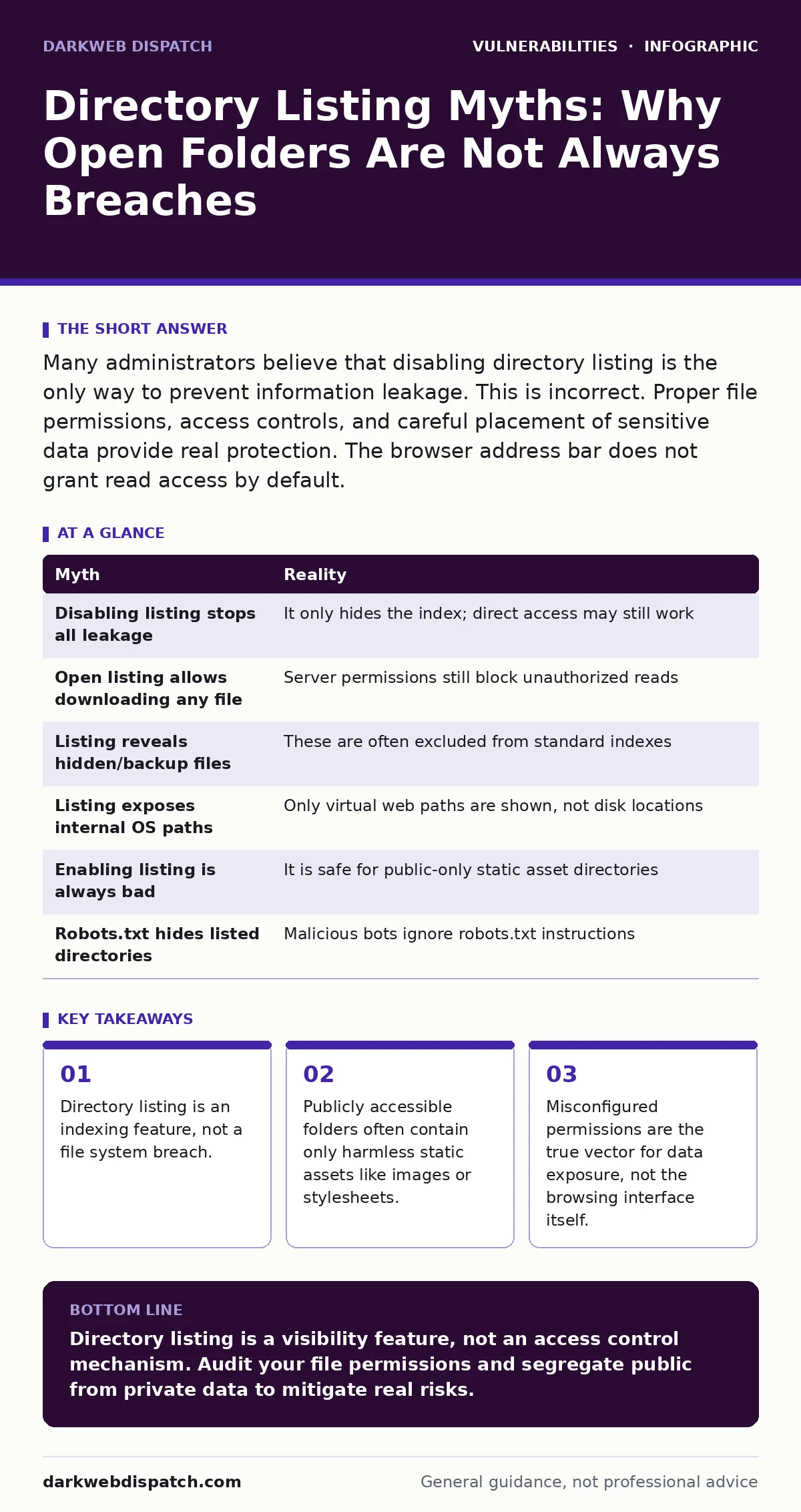
Many administrators believe that disabling directory listing is the only way to prevent information leakage. This is incorrect. Proper file permissions, access controls, and careful placement of sensitive data provide real protection. The browser address bar does not grant read access by default.
Myth: Disabling directory listing prevents all information leakage
Reality: Turning off directory indexing only hides the list of files in a folder. It does not change the underlying permissions of those files. If a user knows the exact name of a file, they can often still access it directly, provided the server allows it. The feature controls visibility, not accessibility.
Suppose you disable listing on a folder containing public PDF documents. A visitor who guesses or finds the filename via a search engine can still download the file. The server response remains identical whether the directory is browsable or not. The only change is the absence of an HTML index page. This distinction matters because attackers often rely on enumeration tools rather than manual browsing.
Myth: An open directory means anyone can download any file
Reality: Directory listing requires the server to generate an HTML page showing file names and sizes. It does not grant read privileges to the underlying file system. The web server still enforces its configured access rules for each individual request. Without explicit permission to read a file, listing it in an index does not help an attacker.
Imagine a folder contains a configuration file with database credentials. Even if directory listing is enabled, the server will typically return a 403 Forbidden error if the file type is blocked or permissions are restrictive. The listing merely reveals that the file exists and perhaps its size. It does not provide the contents. The actual risk comes from misconfigured handlers that allow execution or read access to sensitive types.
Myth: Attackers use directory listing to find hidden or backup files
Reality: Modern web servers often treat files starting with a dot or ending with specific extensions as hidden or special. These files rarely appear in standard directory listings. Furthermore, backup files often have distinct extensions that might be blocked by server rules. Relying on directory listing to discover these assets is inefficient for attackers.
Consider a developer who leaves a .git folder or a .bak file on the server. A basic directory listing might not show these if the server configuration treats them as hidden. Attackers instead use brute-force enumeration against known common paths. They do not wait for a server to serve an index page. This means that securing hidden files requires specific rules, not just disabling the general listing feature.
Myth: Directory listing exposes the server's internal file structure
Reality: The listed paths are relative to the web root, not the operating system's file system. An attacker sees images/logo.png, not /var/www/html/images/logo.png. This limits the usefulness of the information for path traversal attacks. The internal directory layout remains obscured by the server's virtual host configuration.
Suppose an attacker sees a folder named config. They know a folder with that name exists under the web root. They do not know where the web root is located on the disk. They cannot navigate up the directory tree using the listing interface alone. To move outside the web root, they would need a separate vulnerability like path traversal. Directory listing provides context, but not the leverage needed to escape the sandbox.
Myth: Enabling listing is a sign of poor security hygiene
Reality: Public-facing content management systems and image galleries often rely on directory listing for functionality. Disabling it can break legitimate user experiences. The security posture depends on what is inside the folders, not whether they are browsable. Many secure sites use listing for static asset delivery.
Imagine a news website that uses simple folders for article assets. Enabling listing allows images to load quickly without complex routing. As long as these folders contain only public media, the risk is negligible. The issue arises when mixed content—public and private—shares the same directory space. Segregation of data is the real hygiene factor.
See also: Input Validation Mistakes That Break Your Security Controls · EPSS Percentiles: Prioritise Patching by Real-World Exploit Risk
Myth: Robots.txt blocks crawlers from indexing listed directories
Reality: The robots.txt file is a polite request, not a security control. Malicious bots and scrapers ignore these instructions entirely. They will crawl and index any publicly accessible directory listing they can reach. Relying on this file to hide sensitive folders is ineffective.
Suppose you add a rule to robots.txt to disallow crawling of /private/. A well-behaved search engine will respect this. A malicious scraper will not. It will still access the directory, read the index, and harvest any accessible files. This misconception leads to a false sense of security. The directory remains visible to anyone who requests the URL directly.
The relationship between directory listing and security is often misunderstood. While it reduces the effort required for an attacker to find files, it is not a vulnerability in itself. Proper configuration of file permissions and server handlers is more significant. This approach aligns with broader strategies for input validation and server-side template injection prevention. It also complements discussions on web cache poisoning, where visibility of assets matters.
| Myth | Reality |
|---|---|
| Disabling listing stops all leakage | It only hides the index; direct access may still work |
| Open listing allows downloading any file | Server permissions still block unauthorized reads |
| Listing reveals hidden/backup files | These are often excluded from standard indexes |
| Listing exposes internal OS paths | Only virtual web paths are shown, not disk locations |
| Enabling listing is always bad | It is safe for public-only static asset directories |
| Robots.txt hides listed directories | Malicious bots ignore robots.txt instructions |
Key takeaways
- Directory listing is an indexing feature, not a file system breach.
- Publicly accessible folders often contain only harmless static assets like images or stylesheets.
- Misconfigured permissions are the true vector for data exposure, not the browsing interface itself.
Directory listing is a visibility feature, not an access control mechanism. Audit your file permissions and segregate public from private data to mitigate real risks.
Frequently asked questions
Does disabling directory listing improve website performance?
Yes, because the server no longer needs to scan directories to generate an HTML index page for every request. This saves CPU cycles and I/O operations on high-traffic sites.
Can directory listing lead to code execution vulnerabilities?
Not directly. However, if an attacker discovers a script file via listing, they might attempt to exploit weaknesses in that script. This relates to risks found in **server-side template injection**.
Should I disable listing on my development server?
It is good practice to disable it in development to match production environments. This prevents accidental exposure of debug files or incomplete code during testing.
How do I check if directory listing is enabled?
Browse to a directory URL that contains files but no index file like `index.html`. If you see a list of files, listing is enabled. If you get a 403 or 404 error, it is disabled.
How this guide was produced: written by the DarkWeb Dispatch editorial team with AI assistance, checked against the public references listed below, and reviewed when the facts change. See our editorial policy or report an error.