Web Cache Poisoning Response: Containment, Recovery and Prevention
Cached malicious responses linger in edge servers long after you fix the origin code, requiring explicit purges to stop the spread.

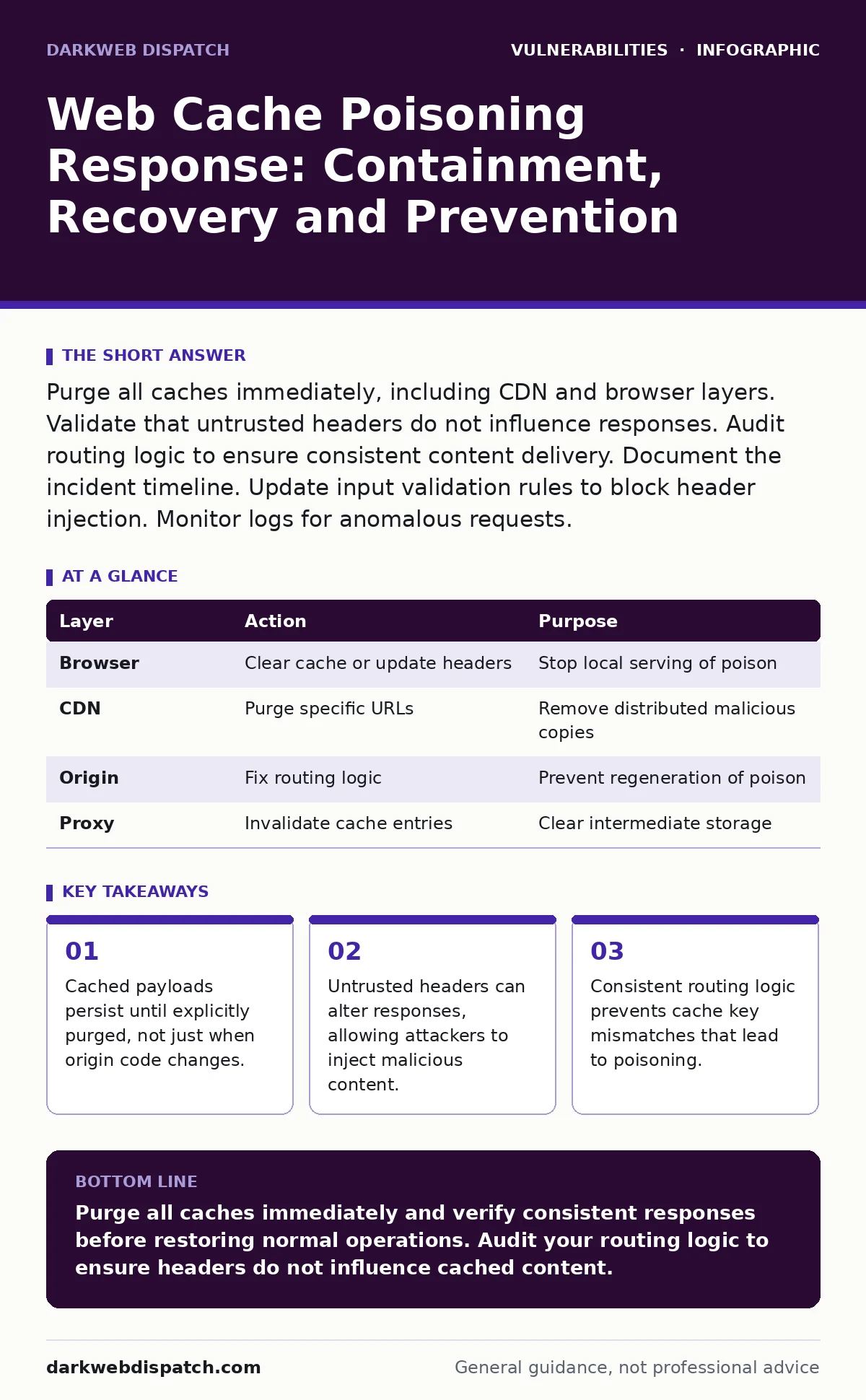
Purge all caches immediately, including CDN and browser layers. Validate that untrusted headers do not influence responses. Audit routing logic to ensure consistent content delivery. Document the incident timeline. Update input validation rules to block header injection. Monitor logs for anomalous requests.
First hour
You suspect a web cache poisoning attack. This occurs when an attacker tricks a cache into storing a malicious response for a benign request. The cache then serves this poison to all subsequent users. Speed matters, but blind action causes damage.
Confirm the vector. Check if the malicious content appears in the response body for a specific URL. Verify if the response changes based on request headers. If different headers yield different responses for the same URL, the cache is likely keyed incorrectly.
Identify the affected endpoints. List every URL that returns the unexpected content. Note the headers involved. Common targets include User-Agent, Accept-Language or custom headers. These headers often influence server-side logic but should not change the cached payload.
- Identify the specific URLs serving poisoned content.
- Document the headers triggering the malicious response.
- Confirm the cache provider and its purge mechanism.
- Isolate the affected environment from production if possible.
- Notify the security and operations teams internally.
First day
Containment requires stopping the spread of the poisoned payload. You must purge the cache at every layer. This includes the origin server cache, any CDN (Content Delivery Network) and intermediate proxies. Browsers also cache responses, so you cannot rely solely on server-side purges.
Update your cache-control headers. Set no-store or no-cache for the affected endpoints. This forces browsers and proxies to fetch fresh content from the origin. It prevents the cached poison from being served to new users. This is a temporary measure to buy time for a permanent fix.
Audit your routing logic. Many web frameworks route requests based on headers. If the framework uses a header to determine the template or script to render, it may generate different content for the same URL. This difference causes the cache to store multiple versions, one of which is malicious.
Review your input validation. Ensure that headers are treated as untrusted input. Do not use header values to determine security-sensitive decisions. For example, do not allow a header to bypass authentication checks or alter the response structure. This relates closely to input validation, where you must ensure all user-supplied data is sanitised before processing.
| Layer | Action | Purpose |
|---|---|---|
| Browser | Clear cache or update headers | Stop local serving of poison |
| CDN | Purge specific URLs | Remove distributed malicious copies |
| Origin | Fix routing logic | Prevent regeneration of poison |
| Proxy | Invalidate cache entries | Clear intermediate storage |
First week
Recovery involves restoring normal operations and ensuring the vulnerability is closed. You must verify that the cache now serves consistent responses for all users. Test with various headers to ensure the response remains identical. If the response changes, the cache is still vulnerable.
Implement strict cache keying. Ensure that only trusted parameters influence the cache key. Typically, the URL path and query string are sufficient. Exclude headers from the cache key unless they are strictly necessary and validated. This prevents an attacker from injecting a new header to create a unique, poisoned cache entry.
Monitor for repeat attempts. Attackers may try different headers or methods to poison the cache. Set up alerts for unusual header patterns or responses that differ from the standard template. This ongoing vigilance is similar to monitoring for server-side template injection, where untrusted input is rendered directly into the output.
Update your documentation. Record the incident details, including the vector, impact and remediation steps. This helps future investigations and improves your response plan. Share lessons learned with the development team to prevent similar issues in new features.
Who to tell
Internal teams need immediate notification. Developers must understand the routing logic flaw. Operations teams need to know the purge requirements. Security teams should document the incident for compliance and future reference.
External stakeholders depend on the impact. If user data was exposed or services were disrupted, notify affected users. Be transparent about what happened and what you are doing to fix it. This builds trust and reduces reputational damage.
Regulatory bodies may require notification. Depending on your jurisdiction and the nature of the data, you may have legal obligations to report the incident. Consult your legal team to determine the requirements. This is not just about technical fixes, but also about legal compliance.
How to stop a repeat
Prevention requires a shift in how you handle caching. Adopt a least-privilege approach to cache keying. Only include parameters that are necessary for content variation. Exclude headers that can be easily manipulated by users.
Regularly audit your caching configuration. Changes to application logic can introduce new caching issues. Ensure that any new features do not rely on headers for critical decisions. This is akin to managing out-of-band patches, where you must ensure that updates do not introduce new vulnerabilities.
Educate your development team. Make them aware of the risks associated with web cache poisoning. Include cache security in your code review process. This proactive approach helps catch issues before they reach production. It is also relevant to firmware vulnerabilities, where embedded systems must handle inputs securely.
See also: Directory Listing Myths: Why Open Folders Are Not Always Breaches · Broken Object Level Authorisation: Response and Recovery Steps
Related considerations
Web cache poisoning often overlaps with other vulnerabilities. For instance, if your application suffers from directory listing exposure, an attacker might discover sensitive files that aid in crafting poisoned requests. Similarly, IoT device vulnerabilities can expose endpoints that are poorly secured and easier to poison.
Understanding zero-day vulnerabilities helps you appreciate the urgency of response. While cache poisoning is often a misconfiguration, it can be exploited in zero-day scenarios where the vendor is unaware. Similarly, use-after-free vulnerabilities can lead to memory corruption, which might be exploited in conjunction with cache issues.
Key takeaways
- Cached payloads persist until explicitly purged, not just when origin code changes.
- Untrusted headers can alter responses, allowing attackers to inject malicious content.
- Consistent routing logic prevents cache key mismatches that lead to poisoning.
Purge all caches immediately and verify consistent responses before restoring normal operations. Audit your routing logic to ensure headers do not influence cached content.
Frequently asked questions
How long does a poisoned cache entry last?
It lasts until the cache TTL expires or until it is explicitly purged. Without action, it can persist indefinitely in distributed edge caches.
Can I use cache-control headers to prevent poisoning?
Yes, setting no-store or no-cache prevents caching of sensitive responses. However, it does not fix the underlying routing logic flaw.
Do I need to purge browser caches?
Yes, browsers also cache responses. You must force them to fetch fresh content by updating cache-control headers or instructing users to clear their cache.
Is web cache poisoning the same as XSS?
No, cache poisoning delivers the malicious payload to all users via the cache. XSS typically targets individual users, though cache poisoning can be used to distribute XSS payloads.
How this guide was produced: written by the DarkWeb Dispatch editorial team with AI assistance, checked against the public references listed below, and reviewed when the facts change. See our editorial policy or report an error.