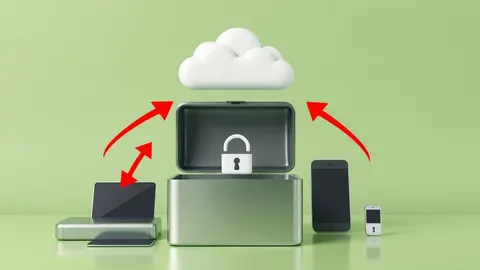
Single Sign-On Explained: How One Key Secures Your Digital Life
Replace your password chaos with one secure entry point. See how single sign-on reduces risk while keeping your accounts separate and safe.

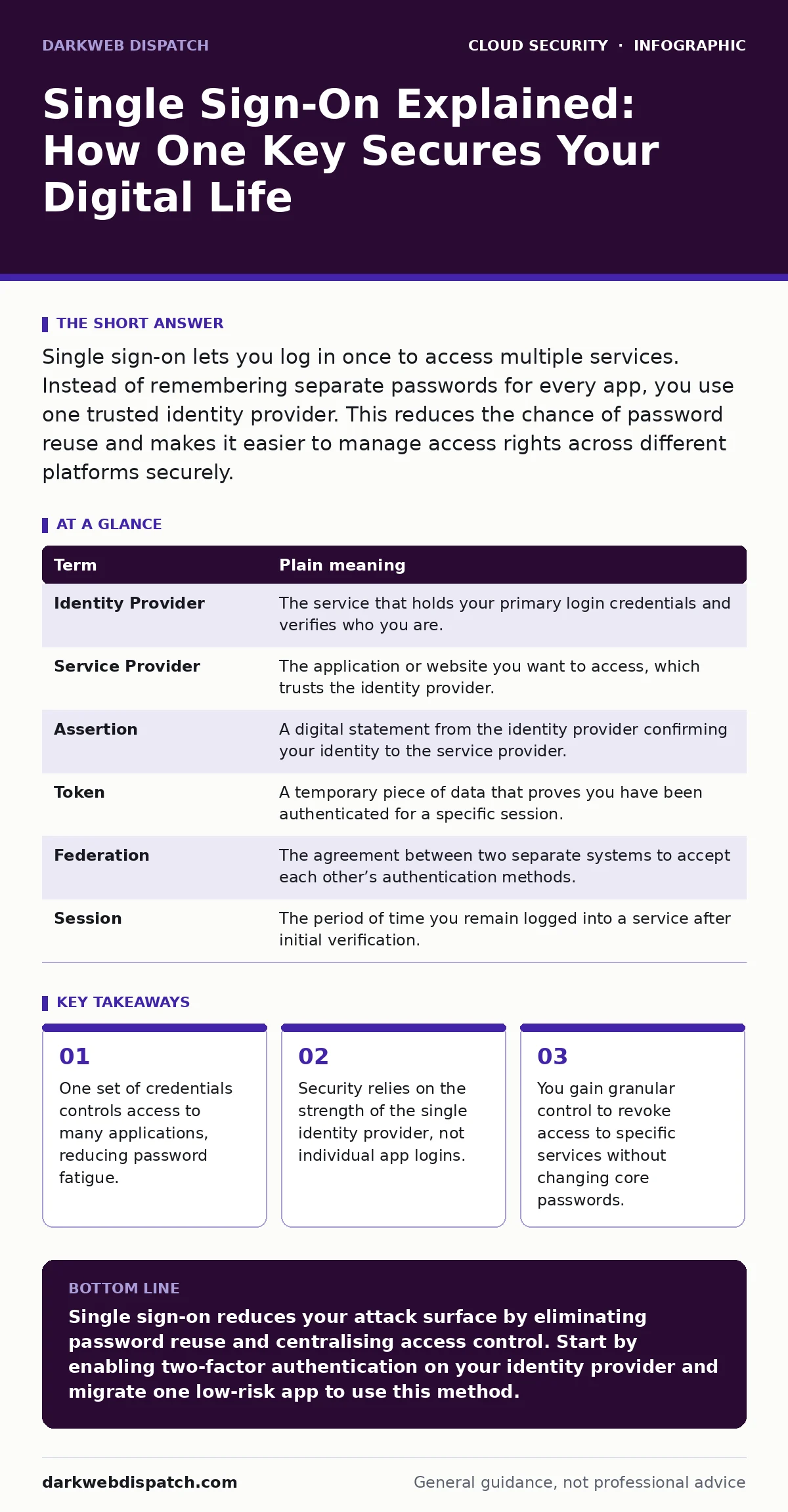
Single sign-on lets you log in once to access multiple services. Instead of remembering separate passwords for every app, you use one trusted identity provider. This reduces the chance of password reuse and makes it easier to manage access rights across different platforms securely.
The Master Key Analogy
Imagine a large office building with separate secure rooms for finance, HR, and engineering. In the old model, you carry a heavy ring of distinct keys. If you lose the ring, every room is vulnerable. If one key breaks, you cannot enter that specific room. Single sign-on changes this dynamic. You now carry one master keycard. This card grants you entry to the building lobby. From there, digital turnstiles check your card to decide if you can enter the finance room, the HR room, or the engineering lab. You only need to manage the security of that single card.
How The Mechanism Works
This system uses a standard protocol called SAML or OAuth. These are sets of rules that allow different software systems to talk to each other about who you are. When you click "Log in with Microsoft" or "Log in with Google," you are not sending your password to that website. Instead, the website asks your identity provider if you are who you say you are. The identity provider checks its own records. If you are logged in there, it sends a signed digital ticket back to the website. The website trusts this ticket and lets you in.
| Term | Plain meaning |
|---|---|
| Identity Provider | The service that holds your primary login credentials and verifies who you are. |
| Service Provider | The application or website you want to access, which trusts the identity provider. |
| Assertion | A digital statement from the identity provider confirming your identity to the service provider. |
| Token | A temporary piece of data that proves you have been authenticated for a specific session. |
| Federation | The agreement between two separate systems to accept each other’s authentication methods. |
| Session | The period of time you remain logged into a service after initial verification. |
The Hidden Cost of Convenience
The main trade-off is centralisation. If your master key is stolen, the thief has potential access to everything linked to it. In the office analogy, if someone clones your master keycard, they can walk through the lobby and try every door. This is why the identity provider must be significantly more secure than any individual service provider. You are trading the risk of many weak passwords for the risk of one high-value target. This concentration of risk means you must treat your primary login with extreme care.
Why Passwords Fail Here
Humans are bad at creating unique, complex passwords for hundreds of services. You tend to reuse patterns or simple variations. This makes you vulnerable to credential stuffing attacks. Attackers take passwords leaked from one site and try them on many others. Single sign-on removes the need for these secondary passwords. You do not need a unique password for your photo storage, your email, and your banking app if they all trust the same identity provider. You only need to secure the one account that holds the master key.
The Power of Instant Revocation
Suppose you hire a contractor who needs access to your project management tool and your design repository. In a traditional setup, you create two temporary accounts. When they leave, you must remember to delete both. With single sign-on, you grant them access through your central identity provider. When their contract ends, you disable their account in the identity provider. Instantly, they lose access to the project tool, the design repo, and any other linked service. You do not need to hunt down every app to remove their permissions. This centralised control reduces administrative errors and security gaps.
See also: Policy as Code: Definition, Purpose and Practical Cloud Security · Bot Management FAQs: Distinguishing Humans from Automated Traffic
A Non-Obvious Security Benefit
Single sign-on allows for consistent policy enforcement. You can require two-factor authentication at the identity provider level. This means every service that uses your single sign-on automatically inherits this extra layer of security. You do not need to configure two-factor authentication separately for each app. If you enable hardware keys or biometric checks at the source, all connected services benefit. This consistency closes the gaps where users might skip security steps on less critical applications.
Try This Now
- Identify your primary identity provider. This is likely your work email account or a major consumer account like Google or Apple.
- List the applications that allow you to log in using this provider. Check settings in your social media, banking, and productivity apps.
- Switch one non-critical account to use single sign-on. Remove the separate password and test the login flow to ensure it works smoothly.
Key takeaways
- One set of credentials controls access to many applications, reducing password fatigue.
- Security relies on the strength of the single identity provider, not individual app logins.
- You gain granular control to revoke access to specific services without changing core passwords.
Single sign-on reduces your attack surface by eliminating password reuse and centralising access control. Start by enabling two-factor authentication on your identity provider and migrate one low-risk app to use this method.
Frequently asked questions
Is single sign-on safe if the identity provider is hacked?
It is a high-risk scenario, but less risky than having dozens of reused passwords. Strong authentication on the provider mitigates this threat significantly.
Can I use single sign-on for personal accounts?
Yes, many consumer services support logging in via major providers. This simplifies your life but requires you to trust that provider’s security practices.
What happens if I forget my single sign-on password?
You are locked out of all connected services. This is why recovery methods for the identity provider must be robust and kept up to date.
Does single sign-on work across different organisations?
Yes, through federation standards. This allows employees to use their corporate credentials to access partner or client systems securely.
How this guide was produced: written by the DarkWeb Dispatch editorial team with AI assistance, checked against the public references listed below, and reviewed when the facts change. See our editorial policy or report an error.