Stop Cloud Storage Leaks: 7 Misconfiguration Mistakes
Most cloud data leaks stem from default settings that expose storage buckets to the public internet without authentication or encryption controls.
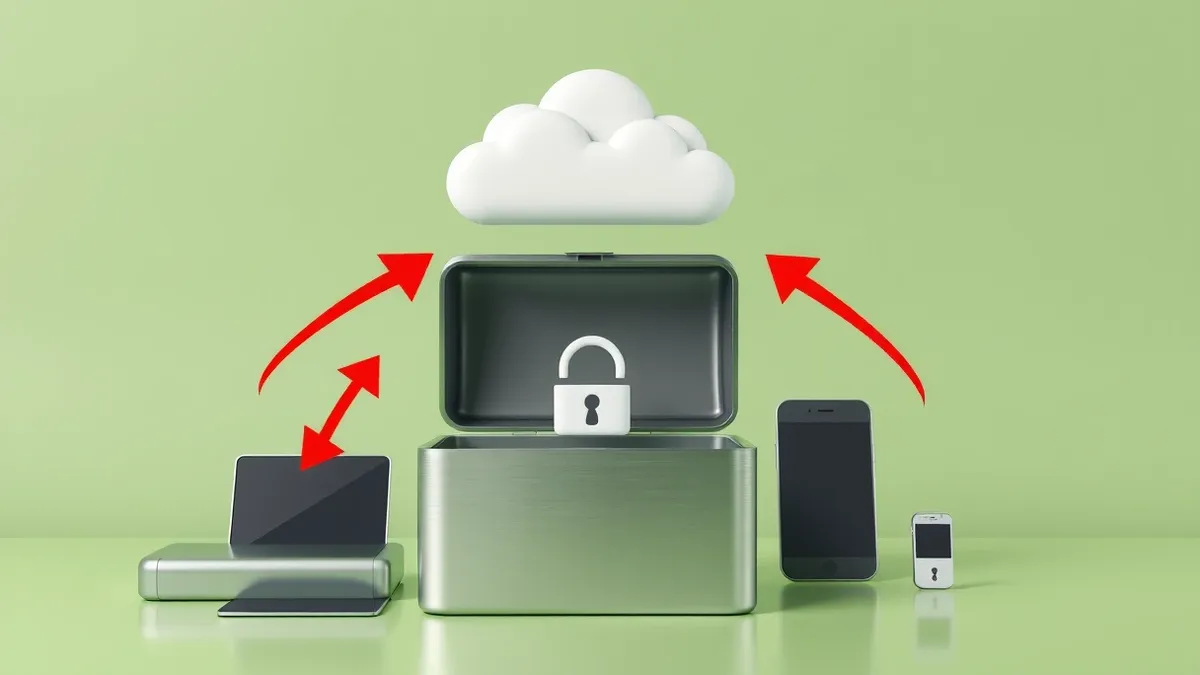
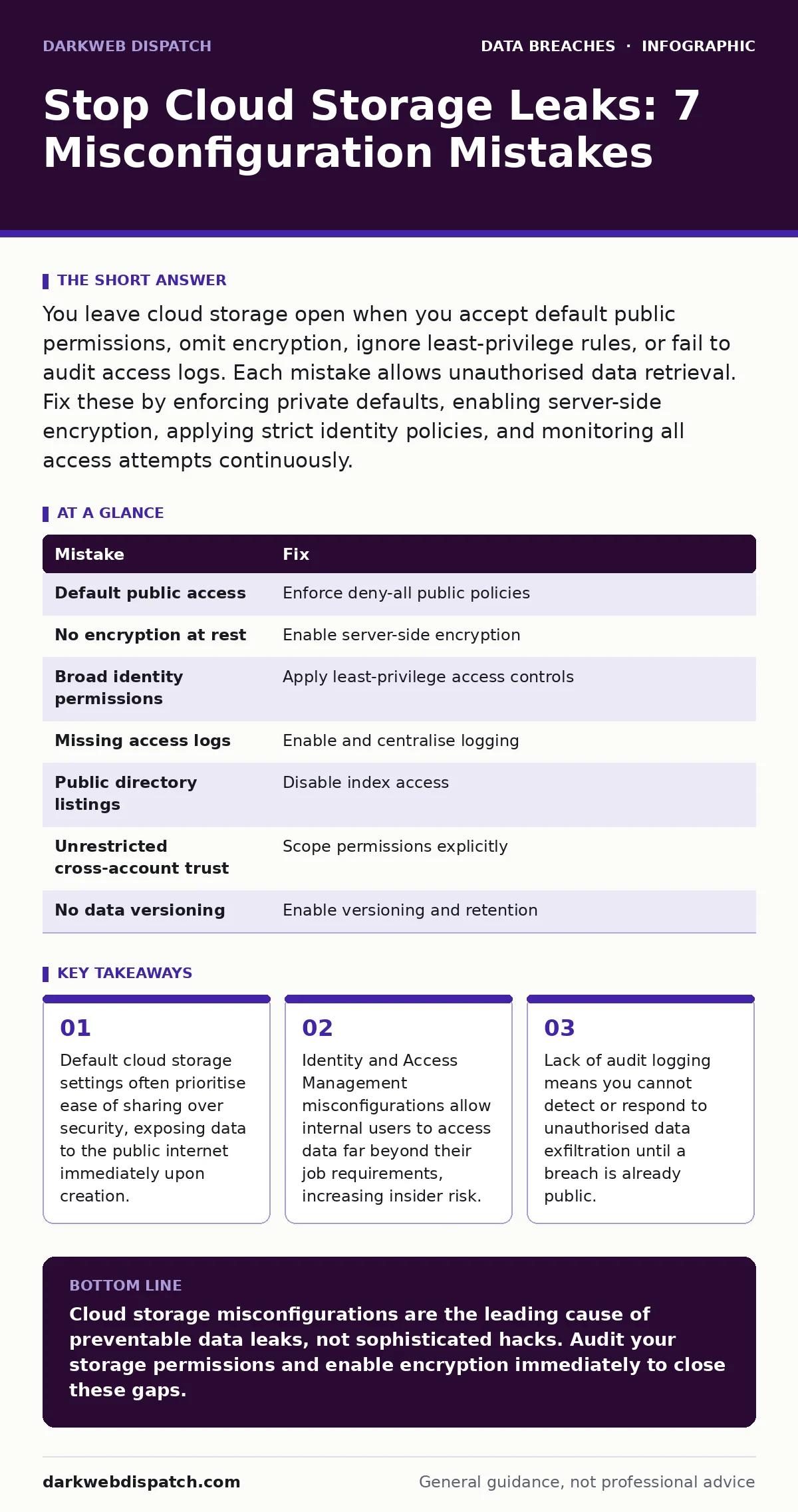
You leave cloud storage open when you accept default public permissions, omit encryption, ignore least-privilege rules, or fail to audit access logs. Each mistake allows unauthorised data retrieval. Fix these by enforcing private defaults, enabling server-side encryption, applying strict identity policies, and monitoring all access attempts continuously.
Mistake 1: Accepting default public access settings
Cloud storage providers often create buckets with default permissions that allow public read access. This design choice simplifies sharing but creates an immediate vulnerability. When you upload sensitive files to a bucket with these defaults, the data becomes instantly accessible to anyone on the internet who guesses the URL. The consequence is unauthorised data exposure without any authentication barrier.
You lose control over who views your information. The fix is to enforce a bucket policy that explicitly denies all public access. Configure your storage container to reject any request that lacks valid credentials. This ensures that only authenticated users can retrieve objects. You must verify these settings during initial setup and after any migration.
Mistake 2: Skipping server-side encryption at rest
Data stored in the cloud without encryption remains readable to anyone who gains physical or logical access to the storage infrastructure. Server-side encryption transforms plaintext into ciphertext before it hits the disk. Without this layer, a breach of the underlying hardware or a misconfigured access policy results in immediate data compromise.
You expose your organisation to regulatory violations and reputational damage. The fix is to enable default encryption for all new objects. Use managed keys to handle the cryptographic overhead without burdening your development team. Ensure that the encryption key management service is configured to rotate keys regularly. This adds a layer of protection even if perimeter defences fail.
Mistake 3: Overly permissive identity policies
Assigning broad permissions to users or services violates the principle of least privilege. When an identity has full control over a storage bucket, a single compromised account grants an attacker total access. This mistake amplifies the impact of credential theft or insider threats. You create a single point of failure for your entire data set. The fix is to define granular policies that grant only the specific actions required for each role. Restrict access to read-only for most users and limit write permissions to specific application accounts. Review these policies quarterly to remove stale permissions. This containment strategy limits the blast radius of any security incident.
Mistake 4: Ignoring access logging and monitoring
Cloud storage buckets that lack detailed logging operate in a blind spot. Without records of who accessed what and when, you cannot detect suspicious activity or prove compliance. An attacker can exfiltrate data silently if no system is watching for unusual patterns. You lose the ability to conduct forensic analysis after an incident. The fix is to enable access logging for all storage resources. Route these logs to a centralised security information and event management system. Set up alerts for anomalous behaviours such as large data downloads or access from unknown locations. This visibility allows you to respond to threats before they escalate.
Mistake 5: Exposing metadata with public listings
Enabling directory listings on cloud storage buckets reveals the structure and filenames of your data. Even if the files themselves are protected, the metadata can reveal sensitive information. Attackers use this listing to identify targets for further exploitation. You inadvertently provide a roadmap of your most valuable assets. The fix is to disable public listings and restrict access to the bucket index. Treat metadata as sensitive data itself. Ensure that only authorised identities can view the contents of the directory. This prevents reconnaissance attacks that rely on information leakage.
See also: Bot Management FAQs: Distinguishing Humans from Automated Traffic · Segmentation vs Microsegmentation: What Is the Real Difference
Mistake 6: Failing to secure cross-account access
Sharing data across cloud accounts often involves granting broad permissions to external identities. If these permissions are not carefully scoped, third parties gain excessive control over your resources. This mistake complicates audits and increases the attack surface. You extend trust to external entities without proper verification. The fix is to use resource policies that explicitly define allowed actions and source accounts. Avoid using wildcard permissions that apply to all actions or all resources. Implement regular audits of cross-account trusts to remove unnecessary links. This maintains a clear boundary between your environment and external partners.
Mistake 7: Neglecting versioning and retention policies
Without versioning, accidental deletions or malicious overwrites result in permanent data loss. Attackers often delete or corrupt data to disrupt operations or cover their tracks. You lose the ability to recover previous states of your files. The fix is to enable versioning on all critical storage buckets. Configure retention policies to keep historical versions for a defined period. This ensures you can restore data to a point before an incident occurred. It also provides an audit trail of changes made to files over time.
| Mistake | Fix |
|---|---|
| Default public access | Enforce deny-all public policies |
| No encryption at rest | Enable server-side encryption |
| Broad identity permissions | Apply least-privilege access controls |
| Missing access logs | Enable and centralise logging |
| Public directory listings | Disable index access |
| Unrestricted cross-account trust | Scope permissions explicitly |
| No data versioning | Enable versioning and retention |
Summary of controls
Implementing these fixes requires a shift in mindset from convenience to security. You must treat configuration as code and validate changes through automated testing. Regular reviews ensure that new features do not reintroduce vulnerabilities. This discipline reduces the risk of misconfiguration-related leaks. It also supports compliance with frameworks like ISO 27001, which demands rigorous control over information assets. By addressing these seven mistakes, you create a defence-in-depth strategy that protects against both external attacks and internal errors.
Key takeaways
- Default cloud storage settings often prioritise ease of sharing over security, exposing data to the public internet immediately upon creation.
- Identity and Access Management misconfigurations allow internal users to access data far beyond their job requirements, increasing insider risk.
- Lack of audit logging means you cannot detect or respond to unauthorised data exfiltration until a breach is already public.
Cloud storage misconfigurations are the leading cause of preventable data leaks, not sophisticated hacks. Audit your storage permissions and enable encryption immediately to close these gaps.
Frequently asked questions
How do I find misconfigured cloud storage buckets?
Use cloud-native security posture management tools to scan for public access, missing encryption, and overly permissive policies across all accounts.
Does encryption protect against insider threats?
Encryption protects data at rest but does not stop an authorised insider from accessing and exporting data; you must also monitor access logs and apply least privilege.
How often should I review cloud storage permissions?
Review permissions quarterly or after any significant change in personnel or application architecture to ensure alignment with current business needs.
What is the impact of disabling public access on legitimate sharing?
Disabling public access forces you to use secure sharing mechanisms like pre-signed URLs or internal identity management, which are more secure and auditable.
How this guide was produced: written by the DarkWeb Dispatch editorial team with AI assistance, checked against the public references listed below, and reviewed when the facts change. See our editorial policy or report an error.