Detect Cloud Privilege Escalation: Log Signals and Blind Spots
Privilege escalation often hides in routine service account behaviour, requiring correlation between identity logs and resource changes to reveal the attack chain.

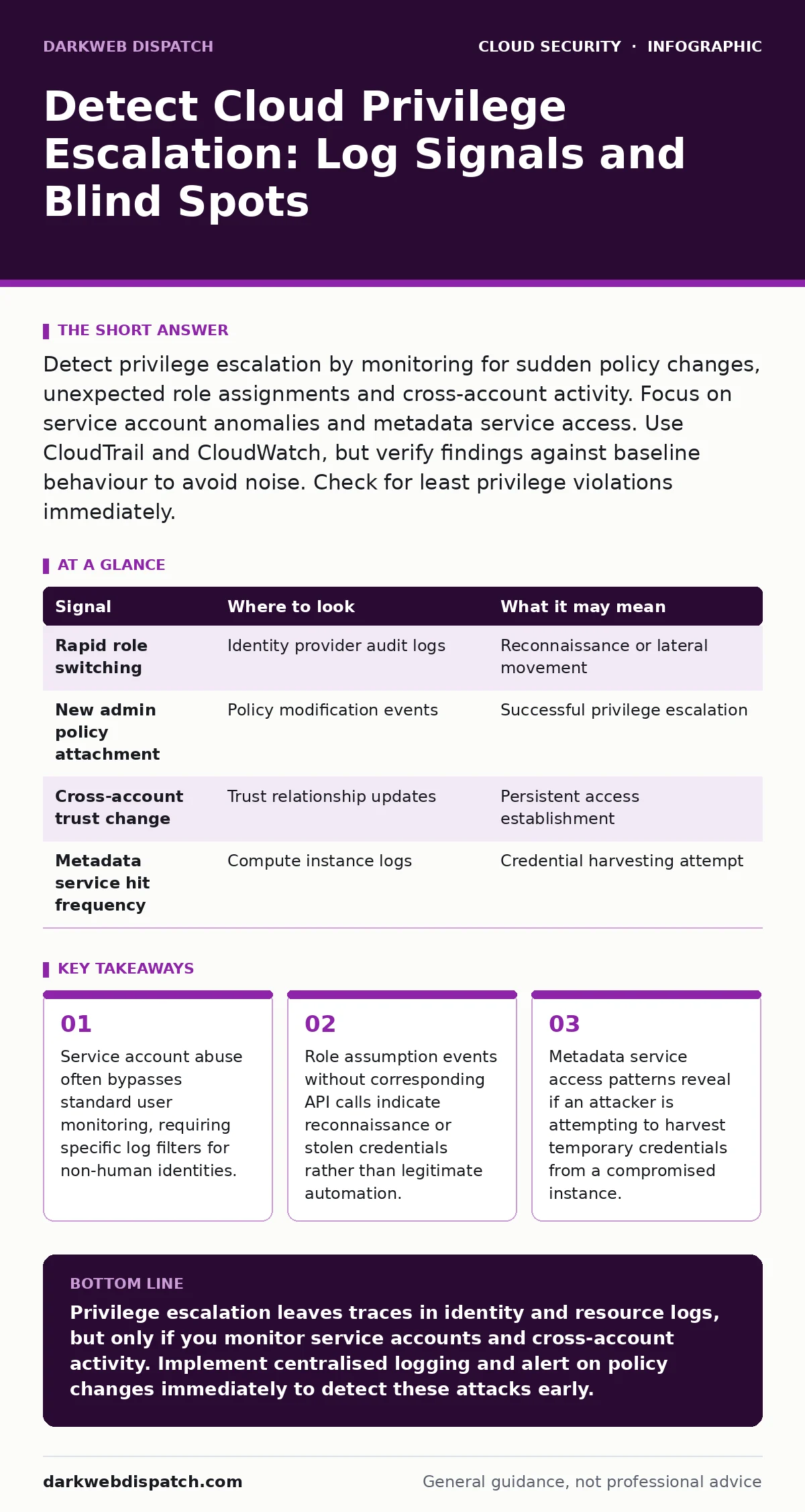
Detect privilege escalation by monitoring for sudden policy changes, unexpected role assignments and cross-account activity. Focus on service account anomalies and metadata service access. Use CloudTrail and CloudWatch, but verify findings against baseline behaviour to avoid noise. Check for least privilege violations immediately.
Identity Provider Log Anomalies
Identity provider logs record every authentication attempt and permission change within your cloud environment. Attackers rarely start by directly modifying resources. They begin by escalating their permissions to access those resources. You must monitor the identity provider for unusual role assumptions. A standard user suddenly assuming an administrator role is a clear signal. Look for assumptions from unfamiliar IP addresses or geographic locations. Check for rapid succession of role switches. This behaviour suggests an attacker is mapping out the environment to find the next target.
| Signal | Where to look | What it may mean |
|---|---|---|
| Rapid role switching | Identity provider audit logs | Reconnaissance or lateral movement |
| New admin policy attachment | Policy modification events | Successful privilege escalation |
| Cross-account trust change | Trust relationship updates | Persistent access establishment |
| Metadata service hit frequency | Compute instance logs | Credential harvesting attempt |
Compute Instance Metadata Access
Cloud instances provide metadata services that return temporary credentials. These credentials allow the instance to interact with other cloud services. Attackers who compromise a virtual machine often target this service. They execute scripts to fetch temporary keys. You should monitor network traffic to the metadata endpoint. Look for high-frequency requests from a single instance. Normal applications rarely need credentials this often. Suppose a web server suddenly starts querying the metadata service every second. This pattern indicates a likely credential theft attempt. If you detect this, isolate the instance immediately.
Policy Modification Events
Cloud policy engines control what users and services can do. Modifying these policies is the final step in privilege escalation. You must audit every change to identity and access management policies. Look for attachments of administrative policies to non-administrator users. Check for the creation of new roles with broad permissions. Monitor for changes to trust relationships between accounts. An attacker may add their own account to a trusted list. This allows them to assume roles in your environment later. These changes leave permanent records in audit logs. Review them daily to catch early-stage escalation attempts.
Service Account Behaviour
Service accounts automate tasks without human interaction. They often have broader permissions than human users. Attackers target these accounts because they lack multi-factor authentication. You must analyse service account behaviour separately from human activity. Look for service accounts logging in from unusual locations. Monitor for API calls that differ from the account’s usual function.
A database backup account accessing compute resources is abnormal. Check for service accounts assuming roles they do not need. This indicates the attacker has compromised the service credentials. Review related topics on MFA for cloud accounts to understand why human and service accounts require different security controls.
Cross-Account Activity
Large organisations use multiple cloud accounts for isolation. Attackers move between these accounts to expand their reach. You must enable cross-account logging to detect this movement. Look for role assumptions from one account into another. Verify that the assuming principal is authorised. Check for resource creation in accounts that rarely see activity. An attacker may spin up resources in a secondary account to hide their tracks. Monitor for data exfiltration to external storage buckets. Cross-account movements are harder to detect without centralised logging. Ensure all accounts send logs to a dedicated security account.
See also: Bot Management FAQs: Distinguishing Humans from Automated Traffic · Segmentation vs Microsegmentation: What Is the Real Difference
Storage and Data Access Patterns
Privilege escalation aims to access data. Once permissions are elevated, attackers read or copy sensitive information. You must monitor storage access logs for unusual downloads. Look for bulk reads from rarely accessed buckets. Check for data transfers to external IP addresses. Monitor for changes to storage encryption settings. An attacker may disable encryption to read data without decryption keys. Review access patterns for development accounts. These accounts often have weaker controls. Attackers exploit this weakness to steal production data. Connect this to cloud backup strategies to ensure you have clean copies if data is corrupted.
Network Configuration Changes
Attackers modify network rules to facilitate data theft or persistence. You must audit security group and firewall changes. Look for openings to public IP addresses. Check for rules that allow inbound traffic on sensitive ports. Monitor for changes to DNS configurations. An attacker may redirect traffic to their own servers. Look for new virtual private cloud peering connections. These connections allow traffic to bypass normal security checks. Verify that all network changes are approved. Automated alerts for network modifications help catch these changes early. Refer to cloud metadata service attacks to understand how network misconfigurations enable credential theft.
Common Blind Spots
Several areas often escape monitoring, allowing escalation to succeed. One major blind spot is temporary credentials. These credentials expire quickly, leaving little forensic evidence. Another is serverless functions. These functions run briefly and may not generate traditional logs. You must ensure all serverless executions are logged. A third blind spot is SaaS applications connected to the cloud.
Attackers may use these applications to pivot into cloud resources. Review SaaS account takeover methods to understand this risk. Ensure your logging covers all integration points. Finally, check for orphaned resources. Unused instances or roles may have excessive permissions. Clean these up regularly to reduce the attack surface. Consider policy as code to enforce consistent permissions across all resources.
Key takeaways
- Service account abuse often bypasses standard user monitoring, requiring specific log filters for non-human identities.
- Role assumption events without corresponding API calls indicate reconnaissance or stolen credentials rather than legitimate automation.
- Metadata service access patterns reveal if an attacker is attempting to harvest temporary credentials from a compromised instance.
Privilege escalation leaves traces in identity and resource logs, but only if you monitor service accounts and cross-account activity. Implement centralised logging and alert on policy changes immediately to detect these attacks early.
Frequently asked questions
How do I distinguish between legitimate automation and privilege escalation?
Legitimate automation follows predictable patterns and uses specific service accounts. Escalation involves unexpected role assumptions, unusual API calls and access from new locations. Baseline normal behaviour to identify deviations.
Which logs are most critical for detecting privilege escalation?
Identity provider audit logs are the most critical. They record permission changes and role assumptions. Combine these with compute and storage access logs to see the full attack chain.
Can serverless functions be used for privilege escalation?
Yes, attackers can exploit serverless functions to access secrets or assume roles. Ensure serverless executions are logged and permissions are restricted to the minimum required for the function’s purpose.
How often should I review cloud permission policies?
Review permission policies continuously using automated tools. Manual reviews are insufficient for dynamic cloud environments. Alert on any policy changes in real time to catch escalation attempts immediately.
How this guide was produced: written by the DarkWeb Dispatch editorial team with AI assistance, checked against the public references listed below, and reviewed when the facts change. See our editorial policy or report an error.