Is It Safe to Use Password Managers? The Real Risks and Rewards
Password managers shift the risk from dozens of weak secrets to one strong vault, but they become a single point of failure if you skip multi-factor authentication.

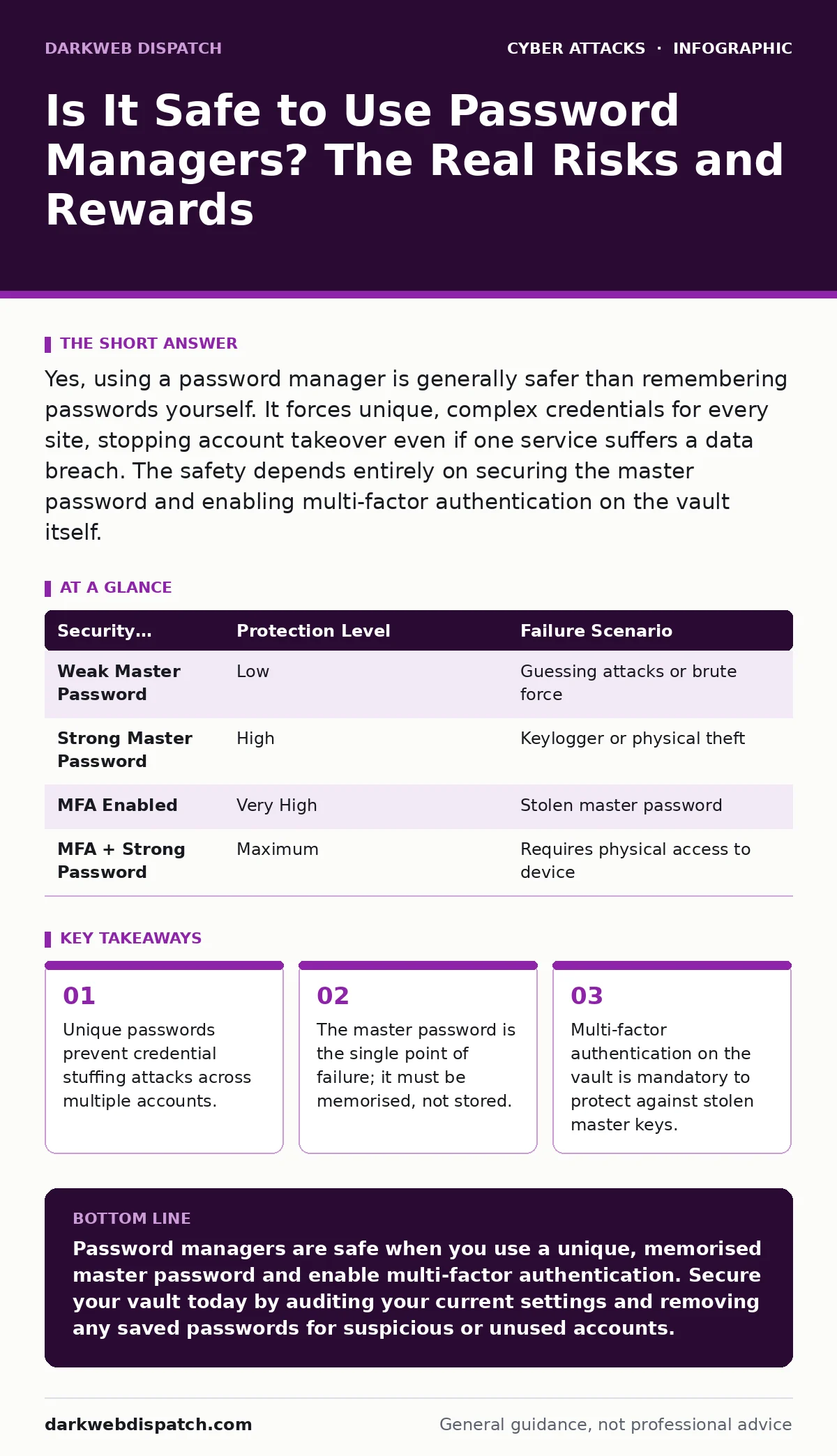
Yes, using a password manager is generally safer than remembering passwords yourself. It forces unique, complex credentials for every site, stopping account takeover even if one service suffers a data breach. The safety depends entirely on securing the master password and enabling multi-factor authentication on the vault itself.
Is it safe to use password managers?
Using a password manager is significantly safer than relying on human memory for digital credentials. Humans create patterns, reuse phrases and choose weak secrets that hackers can guess or find in leaked databases. A password manager generates random, high-entropy strings for every account. If one website suffers a breach, the stolen password cannot be used to access your email, bank or social media. The trade-off is centralisation. You move from protecting 50 weak keys to protecting 1 strong key. That single key must be exceptionally strong.
What happens if the password manager is hacked?
The impact depends on whether the vendor stores your data in plain text or encrypted form. Reputable services use zero-knowledge architecture, meaning they never see your master password or your decrypted data. Even if attackers breach the server, they only gain access to encrypted blobs that are useless without your specific master key. The risk shifts from the vendor’s security to your own hygiene. If you use a simple master password, the encryption becomes meaningless. If you use a strong one, the breach affects no one.
How do I choose a secure master password?
Your master password must be long, random and memorable only to you. Avoid dictionary words, names or dates. Aim for a passphrase of 12 to 20 characters that includes uppercase, lowercase, numbers and symbols. Do not write it down. Do not store it in a text file. Do not email it to yourself. The master password is the only thing you must remember. If you lose it, your data is gone forever. Most services cannot recover it. Treat it like the key to a physical safe that has no backup.
Why is multi-factor authentication non-negotiable?
Multi-factor authentication adds a second layer of defence beyond the master password. Even if an attacker steals your master password through a keylogger or a phishing scam, they cannot access your vault without the second factor. This second factor is usually a code from an authenticator app or a hardware security key. Never use SMS for this purpose, as phone numbers can be intercepted or ported. This measure protects you against the most common way vaults are compromised. It turns a stolen password into a useless string of characters.
| Security Measure | Protection Level | Failure Scenario |
|---|---|---|
| Weak Master Password | Low | Guessing attacks or brute force |
| Strong Master Password | High | Keylogger or physical theft |
| MFA Enabled | Very High | Stolen master password |
| MFA + Strong Password | Maximum | Requires physical access to device |
Can malware steal my passwords from the manager?
Malware running on your device can capture passwords if the vault is unlocked. Most password managers auto-unlock when you log into your computer. If a keylogger records your master password, the attacker gains full access. Some managers offer an "autofill" feature that injects credentials directly into forms. This bypasses the clipboard, reducing the risk of clipboard-hijacking malware. However, if the malware can control your mouse and keyboard, it can watch you type the master password. Keeping your operating system updated is vital to prevent this.
What are the risks of cloud-synced vaults?
Cloud syncing allows you to access passwords from any device. This convenience introduces network-based risks. If your internet connection is compromised, an attacker could intercept traffic. This is why end-to-end encryption is mandatory. The data must be encrypted on your device before it leaves. The vendor’s servers should only store the encrypted package. If the vendor does not use client-side encryption, your secrets are vulnerable to insider threats or server breaches. Check the technical documentation to verify the encryption method before trusting the service.
How do password managers handle phishing attempts?
Phishing sites mimic legitimate login pages to steal credentials. Password managers often refuse to autofill credentials on suspicious domains. This happens because the manager checks the URL against its stored list. If the address does not match exactly, the autofill button remains inactive. This provides a visual cue that you are on a fake site. It is not foolproof. Advanced phishing kits can mimic URLs closely. You must still verify the domain manually. This feature acts as a safety net, not a primary defence. It complements other practices like checking for login alerts.
What is the single point of failure risk?
The master password is the single point of failure. If you forget it, you lose access to every account. If you reuse it, you break the security model. If you store it in a note app, you create a new target. This concentration of risk requires disciplined habits. You must back up the encrypted vault file to an offline storage device. This backup is useless without the master password, but it saves you if the cloud service goes down. It also allows you to migrate to a new provider without losing your history.
How does this fit into broader cyber hygiene?
Password managers are one tool in a larger defence strategy. They do not protect against social engineering or drive-by downloads. They do not stop adversary-in-the-middle phishing if you manually type credentials. You must combine them with other measures. Use network segmentation to isolate critical devices. Enable login alerts to detect unusual activity. Understand that no tool provides complete security. The goal is to raise the cost for attackers and reduce the impact of failures. A password manager handles the credential layer. You must handle the human layer.
Key takeaways
- Unique passwords prevent credential stuffing attacks across multiple accounts.
- The master password is the single point of failure; it must be memorised, not stored.
- Multi-factor authentication on the vault is mandatory to protect against stolen master keys.
Password managers are safe when you use a unique, memorised master password and enable multi-factor authentication. Secure your vault today by auditing your current settings and removing any saved passwords for suspicious or unused accounts.
Frequently asked questions
Can I use the same password manager for work and personal accounts?
It is possible, but not recommended. Mixing accounts increases the blast radius if the vault is compromised. Use separate vaults with different master passwords to isolate risks.
What if I forget my master password?
You cannot recover it. Most services have no backdoor. You must rely on your offline backup of the encrypted vault file. If you have no backup, you lose all stored data.
Are open-source password managers safer?
Open-source code allows independent verification of the encryption and security claims. This transparency builds trust, but you must still configure the software correctly. The code does not fix user error.
Do password managers protect against keyloggers?
No. Keyloggers capture keystrokes before they reach the application. If a keylogger records your master password, the vault is compromised. Use anti-malware tools and keep your system updated to prevent this.
How this guide was produced: written by the DarkWeb Dispatch editorial team with AI assistance, checked against the public references listed below, and reviewed when the facts change. See our editorial policy or report an error.