Password Managers Explained: How Vault Encryption Protects You
A password manager uses a single master key to encrypt all your credentials, making brute-force attacks computationally infeasible without it.
A password manager is a software vault that generates, stores, and auto-fills unique credentials for every account. It protects you by encrypting this data with a master password you choose, ensuring that even if the service is compromised, your other logins remain secure and unreadable to attackers.
The Digital Keyring Analogy
Imagine you carry a physical keyring with dozens of keys. Each key opens a different door: your home, your car, your office, and your safe deposit box. If you lose the keyring, you are locked out of everything. If someone steals it, they can open every door. A password manager is that keyring, but it lives in your pocket and never leaves your sight.
You do not carry individual keys for every lock. Instead, you carry one master key that unlocks the keyring. This master key is your master password. The keyring itself is made of hardened steel. Even if a thief manages to steal the keyring from your pocket, they cannot open the individual locks without the master key to unlock the ring first.
This analogy holds because the "steel" of the keyring is encryption. The keys inside are your individual website passwords. You never handle the individual keys directly; the manager retrieves them for you when you need to open a specific door.
How Encryption Protects Your Data
Encryption is the process of scrambling data into an unreadable format using a mathematical algorithm. Only someone with the correct decryption key can turn the scrambled data back into readable text. Your password manager encrypts your stored credentials before saving them.
This means the provider hosting your data cannot read your passwords. If a hacker breaches the provider’s database, they steal scrambled nonsense, not usable login details. This is a critical distinction from plain-text storage, where data is saved as readable text.
However, encryption is only as strong as the key used to unlock it. That key is derived from your master password. If your master password is weak, the encryption can be broken through brute-force guessing. Therefore, the security of the entire vault rests on the strength of this single secret.
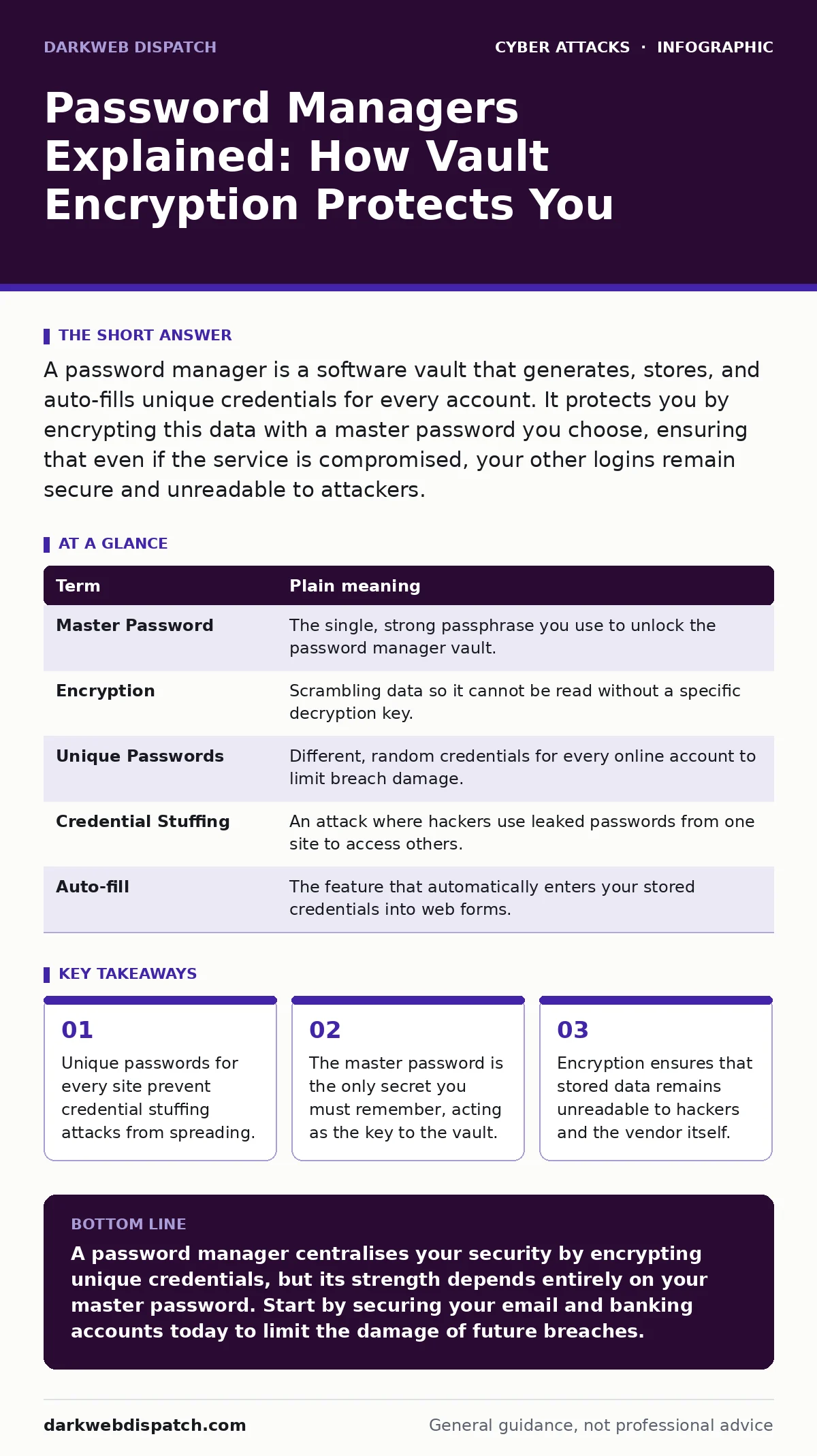
| Term | Plain meaning |
|---|---|
| Master Password | The single, strong passphrase you use to unlock the password manager vault. |
| Encryption | Scrambling data so it cannot be read without a specific decryption key. |
| Unique Passwords | Different, random credentials for every online account to limit breach damage. |
| Credential Stuffing | An attack where hackers use leaked passwords from one site to access others. |
| Auto-fill | The feature that automatically enters your stored credentials into web forms. |
The Risk of Reused Passwords
Most people reuse passwords across multiple accounts. This creates a chain reaction. If one site suffers a data breach, attackers take your username and password and try them on other popular services. This is known as credential stuffing.
Imagine using the same key for your front door and your safe. If someone picks the lock on your front door, they already have the key to your safe. You have not just lost access to one account; you have compromised your entire digital life.
Password managers solve this by generating long, random, and unique passwords for every site. You do not need to remember "Site123!" or "Bank456@". You only need to remember the master password. The manager generates complex strings like "X9#bL2$mQ7" that are impossible for humans to guess but easy for computers to type.
Where the Vault Lives
There are two main ways password managers store data. Cloud-based managers store your encrypted vault on remote servers. This allows you to access your passwords from any device with an internet connection. Local-only managers store the data only on your specific device.
Cloud storage offers convenience but relies on the provider’s security infrastructure. If the provider’s servers are hacked, your encrypted vault is exposed. However, because of encryption, the data remains safe unless the attacker also obtains your master password.
Local storage removes the remote server from the equation. This eliminates the risk of a cloud provider breach. However, if your device is lost or stolen, you lose access to your passwords unless you have a backup. You must manage backups yourself, which introduces its own risk of physical loss or theft.
Choose based on your threat model. If you frequently switch devices, cloud sync is practical. If you prefer control and have a single primary device, local storage may suit you better.
Integrating with Cyber Hygiene
A password manager is a core component of good cyber hygiene. It reduces the cognitive load of remembering secure credentials. By offloading memory to the software, you eliminate the human error of writing passwords on sticky notes or choosing simple patterns.
This tool works best when combined with other defensive layers. For example, login alerts notify you when an account is accessed from a new device. If you see an alert for a location you do not recognise, you know to change the password immediately.
You should also be aware of how attackers operate. Understanding man-in-the-middle attacks helps you realise that a password manager cannot protect you if you are connected to an insecure public network that intercepts your traffic. Always ensure you are on a trusted connection before logging in.
See also: Intrusion Detection Mistakes That Blind Your Network · Cyber Hygiene: The Hidden Logic Behind Secure Systems
Three Steps to Start Now
Setting up a password manager does not require migrating all your passwords at once. Start small and build confidence. The goal is to secure your most critical accounts first.
- Choose a reputable password manager that supports open standards and has a strong reputation for security. Install the browser extension and desktop application.
- Create a strong master password. It should be long, unique, and not used anywhere else. Consider a passphrase of four or more random words.
- Save your email and banking credentials first. Let the manager generate new, unique passwords for these accounts. This immediately secures your digital identity and finances.
The Hidden Cost of Convenience
Convenience often trades off with security. Auto-fill features can sometimes be tricked by malicious websites that mimic legitimate ones. This is a form of phishing. If you are not careful, you might auto-fill your credentials into a fake login page.
Always check the URL before allowing auto-fill. Look for the correct domain name and the padlock icon. A password manager will not save you from your own inattention to the address bar.
Additionally, relying on a single tool creates a single point of failure. If you forget your master password, there is no recovery. The encryption is designed to prevent anyone, including the vendor, from retrieving your data. You must keep a backup of your master password in a secure, physical location, such as a fireproof safe.
Key takeaways
- Unique passwords for every site prevent credential stuffing attacks from spreading.
- The master password is the only secret you must remember, acting as the key to the vault.
- Encryption ensures that stored data remains unreadable to hackers and the vendor itself.
A password manager centralises your security by encrypting unique credentials, but its strength depends entirely on your master password. Start by securing your email and banking accounts today to limit the damage of future breaches.
Frequently asked questions
Can a password manager be hacked?
No software is immune to attacks, but password managers use encryption to ensure that stolen data remains unreadable without your master password.
What if I forget my master password?
Most providers cannot recover your account. You must keep a secure physical backup of your master password or use a recovery kit provided by the manager.
Is a cloud-based manager safer than a local one?
Both are secure if encrypted properly. Cloud managers offer convenience and sync, while local managers offer control and no remote server risk.
Do password managers work on mobile devices?
Yes, most managers offer mobile apps that allow you to access and auto-fill passwords on smartphones and tablets securely.
How this guide was produced: written by the DarkWeb Dispatch editorial team with AI assistance, checked against the public references listed below, and reviewed when the facts change. See our editorial policy or report an error.