Double Extortion Ransomware: Response and Recovery Steps
You must isolate networks before checking backups, because attackers often place decryption keys on secondary drives during the initial breach.

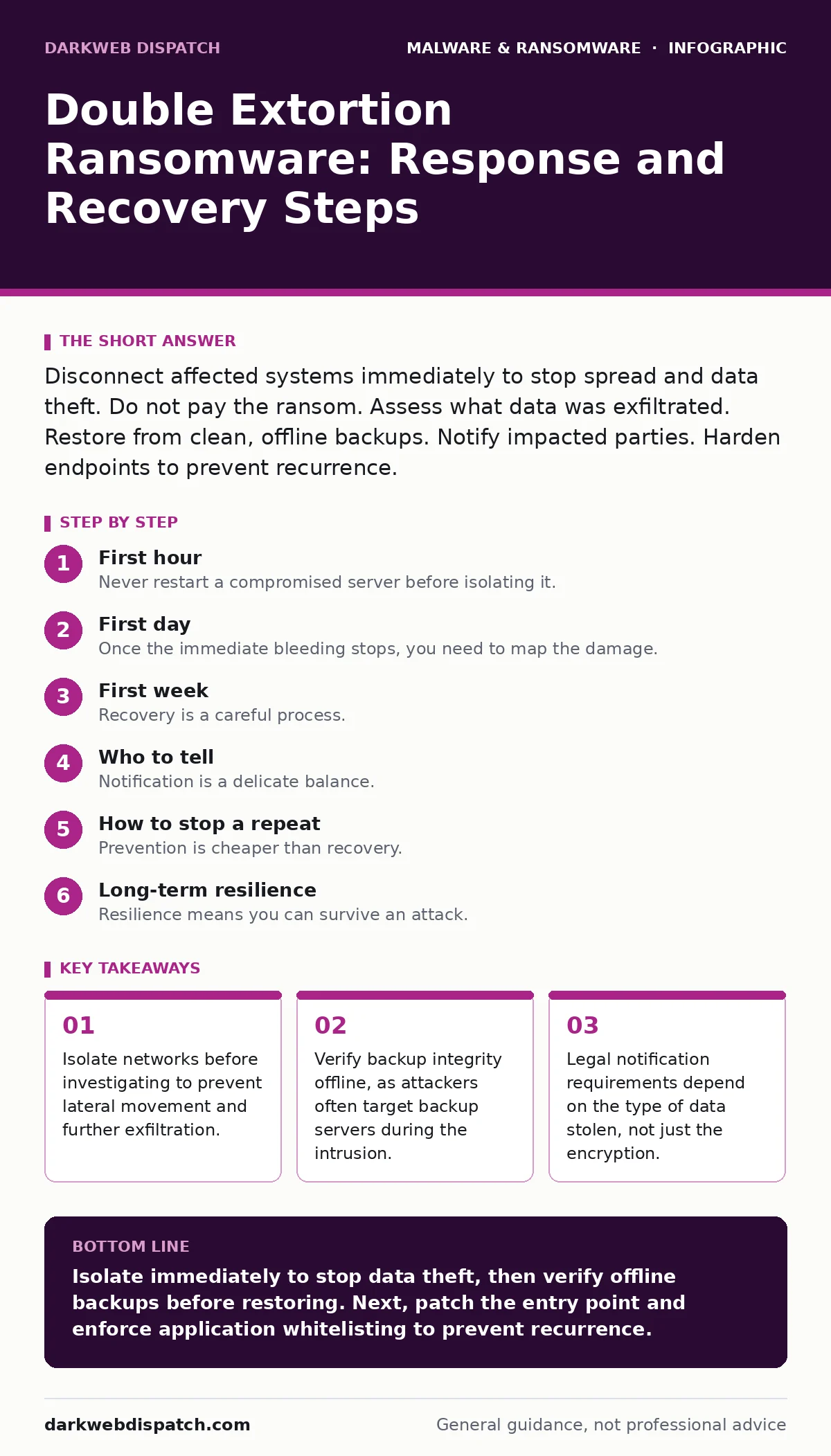
Disconnect affected systems immediately to stop spread and data theft. Do not pay the ransom. Assess what data was exfiltrated. Restore from clean, offline backups. Notify impacted parties. Harden endpoints to prevent recurrence.
First hour
The clock starts the moment you suspect an infection. Your primary goal is not to understand the malware, but to stop it from moving. Double extortion ransomware encrypts files and steals data simultaneously. The theft component changes the response strategy entirely. You cannot simply wait for the encryption to finish. The attackers are actively copying sensitive information to external servers.
You must act on instinct, not analysis. If you see unusual network traffic or file extensions changing, assume the breach is active. Do not try to delete the ransom note. Do not attempt to communicate with the attackers yet. Your first task is containment.
- Disconnect the infected machine from the network. Pull the Ethernet cable. Disable Wi-Fi.
- Shut down switches or routers that connect the infected segment to the rest of the network.
- Disable shared network drives and cloud sync folders for all users.
- Change administrative passwords for domain controllers and backup systems.
Do not use remote desktop or SSH to investigate the affected machine. The malware may be listening for remote connections to spread further. Physical access is safest for the initial triage. If you cannot physically access the machine, power it down completely. A powered-off machine cannot send data. It also preserves memory contents for later forensic analysis, which helps determine the scope of the theft.
First day
Once the immediate bleeding stops, you need to map the damage. This is not about fixing files yet. It is about understanding what the attackers touched. Double extortion relies on the threat of public exposure. You need to know what data was actually taken before you can assess the risk.
Check your logs. Look for large outbound data transfers in the hours before the encryption started. Attackers often use legitimate tools to move data. They might use PowerShell or built-in system utilities to copy files to a staging area. If you see large uploads to unknown IP addresses, assume data exfiltration has occurred.
You must verify your backups. This is where many organisations fail. Attackers know you will look for backups. They often encrypt or delete them before hitting the main servers. Do not trust a backup that is connected to the same network as the infected machine. It may already be compromised.
Take a snapshot of your current state. Document everything. Take photos of screen messages. Save log files. This evidence is critical for insurance claims and legal proceedings. Do not format hard drives. Do not overwrite data. The forensic trail helps prove what happened and when.
Consider the legal implications. If you hold personal data, financial records, or health information, you may have a legal duty to notify authorities. The clock for notification often starts when you become aware of the breach, not when you resolve it. Consult legal counsel immediately. Do not wait until you have recovered the files.
First week
Recovery is a careful process. You do not simply turn things back on. You rebuild trust in your systems. The goal is to restore operations without re-introducing the malware. This requires a clean environment.
Start with the least critical systems. Restore them from known good backups. Verify they are clean before connecting them to the network. Use a separate, isolated network segment for this testing. Monitor traffic closely. Look for any signs of command-and-control communication.
You must address the entry point. The attackers got in for a reason. Maybe it was a phishing email. Maybe it was a vulnerability in a public-facing service. Maybe it was weak credentials. If you do not fix the entry point, they will return. Patch the vulnerability. Reset all passwords. Enable multi-factor authentication everywhere.
Review your access controls. Did the attackers move laterally? Did they gain administrative privileges? If so, you need to audit all administrative accounts. Remove unnecessary privileges. Follow the principle of least privilege. Users should only have access to what they need for their job.
Consider the data that was stolen. If sensitive data was exfiltrated, you may need to notify affected individuals. This is not just a legal requirement. It is a trust issue. Be transparent. Tell people what happened, what data was taken, and what you are doing to protect them. Silence breeds suspicion and damages your reputation.
Who to tell
Notification is a delicate balance. You need to inform the right people at the right time. Too much information too soon can cause panic. Too little information can lead to legal liability.
Tell your legal team first. They will guide you on regulatory requirements. Different jurisdictions have different rules. Some require notification within a specific timeframe. Others only require notification if there is a significant risk of harm. Your legal team will help you determine the threshold.
Inform your insurance provider. If you have cyber insurance, you need to report the incident. Delaying notification can void your coverage. Provide them with the facts. Do not speculate. Let them guide you through the claims process.
Notify your customers or employees if their data was compromised. Be honest. Explain what happened. Offer support, such as credit monitoring services. This helps mitigate the impact on them and shows that you take their privacy seriously.
How to stop a repeat
Prevention is cheaper than recovery. You need to harden your environment against future attacks. This is not a one-time fix. It is an ongoing process.
Implement application whitelisting. This allows only approved applications to run. It blocks ransomware from executing, even if it gets onto the system. This is more effective than traditional antivirus, which relies on known signatures. Attackers create new variants daily. Whitelisting stops unknown code by default.
Use attack surface reduction rules to block common attack vectors. These rules prevent macros from running in Office documents, block scripts from launching in PowerShell, and restrict the execution of potentially dangerous file types. This reduces the number of ways an attacker can infect your systems.
Regularly test your backups. Ensure they are offline or immutable. Immutable backups cannot be changed or deleted for a set period. This protects them from ransomware that tries to encrypt your backups. Test the restoration process regularly. A backup you cannot restore is no backup at all.
Train your users. Phishing is the most common entry point. Teach users to recognise suspicious emails. Do not rely on technology alone. Human awareness is a critical layer of defence. Simulate phishing attacks to test their response.
Long-term resilience
Resilience means you can survive an attack. It is not about preventing every attack. It is about minimising the impact. You need a plan that works under pressure.
Review your incident response plan. Update it regularly. Test it with simulations. Identify gaps. Fix them before an attack happens. Your plan should cover all scenarios, including double extortion. It should include roles and responsibilities. Everyone should know what to do.
Invest in security monitoring. You need to detect anomalies quickly. Look for unusual login times, large data transfers, and process execution patterns. Automated detection helps you respond faster. Speed is critical in containing ransomware.
Consider the threat of ransomware-as-a-service. Attackers rent their tools to others. This lowers the barrier to entry. More attackers means more attacks. You need to assume you will be targeted. Prepare accordingly.
Stay informed about new techniques. Attackers evolve. They use new methods to bypass defences. Keep your knowledge current. Follow industry best practices. Adapt your defences as needed.
Recovery is not just technical. It is cultural. You need a culture of security. Everyone plays a part. From the CEO to the intern, security is a shared responsibility. Foster this culture. Encourage reporting of suspicious activity. Reward good behaviour.
The path to recovery is long. It requires patience and discipline. Do not rush. Verify every step. Ensure every system is clean. Rebuild trust. Learn from the experience. Become stronger.
Key takeaways
- Isolate networks before investigating to prevent lateral movement and further exfiltration.
- Verify backup integrity offline, as attackers often target backup servers during the intrusion.
- Legal notification requirements depend on the type of data stolen, not just the encryption.
Isolate immediately to stop data theft, then verify offline backups before restoring. Next, patch the entry point and enforce application whitelisting to prevent recurrence.
Frequently asked questions
Should I pay the ransom to get the decryption key?
No. Paying does not guarantee you will get the key, and it funds further criminal activity. It also marks you as a willing payer, increasing the risk of future attacks.
How do I know if my backups are clean?
Verify the backup timestamps and integrity. Check for any signs of encryption or modification. Restore to an isolated environment and scan before connecting to the main network.
Do I need to notify everyone if only internal files were stolen?
It depends on the sensitivity of the data and local laws. If intellectual property or employee data was taken, legal counsel may advise notification. Always consult legal experts.
Can antivirus software stop double extortion ransomware?
Traditional antivirus may detect known variants, but it often misses new or customised malware. You need layered defences, including network monitoring and application control.
How this guide was produced: written by the DarkWeb Dispatch editorial team with AI assistance, checked against the public references listed below, and reviewed when the facts change. See our editorial policy or report an error.