Cloud Backup for Small Business: Secure Data Without the Chaos
Most small businesses lose data not from hackers, but from accidental deletion and internal misconfiguration of cloud storage permissions.

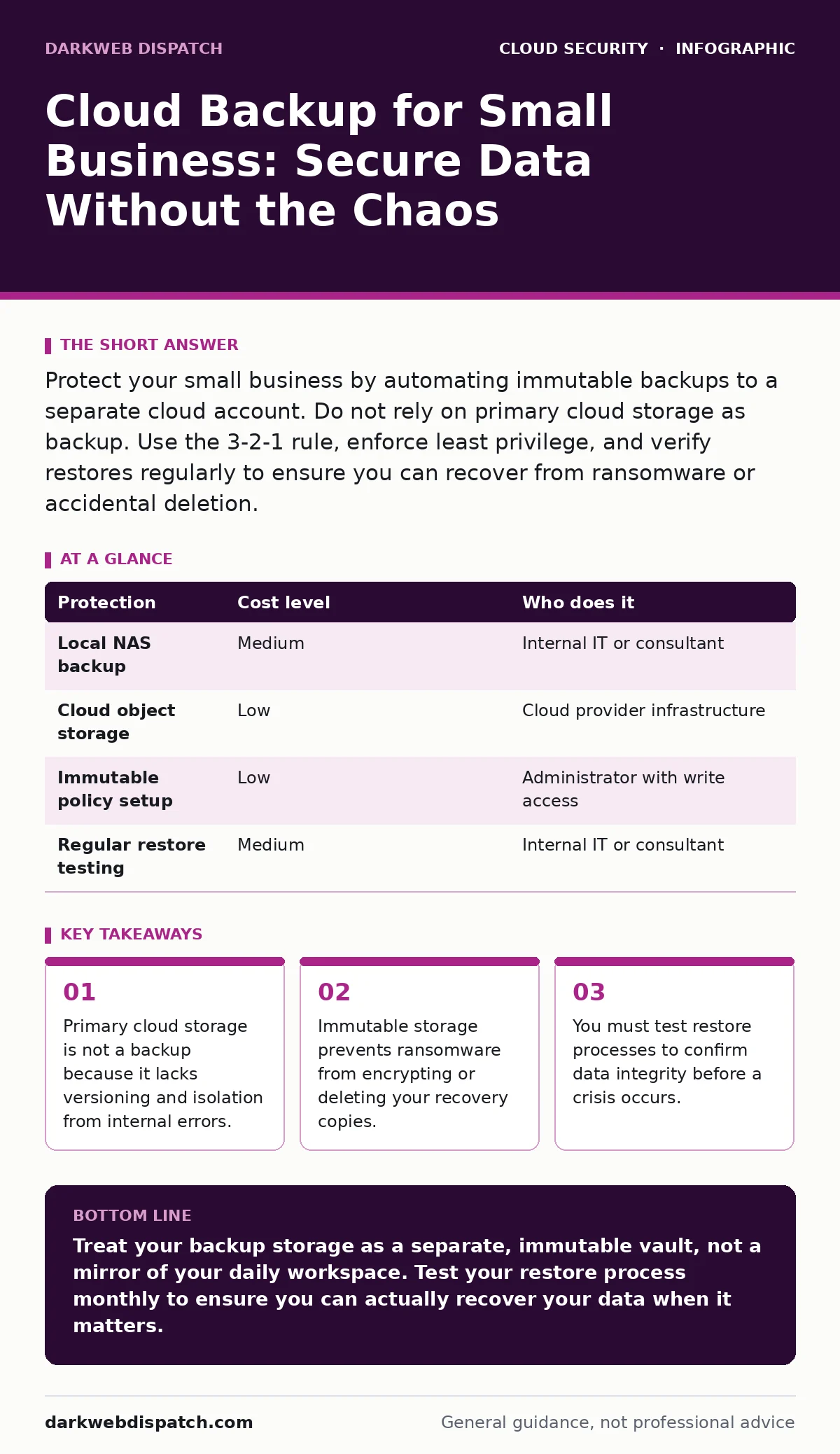
Protect your small business by automating immutable backups to a separate cloud account. Do not rely on primary cloud storage as backup. Use the 3-2-1 rule, enforce least privilege, and verify restores regularly to ensure you can recover from ransomware or accidental deletion.
The Ten-Person Trap
Small teams often confuse cloud storage with cloud backup. This is a dangerous distinction. Cloud storage, such as file sync services, keeps your data accessible and editable. It is designed for collaboration, not preservation. If you delete a file in a sync service, it often disappears from all linked devices. If an attacker gains access to your account, they can wipe the entire repository.
Backup requires separation. It needs a copy of your data that exists independently of your daily workflow. It must be resistant to changes made in the primary environment. Without this separation, you have no safety net. You are running your business on a single point of failure.
Why Scale Changes the Risk Profile
Large enterprises have dedicated security teams. They have budgets for complex, multi-region disaster recovery solutions. Small businesses do not have these resources. You likely have one person handling IT, or perhaps an external consultant. This creates a specific vulnerability: human error.
When you are the only IT person, you are tired. You are multitasking. You might grant a contractor broad access to get a job done quickly. You might forget to revoke that access when the contract ends. This is where SaaS account takeover becomes a realistic threat. An attacker does not need to break into your network. They only need to steal the credentials of one over-privileged user.
If your backup system is tied to the same credentials as your primary storage, that single compromise destroys your ability to recover. The attacker deletes the live data and the backup data. You are left with nothing. This is why separation of duties is not just a best practice for large firms. It is a survival mechanism for small ones.
The Mechanics of Affordable Protection
You do not need expensive hardware to secure your data. You need the right configuration of standard cloud services. The goal is to create an environment where data, once written, cannot be changed or deleted for a set period. This is known as immutability.
Most major cloud providers offer object storage with immutable policies. You can set a retention period, such as thirty days. During this time, even an administrator with full access cannot delete the files. This protects you from ransomware that tries to encrypt your backups. It also protects you from an angry employee who tries to destroy evidence.
This approach is cost-effective. You only pay for the storage you use and the egress fees when you retrieve data. It requires no physical hardware maintenance. It scales automatically with your data growth. The cost is predictable and low compared to the revenue loss of a downtime event.
| Protection | Cost level | Who does it |
|---|---|---|
| Local NAS backup | Medium | Internal IT or consultant |
| Cloud object storage | Low | Cloud provider infrastructure |
| Immutable policy setup | Low | Administrator with write access |
| Regular restore testing | Medium | Internal IT or consultant |
What to Delegate to Providers
You should not manage the physical infrastructure of your backups. That is the job of the cloud provider. They handle the electricity, the cooling, and the disk replacements. You should focus on the logic and the access controls.
Delegate the storage durability to the provider. Trust their replication across multiple data centres. However, do not delegate the configuration of your accounts. Do not let a managed service provider hold the master keys to your backup bucket without your oversight. If they are compromised, your backups are compromised.
You must retain control of the encryption keys. Use customer-managed keys if possible. This ensures that even if the provider’s systems are breached, the attacker cannot read your data without your keys. This is a critical layer of defence. It adds complexity, but it prevents data theft.
The Hidden Cost of Convenience
Convenience is the enemy of security. Many small businesses use automated sync tools for backup. These tools mirror every change in real-time. This sounds efficient. It is actually dangerous.
If a script goes wrong, it can delete thousands of files in seconds. A sync tool will replicate that deletion to your backup. You lose the data instantly. You need a backup system that retains previous versions. You need a system that does not mirror deletions immediately.
This is where secrets in source code can cause unexpected issues. If developers accidentally commit credentials to a repository, and that repository is synced to your backup, you now have exposed secrets in your archive. You must scan for these secrets before they reach your backup storage. Use automated scanning tools in your development pipeline. Do not rely on manual checks.
See also: Man-in-the-Middle Attack Response: Containment and Recovery Steps · Secure Email Gateways Explained: How the Post Office Analogy Works
Questions for Your IT Provider
If you hire an external IT provider to manage your backups, you must verify their methods. Do not accept vague promises of "cloud security". Ask specific questions about their implementation.
- How do you isolate backup credentials from daily operational credentials?
- What is your retention policy for deleted files?
- Do you use immutable storage to prevent ransomware encryption?
- How often do you test the restore process, and can you show me the logs?
- Who holds the encryption keys, and how are they rotated?
If the provider cannot answer these questions clearly, they are not ready to manage your data. You need a partner who understands the difference between storage and backup. You need someone who prioritises isolation over convenience.
Testing Is Not Optional
A backup that has not been tested is not a backup. It is a hope. You must regularly attempt to restore files from your backup storage. This verifies that the data is intact. It verifies that the process works under pressure.
Imagine a scenario where your primary storage is corrupted. You need to restore a critical database. If you have never tested the restore, you may find that the backup is incomplete. You may find that the encryption keys are lost. You may find that the restore process takes longer than your business can tolerate.
Test monthly. Document the steps. Update the documentation when procedures change. This discipline ensures that when a real incident occurs, you can recover quickly. It reduces panic and minimises downtime. It is the most important step in your backup strategy.
Key takeaways
- Primary cloud storage is not a backup because it lacks versioning and isolation from internal errors.
- Immutable storage prevents ransomware from encrypting or deleting your recovery copies.
- You must test restore processes to confirm data integrity before a crisis occurs.
Treat your backup storage as a separate, immutable vault, not a mirror of your daily workspace. Test your restore process monthly to ensure you can actually recover your data when it matters.
Frequently asked questions
Is cloud backup cheaper than local backup?
Cloud backup often has lower upfront costs since you do not buy hardware. However, long-term storage and data retrieval fees can add up. Compare the total cost of ownership over three years.
How often should I back up my data?
For critical business data, daily backups are recommended. For less critical data, weekly backups may suffice. Align the frequency with how much data you can afford to lose.
Can I use the same cloud provider for primary and backup storage?
Yes, but you must use separate accounts and strict access controls. Ensure the backup account has its own authentication and cannot be accessed by the primary account’s credentials.
What is the 3-2-1 rule?
Keep three copies of your data, on two different media types, with one copy offsite. Cloud backup satisfies the offsite requirement if configured correctly with immutability.
How this guide was produced: written by the DarkWeb Dispatch editorial team with AI assistance, checked against the public references listed below, and reviewed when the facts change. See our editorial policy or report an error.