Stop Credential Leaks: A Practical Prevention Checklist
Most credential leaks happen because organisations rely on passwords alone, ignoring the silent damage caused by cached tokens and weak third-party integrations.

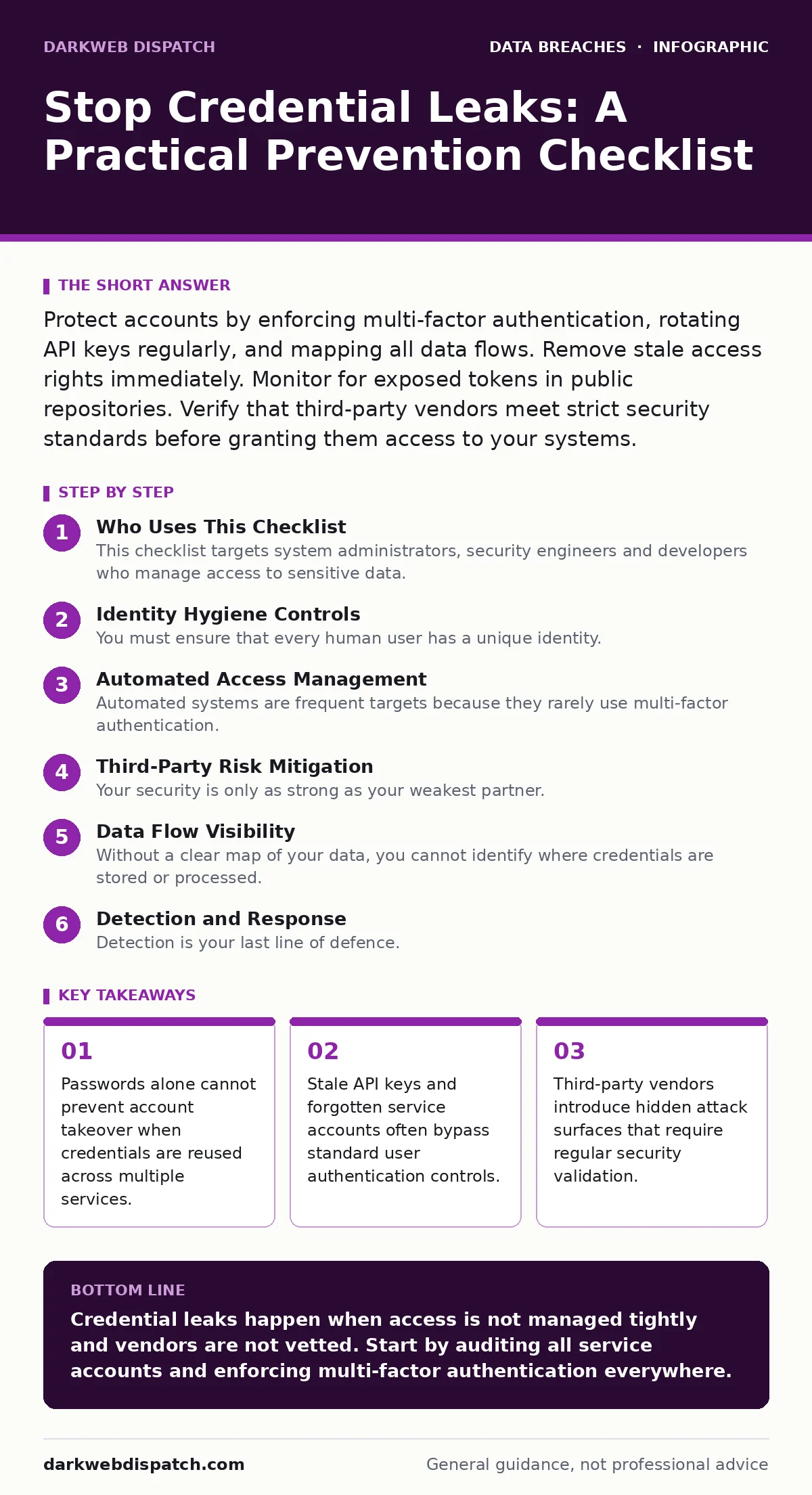
Protect accounts by enforcing multi-factor authentication, rotating API keys regularly, and mapping all data flows. Remove stale access rights immediately. Monitor for exposed tokens in public repositories. Verify that third-party vendors meet strict security standards before granting them access to your systems.
Who Uses This Checklist
This checklist targets system administrators, security engineers and developers who manage access to sensitive data. You use it to audit your current posture against credential theft. It is not a one-time exercise. You run it after every major change to your infrastructure or after a new vendor joins your ecosystem. The goal is to find weak points before attackers do. You apply these steps to both internal staff accounts and automated service identities.
Identity Hygiene Controls
- Enforce multi-factor authentication: This adds a second verification step, making stolen passwords useless without the second factor.
- Disable legacy protocols: Old protocols like Telnet send credentials in plain text, allowing easy interception by attackers.
- Implement passwordless login: Removing passwords eliminates the primary vector for credential stuffing and brute force attacks.
- Require unique passwords per service: Reusing passwords means one breach compromises every other account using the same credentials.
You must ensure that every human user has a unique identity. Shared accounts make it impossible to trace actions to a specific person. This lack of accountability hides malicious activity within normal operations. You should also review your password policy. It must enforce complexity and regular rotation without causing users to write passwords down.
Automated Access Management
- Rotate API keys regularly: Static keys remain valid indefinitely, giving attackers permanent access if one key is leaked.
- Revoke stale service accounts: Forgotten accounts often retain high privileges, creating a hidden backdoor into your systems.
- Use short-lived tokens: Tokens that expire quickly limit the window of opportunity for an attacker who steals one.
- Audit machine-to-machine access: Automated services often bypass human security checks, requiring their own strict oversight.
Automated systems are frequent targets because they rarely use multi-factor authentication. You must treat service accounts with the same scrutiny as human users. Imagine a developer leaves a company but their script still runs with admin rights. That script becomes a permanent entry point. You need a process to decommission these accounts immediately when the project ends.
Third-Party Risk Mitigation
- Conduct third-party risk assessments: Vendors with weak security can become the entry point for attackers targeting your data.
- Limit vendor access scope: Granting vendors full access increases the blast radius if their credentials are compromised.
- Require security certifications: Certifications like PCI DSS prove that vendors follow established security standards for handling data.
- Monitor vendor activity logs: Unusual activity from a vendor account may indicate that their credentials have been stolen.
Your security is only as strong as your weakest partner. A breach at a supplier can lead to unauthorized access in your own network. You must verify that partners protect data with the same rigor you apply internally. See our guide on third-party risk assessments for detailed steps on vetting suppliers. Do not assume a contract includes security obligations. Write them down explicitly.
Data Flow Visibility
- Perform data inventory and mapping: You cannot protect data you do not know exists or where it flows.
- Encrypt data at rest: Encryption ensures that stolen database files remain unreadable without the decryption keys.
- Encrypt data in transit: Encryption protects credentials moving between systems from being intercepted on the network.
- Monitor for data exfiltration: Alerting on large data transfers helps detect when an attacker is stealing information.
Without a clear map of your data, you cannot identify where credentials are stored or processed. Hidden databases and shadow IT systems are common sources of leaks. You must know every path data takes from creation to deletion. Refer to our guide on data inventory and mapping to build this visibility. This knowledge helps you apply protections where they matter most.
See also: Role-Based Access Control Example: How RBAC Limits Exposure · What is Cloud Governance: Control Access Without Choking Innovation
Detection and Response
- Enable audit logging: Logs provide the evidence needed to trace how a breach occurred and who was involved.
- Set up alerting for impossible travel: Logins from distant locations in a short time indicate stolen credentials.
- Test incident response plans: Regular testing ensures your team knows how to react when a credential leak is detected.
- Monitor dark web forums: Checking for leaked credentials allows you to reset them before attackers use them.
Detection is your last line of defence. You will not prevent every leak, but you can limit the damage. Fast detection reduces the time attackers have to move laterally. You should also consider the impact of email account compromise, which often starts with a leaked password. See our guide on email account compromise for specific recovery steps.
Regulatory Compliance Alignment
- Align with HIPAA Security Rule: If you handle health data, this rule mandates specific safeguards for electronic protected information.
- Follow role-based access control: Users should only have access to the data they need to do their jobs.
- Document access policies: Written policies provide a baseline for auditing and ensure consistent security practices.
- Train staff on social engineering: Human error remains a major cause of credential loss through phishing attacks.
Compliance frameworks provide a structured approach to security. They help you identify gaps in your current practices. You do not need to be perfect, but you must be consistent. See our guide on role-based access control for best practices on limiting user permissions. This reduces the number of accounts an attacker can target.
Key takeaways
- Passwords alone cannot prevent account takeover when credentials are reused across multiple services.
- Stale API keys and forgotten service accounts often bypass standard user authentication controls.
- Third-party vendors introduce hidden attack surfaces that require regular security validation.
Credential leaks happen when access is not managed tightly and vendors are not vetted. Start by auditing all service accounts and enforcing multi-factor authentication everywhere.
Frequently asked questions
How often should I rotate API keys?
Rotate API keys every 90 days or immediately if you suspect a leak. Short-lived tokens are even better as they expire automatically.
Can multi-factor authentication be bypassed?
Yes, through phishing or session hijacking. You should use hardware keys or push notifications that show transaction details to mitigate this risk.
What is the biggest risk with third-party vendors?
The biggest risk is excessive access. Vendors often request more permissions than they need, creating a larger attack surface for your organisation.
How do I detect a credential leak early?
Monitor for unusual login patterns, such as logins from new devices or locations. Also check public repositories for accidentally committed secrets.
How this guide was produced: written by the DarkWeb Dispatch editorial team with AI assistance, checked against the public references listed below, and reviewed when the facts change. See our editorial policy or report an error.