Man-in-the-Middle Attack Response: Containment and Recovery Steps
Restoring network access before verifying certificate integrity allows the attacker to maintain persistent control over your data stream.

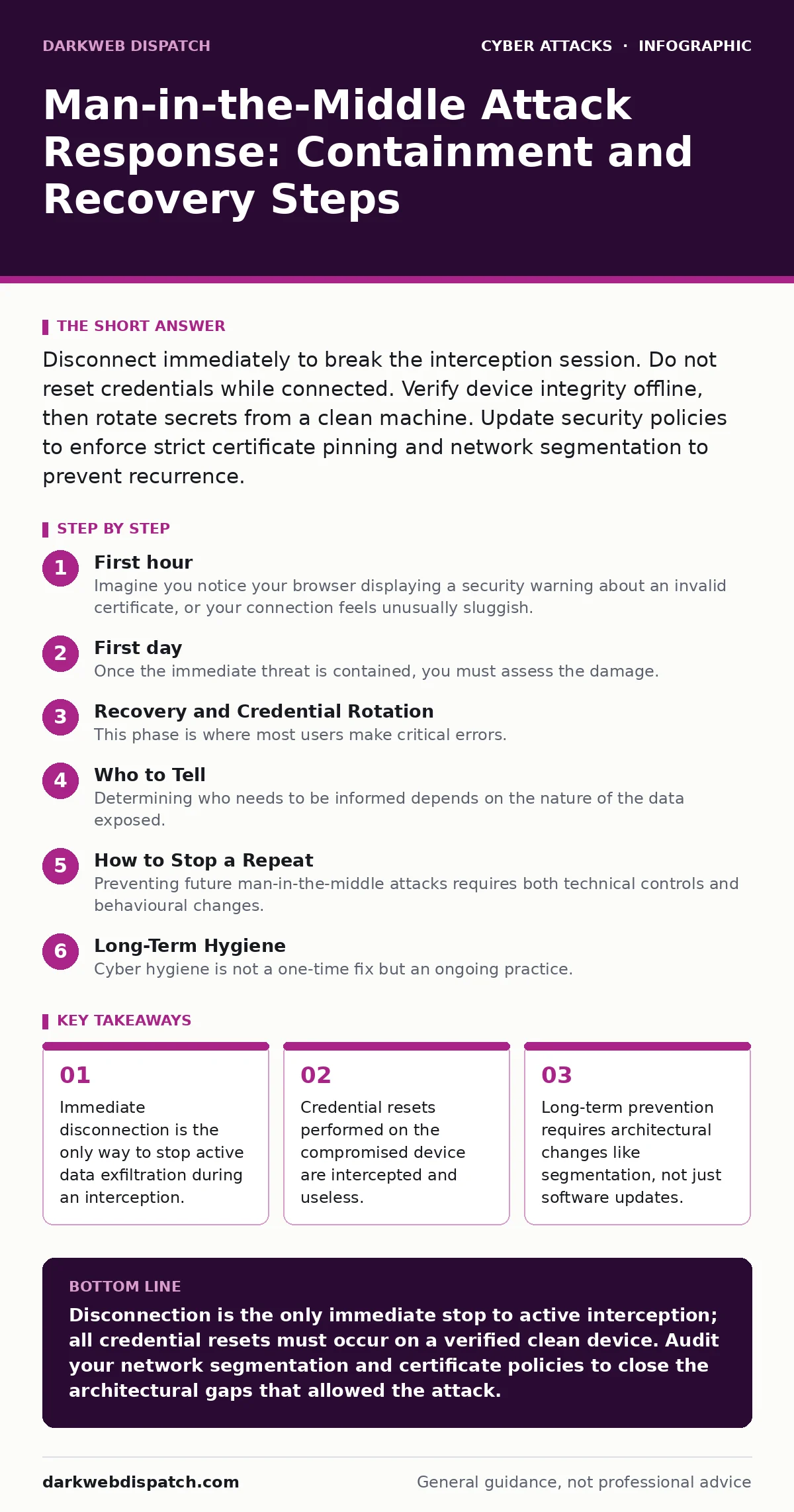
Disconnect immediately to break the interception session. Do not reset credentials while connected. Verify device integrity offline, then rotate secrets from a clean machine. Update security policies to enforce strict certificate pinning and network segmentation to prevent recurrence.
First hour
Imagine you notice your browser displaying a security warning about an invalid certificate, or your connection feels unusually sluggish. This is often the first sign of a man-in-the-middle attack, where an interceptor sits between you and the destination server. The attacker can read, modify, or inject data into your traffic without either party knowing. Your immediate goal is not to investigate, but to sever the link.
- Disconnect the affected device from the network immediately. Unplug Ethernet cables or turn off Wi-Fi. This stops the data flow instantly.
- Do not log out of any services. Logging out often sends your credentials over the compromised channel. Leave sessions active but isolated.
- Check other devices on the same network. If you are on public Wi-Fi, assume the entire network is hostile. Disconnect all devices.
- Note the time and any error messages. Screenshot the certificate warning if you can do so quickly without interacting with the site. This evidence helps later analysis.
- Physical network connection severed
- All devices on the segment disconnected
- Error messages recorded
- No credentials entered or changed
First day
Once the immediate threat is contained, you must assess the damage. The attacker may have stolen session tokens, which allow them to impersonate you without needing your password. They may also have intercepted sensitive documents or financial details. You need to determine what was exposed.
Start by identifying which services were active during the interception. Check your browser history and application logs for any sites visited or data submitted after the first sign of trouble. If you used a corporate device, involve your IT security team immediately. They can check for anomalies in network traffic logs.
You must also consider the scope. If you were on a home network, check for rogue access points. An attacker may have set up an evil twin Wi-Fi attack, mimicking your legitimate router to lure devices in. Scan for unfamiliar networks with similar names. If you find one, it is a clear sign of local compromise.
For corporate environments, review intrusion detection systems for alerts around the time of the incident. These tools may have flagged unusual traffic patterns that you missed. Do not rely solely on your own observation; automated systems often catch subtle anomalies that human users overlook.
Recovery and Credential Rotation
This phase is where most users make critical errors. You must not reset passwords on the compromised device. If the attacker is still listening, they will capture your new password as you type it. You need a clean, trusted device to perform any credential changes.
Use a different device, preferably one that was not connected to the compromised network. If you do not have access to a clean device, use a mobile data connection on your phone, assuming your mobile network is secure. Change passwords for all accounts that were active during the attack. Prioritize email and financial accounts, as these provide the most leverage to attackers.
Enable multi-factor authentication if it is not already active. This adds a layer of security that protects you even if your password is stolen. However, ensure you are setting this up on the clean device, not the compromised one. Be wary of SMS-based verification if the attacker has access to your device, as they might intercept SMS messages. Authenticator apps are generally more secure in this context.
Check for unauthorized changes to your account settings. Attackers often add their own email addresses or phone numbers to maintain access. Remove any unknown recovery methods or linked accounts. Review recent activity logs for signs of unauthorized access, such as logins from unfamiliar locations or devices.
Who to Tell
Determining who needs to be informed depends on the nature of the data exposed. If you were using personal accounts, you may only need to notify the service providers. For example, if you were intercepted while accessing your bank, contact them directly through their official app or phone number, not through links in emails.
In a corporate setting, you must report the incident to your security team immediately. Delaying notification can hinder their ability to contain the threat and assess the broader impact. They may need to reset network credentials or update firewall rules. Be transparent about what you were doing when the attack occurred. Hiding details can lead to incomplete remediation.
If sensitive personal data of others was exposed, you may have legal obligations to notify those individuals. This is particularly true in regulated industries. Consult with legal counsel to determine your specific requirements. Failure to notify affected parties can result in severe penalties and loss of trust.
How to Stop a Repeat
Preventing future man-in-the-middle attacks requires both technical controls and behavioural changes. One of the most effective technical measures is network segmentation. This involves dividing your network into smaller, isolated zones. If an attacker compromises one segment, they cannot easily move to others. This limits the scope of any potential interception.
Implement strict certificate validation policies. Ensure that your devices reject connections with invalid or untrusted certificates. Do not allow users to bypass these warnings. For critical applications, use certificate pinning, which binds the application to a specific certificate or public key. This prevents attackers from using fraudulent certificates, even if they compromise a certificate authority.
Regularly update your software and firmware. Outdated systems often have known vulnerabilities that attackers can exploit to perform interception. Enable automatic updates where possible. This includes your operating system, browser, and any security applications.
Consider using secure email gateways if email interception is a concern. These systems scan incoming and outgoing emails for threats and can block malicious attachments or links. They also help protect against email spoofing, which is often used to initiate social engineering attacks that lead to man-in-the-middle scenarios.
See also: How Autonomous System Numbers Work in Threat Intelligence · Intrusion Detection Mistakes That Blind Your Network
Long-Term Hygiene
Cyber hygiene is not a one-time fix but an ongoing practice. Regularly review your network configuration and security policies. Ensure that strong encryption protocols are enforced across all communications. Disable outdated protocols that are known to be vulnerable.
Train users to recognise signs of suspicious activity. Teach them to look for certificate warnings, unusual network behaviour, and unexpected prompts. Encourage a culture of reporting, where users feel comfortable alerting IT to anomalies without fear of blame.
Monitor your network for unusual traffic patterns. Intrusion detection systems can help identify potential man-in-the-middle attacks in real-time. Regularly review logs and alerts to ensure they are functioning correctly.
Remember that no single measure provides complete protection. A layered approach, combining technical controls, user training, and regular monitoring, offers the best defence. Stay alert to new threats and adapt your strategies accordingly.
Key takeaways
- Immediate disconnection is the only way to stop active data exfiltration during an interception.
- Credential resets performed on the compromised device are intercepted and useless.
- Long-term prevention requires architectural changes like segmentation, not just software updates.
Disconnection is the only immediate stop to active interception; all credential resets must occur on a verified clean device. Audit your network segmentation and certificate policies to close the architectural gaps that allowed the attack.
Frequently asked questions
Can a man-in-the-middle attack happen on a wired connection?
Yes, if an attacker has physical access to the network cabling or can compromise a switch, they can intercept wired traffic just as easily as wireless.
Does HTTPS prevent all man-in-the-middle attacks?
HTTPS encrypts data, but it does not prevent attackers from intercepting the connection if they can present a trusted certificate or if the user ignores security warnings.
Should I factory reset my device after an attack?
Factory resetting is recommended if you suspect malware was installed during the interception, as this removes any persistent backdoors.
How do I know if my router was compromised?
Check for unfamiliar admin accounts, changed DNS settings, or unknown devices connected to your network. Resetting the router to factory settings is a safe precaution.
How this guide was produced: written by the DarkWeb Dispatch editorial team with AI assistance, checked against the public references listed below, and reviewed when the facts change. See our editorial policy or report an error.