Secure Email Gateways Explained: How the Post Office Analogy Works
Your email gateway acts as a private customs checkpoint, inspecting every message before it reaches your inbox to block hidden threats.

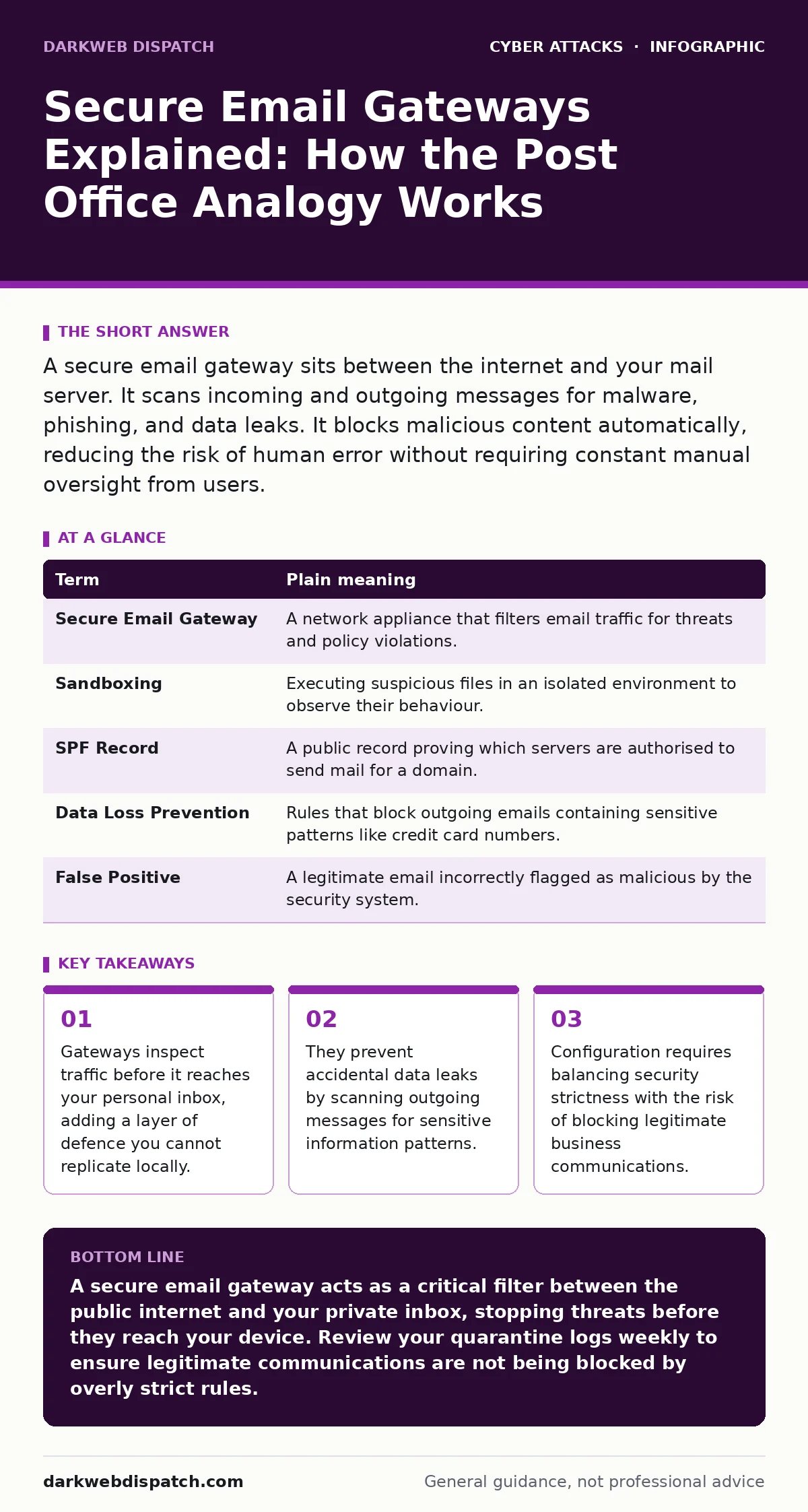
A secure email gateway sits between the internet and your mail server. It scans incoming and outgoing messages for malware, phishing, and data leaks. It blocks malicious content automatically, reducing the risk of human error without requiring constant manual oversight from users.
The Digital Post Office
Imagine your email inbox is a private mailbox at the end of a long street. Anyone can drop letters into the public collection box at the start of the street. A secure email gateway is the sorting office in the middle. It opens every envelope, checks the contents for contraband, and verifies the sender’s identity before allowing the letter to travel to your door.
This separation is vital. Your personal computer is the final destination. If malicious software reaches it, the damage is done. The gateway stops threats at the border, keeping your device clean. It handles the heavy lifting of inspection so your local machine does not have to process dangerous files.
Key Terms Defined
Understanding the mechanism requires knowing the components. The following table defines the core concepts used throughout this guide.
| Term | Plain meaning |
|---|---|
| Secure Email Gateway | A network appliance that filters email traffic for threats and policy violations. |
| Sandboxing | Executing suspicious files in an isolated environment to observe their behaviour. |
| SPF Record | A public record proving which servers are authorised to send mail for a domain. |
| Data Loss Prevention | Rules that block outgoing emails containing sensitive patterns like credit card numbers. |
| False Positive | A legitimate email incorrectly flagged as malicious by the security system. |
Inspecting Incoming Mail
The gateway intercepts every message entering your network. It checks the sender’s address against known spam lists and blocklists. It then analyses the message headers to ensure they match the claimed source. This process helps mitigate email spoofing, where attackers fake the sender’s identity to appear trustworthy.
If the message contains attachments, the gateway scans them for known virus signatures. It also looks for macro scripts that might execute harmful commands. If a file looks suspicious but is not definitively malicious, the gateway may use sandboxing. This technique runs the file in a controlled, isolated virtual environment. It observes what the file does without risking your actual system.
Controlling Outgoing Traffic
Security is not just about keeping threats out. It is also about keeping your data in. The gateway monitors emails leaving your organisation. It applies Data Loss Prevention rules to scan for sensitive information. For example, if an employee tries to email a spreadsheet containing national insurance numbers, the gateway can block or quarantine the message.
This protection works independently of the user’s intent. An employee might be tricked by a man-in-the-middle attacks scenario where an attacker intercepts communication. The gateway ensures that even if the user is compromised, the data does not leave the secure perimeter easily. It acts as a final checkpoint before data enters the public internet.
The Cost of Strictness
Every security control has a trade-off. The stricter the gateway rules, the higher the chance of blocking legitimate emails. This is known as a false positive. Imagine a business partner sends an invoice with a unique format. The gateway might flag it as spam because it does not match expected patterns.
If you set the sensitivity too high, your team will miss important communications. If you set it too low, threats will slip through. You must find a balance. Regular review of quarantine logs is necessary to catch legitimate emails that were blocked by mistake. This manual review is the hidden cost of automated security.
See also: Email Account Compromise: Definition, Mechanics and Mitigation · Email Spoofing Explained: How Attackers Fake Sender Identities
Integration with Other Defences
A gateway does not work in isolation. It complements other security measures. For instance, intrusion detection systems monitor network traffic for unusual activity after the email has been delivered. The gateway stops the initial infection, while the detection system spots lateral movement if a breach occurs.
You should also consider cyber hygiene practices. A gateway reduces risk, but it does not eliminate it. Users must still verify unexpected requests, regardless of the security filters in place. Combining technical controls with good user habits creates a deeper defence.
Try This Now
Take these three steps to understand your current email security posture.
- Check your organisation’s quarantine reports. Look for a list of blocked messages. Identify if any legitimate emails from partners or clients were incorrectly flagged.
- Review your SPF records. Ensure your domain has a published Sender Policy Framework record. This public record tells receiving servers which IP addresses are allowed to send mail on your behalf.
- Test with a safe phishing simulation. Send a test email containing a harmless but suspicious subject line to your own inbox. Verify that the gateway flags or quarantines it as expected.
Beyond Basic Filtering
Modern gateways offer more than simple virus scanning. They can inspect encrypted emails by decrypting them at the gateway, scanning the content, and then re-encrypting them. This ensures that privacy does not become a hiding place for malware.
However, this adds complexity. It requires managing encryption keys and certificates. It also raises privacy concerns if employees expect their emails to remain private from the IT department. You must define clear policies on what is inspected and why. Transparency builds trust in the security measures.
Key takeaways
- Gateways inspect traffic before it reaches your personal inbox, adding a layer of defence you cannot replicate locally.
- They prevent accidental data leaks by scanning outgoing messages for sensitive information patterns.
- Configuration requires balancing security strictness with the risk of blocking legitimate business communications.
A secure email gateway acts as a critical filter between the public internet and your private inbox, stopping threats before they reach your device. Review your quarantine logs weekly to ensure legitimate communications are not being blocked by overly strict rules.
Frequently asked questions
Does a secure email gateway replace antivirus software?
No. The gateway stops threats at the network border, but antivirus software protects your device from threats that bypass the gateway or originate locally.
Can attackers bypass a secure email gateway?
Yes. Sophisticated attackers use novel techniques that the gateway has not yet seen. No single tool provides complete protection against all threats.
How do I handle a false positive?
Most gateways allow you to release quarantined emails manually. You can also add the sender to a whitelist to prevent future blocking of their messages.
Do gateways protect against social engineering?
They reduce risk by blocking known malicious links and attachments, but they cannot read the context of a conversation. Users must still exercise caution with unexpected requests.
How this guide was produced: written by the DarkWeb Dispatch editorial team with AI assistance, checked against the public references listed below, and reviewed when the facts change. See our editorial policy or report an error.