SaaS Account Takeover: Debunking Five Dangerous Security Myths
Your SaaS perimeter is invisible, so traditional firewall rules fail against account takeover attacks that exploit trust rather than network gaps.

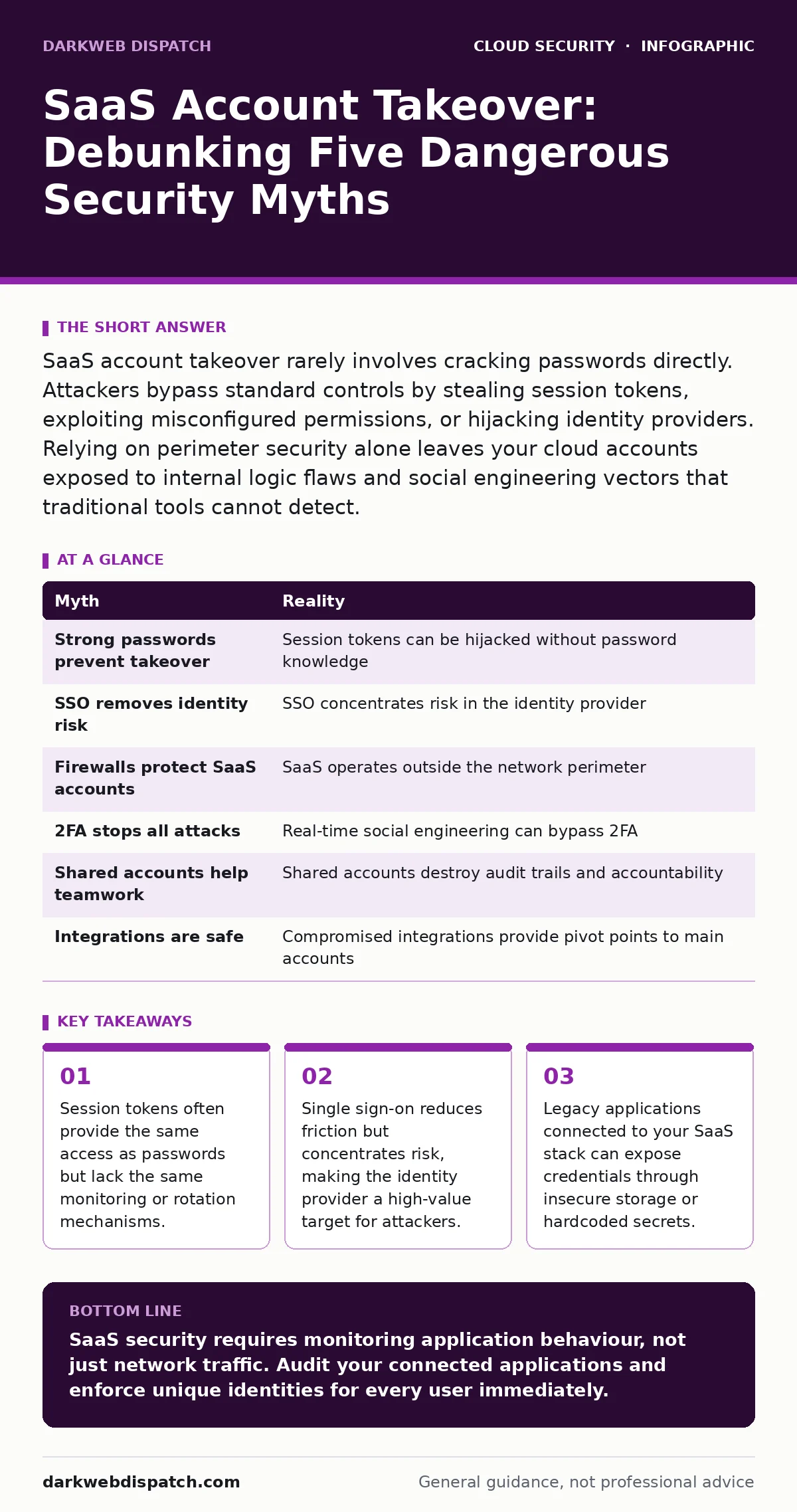
SaaS account takeover rarely involves cracking passwords directly. Attackers bypass standard controls by stealing session tokens, exploiting misconfigured permissions, or hijacking identity providers. Relying on perimeter security alone leaves your cloud accounts exposed to internal logic flaws and social engineering vectors that traditional tools cannot detect.
Myth: If the password is strong, the account is safe
Reality: Strong passwords are a baseline, not a shield. Account takeover attacks rarely involve brute-forcing complex strings because the effort outweighs the reward for most threat actors. Instead, attackers target the session management layer. When you log in, the service issues a session token that proves your identity for a set period. This token is often stored in browser cookies or local storage. If an attacker intercepts this token via cross-site scripting or a compromised device, they gain immediate access without ever needing the password. The password becomes irrelevant once the session is hijacked.
This is why monitoring login attempts alone fails. You might see no failed logins, yet the account is compromised. The attack happens after authentication, during the active session. This connects directly to the risks discussed in our guide on OAuth token abuse, where long-lived tokens are stolen and reused. You must treat session tokens as sensitive credentials that require regular rotation and strict scope limitations.
Myth: Single sign-on eliminates identity risk
Reality: Single sign-on (SSO) consolidates access, which improves user experience but creates a single point of failure. If an attacker compromises your identity provider, they gain access to every connected application simultaneously. Many organisations assume SSO removes the need to secure individual SaaS accounts, leading to relaxed security postures on the application side. In practice, SSO shifts the attack surface to the identity provider. If your identity provider is breached, your defences collapse across the entire stack.
Furthermore, SSO configurations often grant excessive permissions by default. An application might request access to all user data simply because the user logged in via SSO. This principle of least privilege is often ignored in favour of convenience. You must review the permissions granted during the SSO handshake. Ensure applications only receive the data they strictly need to function. This aligns with the principles in our single sign-on guide, which details how to map permissions correctly.
Myth: Cloud firewalls protect SaaS accounts
Reality: Traditional network firewalls monitor traffic entering and leaving your corporate network. SaaS applications reside outside this perimeter, accessed directly from the user’s device over the public internet. A firewall cannot inspect the content of encrypted HTTPS traffic to a SaaS vendor without breaking encryption, which introduces its own security risks. Even if you could inspect the traffic, the firewall sees a connection to a legitimate SaaS domain, not the malicious action taking place within the account.
The attack happens at the application layer, not the network layer. An attacker might use legitimate credentials to delete files, export data, or change settings. These actions look like normal user behaviour to a network device. You need application-aware controls, such as Cloud Access Security Brokers, which sit between users and SaaS applications to enforce policy. This is distinct from cloud metadata service attacks, which target the infrastructure hosting the data rather than the accounts accessing it.
Myth: Two-factor authentication stops all takeovers
Reality: Two-factor authentication (2FA) adds a layer of verification, but it is not a silver bullet. Attackers use social engineering to bypass 2FA in real-time. In a technique known as session fixation or man-in-the-middle, an attacker intercepts the login process. They present a fake login page that forwards your credentials and 2FA code to the real service. The attacker then receives the valid session token and uses it to log in. You see a successful login, and the attacker sees the same.
This works because the 2FA code is valid for a short window, and the attacker uses it within that window. The system believes the legitimate user is logging in. You are effectively tricked into authenticating the attacker. This is why push notifications are vulnerable; you can approve a login request without realising the context is fraudulent. Static codes are slightly better, but SIM swapping can intercept SMS-based 2FA. Hardware keys or FIDO2 web authentication devices are more resistant because they bind the authentication to the specific origin of the request.
Myth: Shared accounts improve team productivity
Reality: Shared accounts, such as a single "admin" or "support" login, destroy accountability and increase risk. When multiple users share one set of credentials, you cannot distinguish between legitimate actions and malicious ones. If the account is compromised, you cannot determine who leaked the password or what data was accessed. This lack of auditability makes incident response nearly impossible. Attackers thrive in environments where their actions blend in with the noise of multiple users.
Furthermore, shared accounts often bypass individual security controls. You cannot enforce unique 2FA for a shared login without causing significant friction, so organisations often disable it. This leaves the account protected only by a password, which is easily guessed or stolen. Each user should have a unique identity. This allows you to apply role-based access control, ensuring users only have the permissions necessary for their specific duties. It also supports DevSecOps practices by integrating identity verification into the development and deployment pipeline.
See also: Shared Responsibility Model Cloud: Who Owns What Security
Myth: Third-party integrations are vetted and safe
Reality: The third-party applications connected to your SaaS stack are often the weakest link. These integrations require access to your data to function, and many request broad permissions. If a third-party app is compromised, attackers can pivot from that app into your primary SaaS account. This is known as a supply chain attack. You may trust your primary vendor, but do you trust the small analytics tool that plugs into it?
Many integrations store credentials or API keys insecurely. Attackers scan for exposed keys in public repositories or misconfigured servers. Once found, they use these keys to access your data directly. This is closely related to secrets in source code, where developers accidentally commit credentials to version control. You must regularly audit connected applications and revoke access for those that are no longer used. Minimising the number of integrations reduces the attack surface.
| Myth | Reality |
|---|---|
| Strong passwords prevent takeover | Session tokens can be hijacked without password knowledge |
| SSO removes identity risk | SSO concentrates risk in the identity provider |
| Firewalls protect SaaS accounts | SaaS operates outside the network perimeter |
| 2FA stops all attacks | Real-time social engineering can bypass 2FA |
| Shared accounts help teamwork | Shared accounts destroy audit trails and accountability |
| Integrations are safe | Compromised integrations provide pivot points to main accounts |
Key takeaways
- Session tokens often provide the same access as passwords but lack the same monitoring or rotation mechanisms.
- Single sign-on reduces friction but concentrates risk, making the identity provider a high-value target for attackers.
- Legacy applications connected to your SaaS stack can expose credentials through insecure storage or hardcoded secrets.
SaaS security requires monitoring application behaviour, not just network traffic. Audit your connected applications and enforce unique identities for every user immediately.
Frequently asked questions
How do I detect a SaaS account takeover?
Look for impossible travel, where logins occur from distant locations in a short time, or unusual data export volumes that deviate from normal user patterns.
Can I use a firewall to block SaaS attacks?
No, standard firewalls cannot inspect encrypted application-layer traffic or stop attacks that use valid credentials from outside your network.
Is multi-factor authentication enough?
MFA is critical but not sufficient; attackers can bypass it using social engineering or by stealing active session tokens.
How often should I audit third-party apps?
Conduct quarterly audits of connected applications to revoke unused permissions and remove apps that no longer serve a business purpose.
How this guide was produced: written by the DarkWeb Dispatch editorial team with AI assistance, checked against the public references listed below, and reviewed when the facts change. See our editorial policy or report an error.