Intrusion Detection Systems: How They Spot Hidden Threats
Intrusion detection systems act as silent watchers, flagging suspicious network behaviour that firewalls often miss, turning invisible data flows into actionable alerts for your security team.

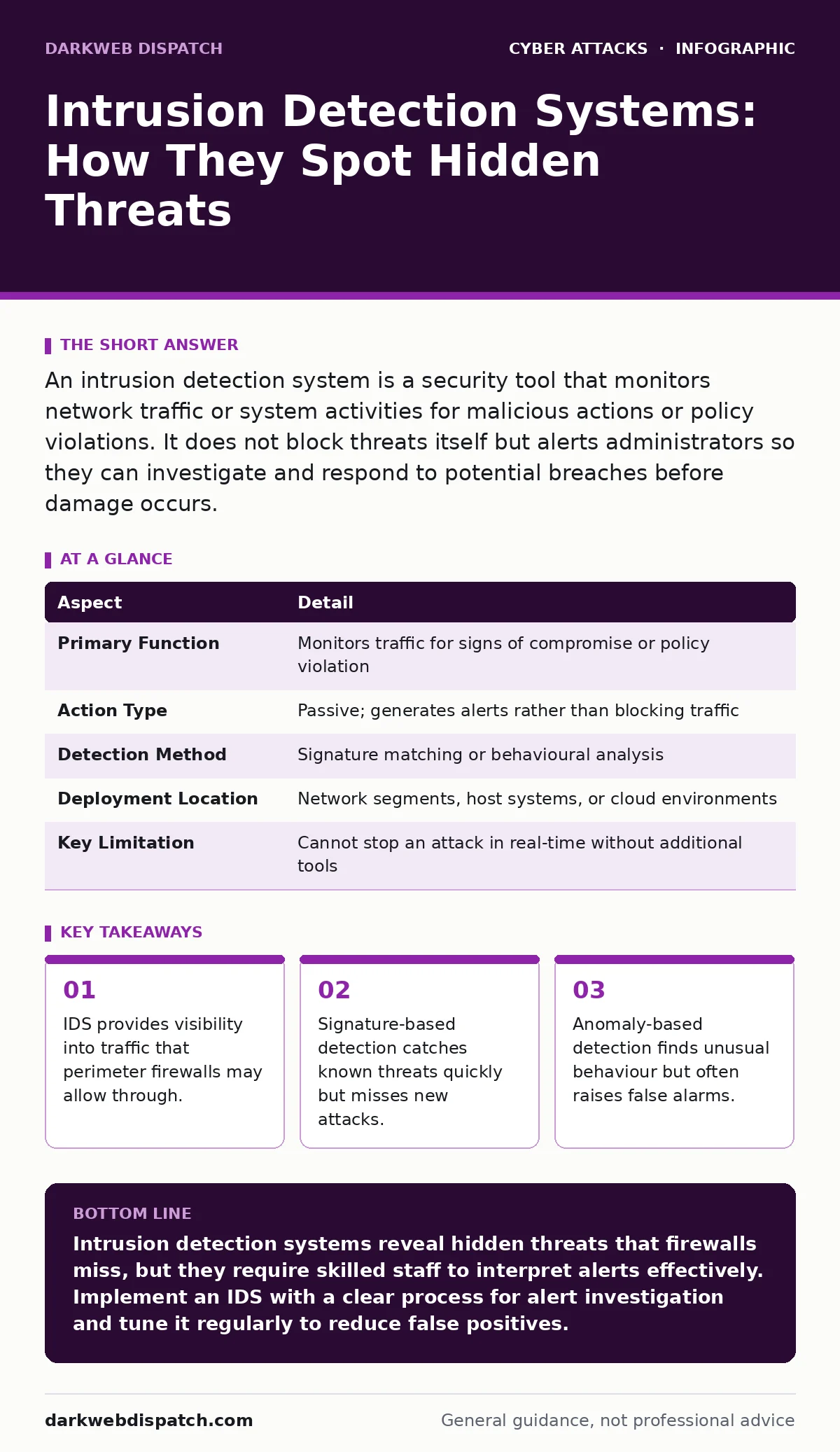
An intrusion detection system is a security tool that monitors network traffic or system activities for malicious actions or policy violations. It does not block threats itself but alerts administrators so they can investigate and respond to potential breaches before damage occurs.
The Network Watchdog Analogy
Imagine a busy office building. The security guard at the front door checks IDs and stops anyone without permission. This is your firewall. It keeps unauthorised people out, but it cannot see what happens once someone is inside. An intrusion detection system is like the CCTV cameras and motion sensors inside the building. They do not stop intruders physically, but they spot suspicious behaviour, such as someone wandering into a restricted server room at midnight, and alert the security team immediately.
This distinction is vital. A firewall is a barrier. An intrusion detection system is a sensor. One blocks; the other observes. You need both because a barrier can be breached, and an observer cannot act alone.
What Problem Does It Solve?
The core problem IDS solves is invisibility. Modern networks are complex. Data packets flow through routers, switches, and servers at speeds humans cannot process. Some malicious traffic looks identical to legitimate traffic. A firewall might allow a connection because it comes from an approved IP address or uses an allowed port. However, the payload of that connection might contain malware or commands intended to steal data.
IDS inspects the content of that traffic. It looks for patterns that indicate an attack. Without this layer of inspection, you might assume your network is safe simply because the perimeter held. In reality, attackers often sit inside the network, moving laterally between systems. IDS helps reveal this hidden movement.
| Aspect | Detail |
|---|---|
| Primary Function | Monitors traffic for signs of compromise or policy violation |
| Action Type | Passive; generates alerts rather than blocking traffic |
| Detection Method | Signature matching or behavioural analysis |
| Deployment Location | Network segments, host systems, or cloud environments |
| Key Limitation | Cannot stop an attack in real-time without additional tools |
The Two Main Detection Engines
Intrusion detection systems generally rely on two methods to identify threats. Understanding the difference helps you choose the right configuration for your environment.
Signature-based detection works like an antivirus scanner. It compares network traffic against a database of known attack patterns. If a packet matches a known exploit, the system raises an alert. This method is highly accurate for known threats. It rarely produces false positives, meaning it seldom flags safe traffic as malicious. However, it is blind to new, unknown attacks. If a hacker writes a new exploit, the signature database does not yet contain it, so the IDS will not catch it.
Anomaly-based detection takes a different approach. It establishes a baseline of normal network behaviour. It learns how much data your users typically transfer, what times they log in, and which servers they access. When traffic deviates significantly from this baseline, the system flags it. This method can catch zero-day attacks, which are exploits that have no known signature yet. The trade-off is noise. If an employee downloads a large file for a legitimate project, the IDS might flag it as anomalous. You must tune these systems carefully to avoid alert fatigue, where your team ignores warnings because there are too many false alarms.
Network-Based Versus Host-Based Sensors
Where you place the sensor changes what it can see. Network-based intrusion detection systems (NIDS) sit at strategic points in your network, such as near the internet gateway or between internal zones. They inspect all traffic passing through that point. This gives you a broad view of external attacks and lateral movement. However, if the traffic is encrypted, the NIDS may only see the outer shell of the data, not the contents.
Host-based intrusion detection systems (HIDS) run directly on individual servers or workstations. They monitor system logs, file integrity, and process activity. A HIDS can see if a user modifies a critical system file, even if no network traffic is involved. This is useful for detecting insider threats or attacks that bypass network controls. The downside is performance overhead. Running detection software on every device consumes system resources. You must balance security visibility with the speed of your applications.
Where It Fits in Your Defence
IDS is not a standalone solution. It is part of a layered defence strategy. It works best alongside other controls. For instance, network segmentation limits how far an attacker can move. If an IDS detects an attack on one segment, segmentation prevents it from spreading to the rest of the network.
It also complements cyber hygiene practices. If your systems are patched and configured securely, there are fewer vulnerabilities for an attacker to exploit. The IDS then focuses on catching the rare attempts that bypass those basics. Do not rely on IDS to fix poor security habits. It is a detection tool, not a prevention tool.
Consider how it interacts with login alerts. If an IDS sees unusual traffic from a specific server, cross-referencing that with login alerts can tell you if a user account was compromised. This correlation turns a vague network alert into a specific identity incident.
See also: Bulletproof Hosting Mistakes: 7 Errors That Expose Your Network · How Autonomous System Numbers Work in Threat Intelligence
What People Usually Get Wrong
A common misconception is that IDS stops attacks. It does not. An intrusion prevention system (IPS) does that. An IPS sits inline with traffic and can drop packets that match malicious signatures. An IDS sits out-of-band, usually receiving a copy of the traffic via a network tap or span port. It watches but does not interfere. Confusing the two leads to false confidence. If you think your IDS is blocking malware, you may not implement other necessary controls.
Another error is assuming more alerts mean better security. A noisy IDS is a useless IDS. If your security team receives hundreds of alerts daily, they will start ignoring them. When a real attack occurs, it gets lost in the noise. You must tune your IDS to ignore known safe anomalies. This requires time and expertise. It is not a set-and-forget tool.
The Hidden Cost of Visibility
The biggest hidden cost of IDS is not the software licence, but the human attention required. Detecting a threat is only the first step. Someone must analyse the alert, verify it is not a false positive, and take action. This requires skilled staff. If you do not have the personnel to review alerts, the IDS becomes a liability. It generates data but no insight.
Also, consider the impact on privacy. IDS inspects traffic content. In some jurisdictions, monitoring employee communications requires explicit consent and policy. You must define what you are allowed to monitor. Do not use IDS to spy on users. Use it to protect the network. Clear policies prevent legal issues and maintain trust.
Making Sense of the Noise
To get value from IDS, you must integrate it with other tools. Standalone alerts are hard to act on. Connect your IDS to a security information and event management (SIEM) system. This aggregates logs from firewalls, servers, and applications. It allows you to see the full context of an event.
For example, if an IDS flags a strange outbound connection, the SIEM can check if that IP address is known to be malicious. It can also check if any email spoofing attempts targeted the user who made the connection. This correlation helps you determine if it is a one-off error or part of a coordinated attack.
Regularly review your detection rules. Remove rules that always trigger false positives. Add rules for new threats relevant to your industry. Keep your signature databases updated. An outdated IDS is blind to modern tactics.
Key takeaways
- IDS provides visibility into traffic that perimeter firewalls may allow through.
- Signature-based detection catches known threats quickly but misses new attacks.
- Anomaly-based detection finds unusual behaviour but often raises false alarms.
- Placement matters: network-based IDS sees broad traffic, host-based sees local activity.
Intrusion detection systems reveal hidden threats that firewalls miss, but they require skilled staff to interpret alerts effectively. Implement an IDS with a clear process for alert investigation and tune it regularly to reduce false positives.
Frequently asked questions
Does an IDS block hackers automatically?
No. An IDS only alerts you. To block traffic automatically, you need an intrusion prevention system (IPS) or must configure your firewall to respond to IDS alerts.
Can an IDS detect encrypted attacks?
Standard IDS cannot see inside encrypted traffic. You need to decrypt traffic before inspection, which requires legal authority and technical setup, or rely on metadata analysis.
Is cloud-based IDS better than on-premise?
Cloud-based IDS is easier to manage and update. On-premise IDS offers more control over data privacy and can inspect internal traffic that never leaves your network.
How often should I update IDS signatures?
Update them as soon as new signatures are released, typically daily or weekly. Delays leave you vulnerable to newly discovered exploits.
How this guide was produced: written by the DarkWeb Dispatch editorial team with AI assistance, checked against the public references listed below, and reviewed when the facts change. See our editorial policy or report an error.