Domain Fronting Response: Containment and Recovery Steps
Attackers hide behind legitimate cloud services, making standard firewall blocks ineffective and requiring deep packet inspection for true visibility.

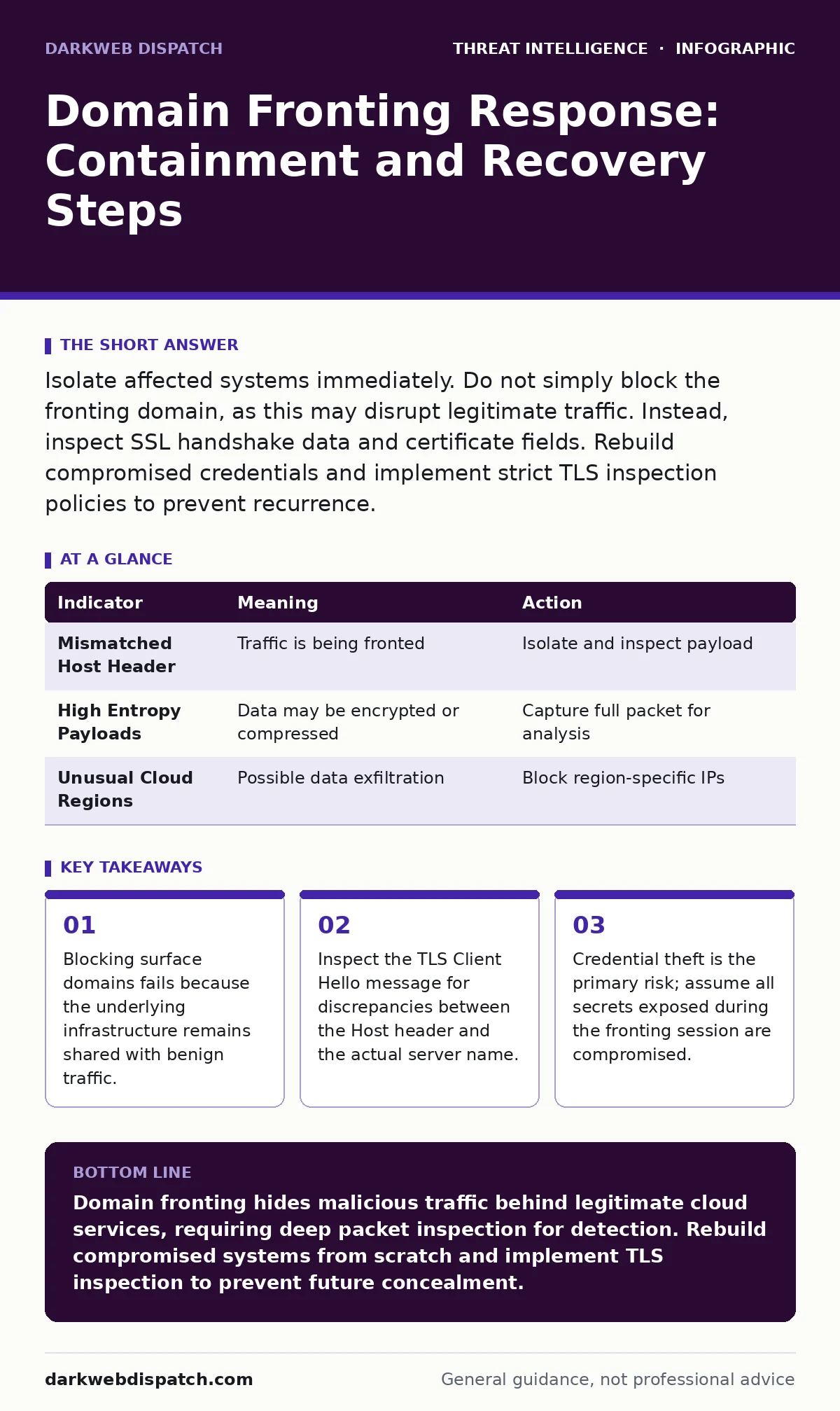
Isolate affected systems immediately. Do not simply block the fronting domain, as this may disrupt legitimate traffic. Instead, inspect SSL handshake data and certificate fields. Rebuild compromised credentials and implement strict TLS inspection policies to prevent recurrence.
The Mechanism of Concealment
Domain fronting exploits the way modern web browsers and servers handle HTTPS connections. You request a resource from a trusted cloud provider, but the server name indication in the TLS handshake matches that provider. The actual destination is hidden inside the HTTP Host header, which arrives only after the secure tunnel is established.
This technique allows traffic to masquerade as legitimate cloud activity. Firewalls that only inspect unencrypted headers or simple domain allow-lists cannot see the true destination. The connection looks like standard traffic to a major content delivery network or cloud storage service.
First Hour: Immediate Isolation
When you detect anomalous traffic patterns suggesting domain fronting, your priority is containment, not analysis. The attacker is likely exfiltrating data or establishing a persistent command-and-control channel. Every second of active connection increases the volume of stolen data.
Disconnect the affected endpoint from the network immediately. Pull the network cable or disable the wireless adapter. Do not shut down the machine, as this destroys volatile memory evidence. Keep it running in an isolated state if your security policy permits.
- Identify the specific host generating the suspicious traffic.
- Physically or logically isolate the device from the corporate network.
- Document the exact time of detection and isolation.
- Preserve system logs and network connection states before any remediation.
First Day: Deep Packet Analysis
You must determine what data left the network. Standard netflow logs show only IP addresses and ports, which appear benign in domain fronting scenarios. The attacker uses the same IP ranges as millions of legitimate users.
You need to inspect the TLS handshake. Specifically, look at the Server Name Indication extension in the Client Hello message. In true domain fronting, the SNI matches the fronting domain, but the HTTP Host header inside the encrypted payload matches the malicious destination.
If your network lacks deep packet inspection capabilities, you cannot see the Host header. You must rely on behavioural anomalies. Look for unusual payload sizes, irregular connection timing, or connections to cloud regions that your business does not normally use.
Credential Compromise Assessment
Domain fronting is rarely an end in itself. It is a transport mechanism for stolen credentials or malware. Assume that any account used to access resources during the fronting session is compromised.
Reset passwords for all privileged accounts immediately. Enable multi-factor authentication if it was not already active. Revoke active sessions and force re-authentication for all users in the affected segment.
Check for lateral movement. Attackers often use stolen credentials to access internal directories or email servers. Review authentication logs for logins from unusual locations or times. Cross-reference these events with the timeline of the fronting activity.
| Indicator | Meaning | Action |
|---|---|---|
| Mismatched Host Header | Traffic is being fronted | Isolate and inspect payload |
| High Entropy Payloads | Data may be encrypted or compressed | Capture full packet for analysis |
| Unusual Cloud Regions | Possible data exfiltration | Block region-specific IPs |
Recovery and System Rebuilding
Do not simply clean the infected system. Rootkits and backdoors can persist in hidden partitions or firmware. The safest recovery path is to rebuild the affected machine from known-good media.
Wipe the hard drive completely. Install a fresh operating system image from verified sources. Restore user data only from backups taken before the compromise date. Do not restore application binaries or scripts unless you can verify their integrity.
Update all software on the new system. Patch known vulnerabilities that may have been exploited to establish the initial foothold. Configure the system with minimal permissions to reduce the attack surface.
See also: Cyber Kill Chain Steps: Mapping Attack Phases to Defence · Traffic Light Protocol: What Small Businesses Need to Know
Preventing Recurrence
You must change how your network inspects traffic. Simple domain filtering is insufficient for modern threats. Implement transparent TLS inspection at your network perimeter.
This involves intercepting HTTPS traffic, decrypting it with your own certificate, inspecting the content, and then re-encrypting it. This allows your security tools to see the actual HTTP Host header. Be aware that this breaks trust for end users unless you install your root certificate on every device.
Use threat intelligence feeds to identify known fronting domains. Integrate these feeds into your proxy or firewall rules. However, remember that attackers create new fronting domains rapidly. Your defence must be behavioural, not just signature-based.
Reporting and Coordination
Inform your internal stakeholders about the incident. Provide a clear timeline of the breach, the data potentially exposed, and the steps taken to contain it. Transparency builds trust and ensures legal compliance.
Share indicators of compromise with relevant industry groups. Information Sharing and Analysis Centres allow you to contribute data while receiving threat intelligence from peers. This collective defence helps identify broader trends.
Document the incident thoroughly. Record what worked and what failed during the response. Use this data to refine your incident response plan. Consider mapping the attack steps to the MITRE D3FEND framework to identify gaps in your defensive posture.
The Hidden Cost of Trust
The most unexpected consequence of domain fronting is the erosion of trust in cloud infrastructure. You must balance security with usability. Overly aggressive inspection can break applications that rely on specific TLS features.
Test your inspection policies in a staging environment. Verify that legitimate applications continue to function correctly. Monitor for false positives in threat detection systems, which can alert on benign encrypted traffic.
Regularly audit your cloud usage. Identify which services your organisation actually uses. Block cloud regions and services that are not part of your approved technology stack. This reduces the noise and makes genuine anomalies easier to spot.
Key takeaways
- Blocking surface domains fails because the underlying infrastructure remains shared with benign traffic.
- Inspect the TLS Client Hello message for discrepancies between the Host header and the actual server name.
- Credential theft is the primary risk; assume all secrets exposed during the fronting session are compromised.
Domain fronting hides malicious traffic behind legitimate cloud services, requiring deep packet inspection for detection. Rebuild compromised systems from scratch and implement TLS inspection to prevent future concealment.
Frequently asked questions
Can I detect domain fronting with a standard firewall?
No, standard firewalls inspect unencrypted headers and IP addresses. Domain fronting hides the true destination inside encrypted traffic, bypassing basic domain filters.
Does TLS inspection slow down my network?
Yes, decrypting and re-encrypting traffic adds latency. You must balance security needs with performance requirements and ensure your hardware can handle the encryption overhead.
How do I know if my certificates are being used for fronting?
Monitor your SSL logs for unusual patterns. If you see high volumes of connections to your certificate from unknown sources or geographic regions, investigate for potential fronting abuse.
Should I block all cloud traffic?
No, this is impractical for modern businesses. Instead, implement strict allow-lists for specific cloud services and regions, and use behavioural analysis to detect anomalies.
How this guide was produced: written by the DarkWeb Dispatch editorial team with AI assistance, checked against the public references listed below, and reviewed when the facts change. See our editorial policy or report an error.