Out-of-band patches: What they are, why they break things, and how to manage them
Out-of-band patches bypass standard testing cycles to fix critical flaws, but they introduce unique stability risks that regular updates do not carry.

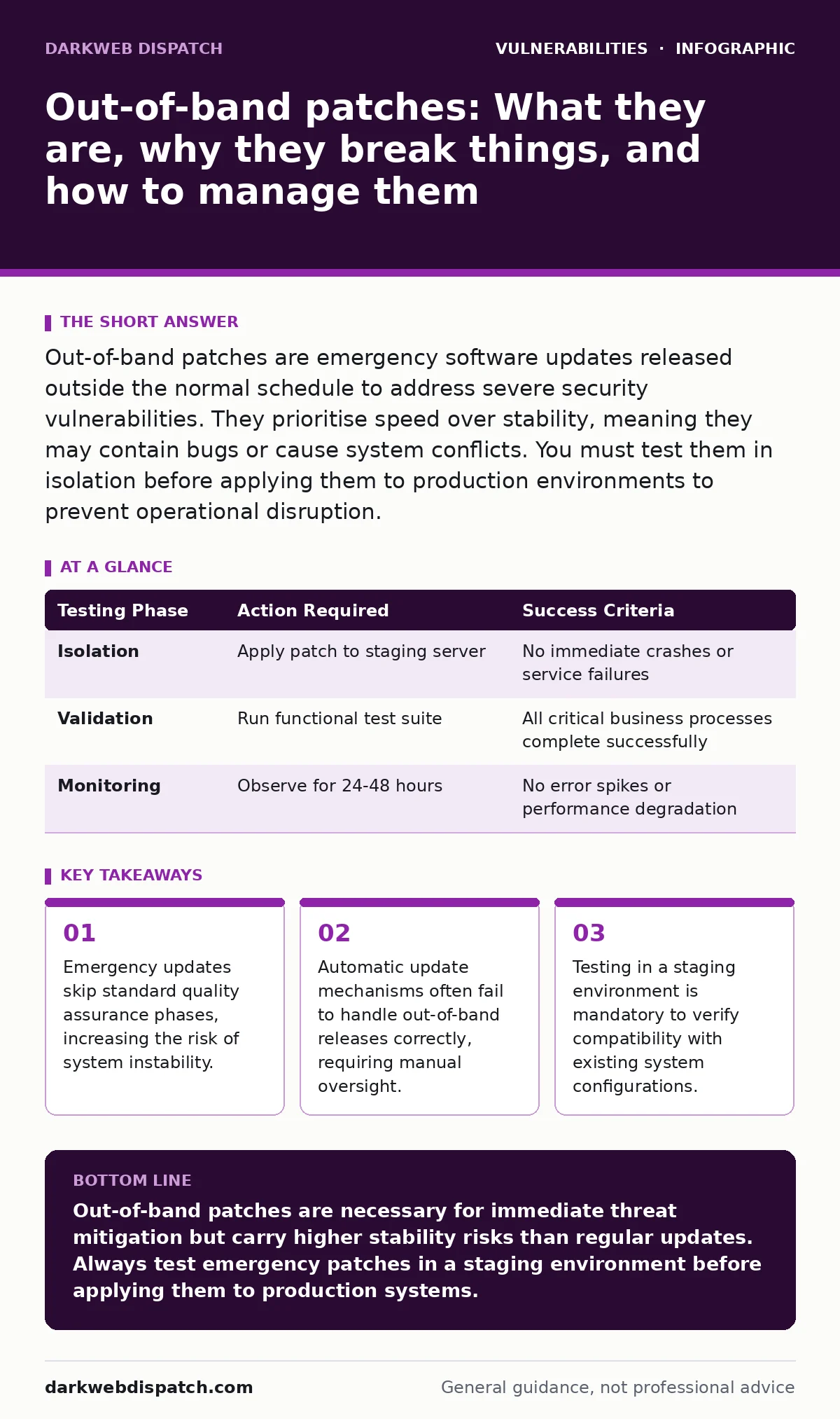
Out-of-band patches are emergency software updates released outside the normal schedule to address severe security vulnerabilities. They prioritise speed over stability, meaning they may contain bugs or cause system conflicts. You must test them in isolation before applying them to production environments to prevent operational disruption.
What defines an out-of-band patch?
An out-of-band patch is a software update released immediately after a vulnerability is discovered, bypassing the regular maintenance window. These updates address critical flaws that pose an immediate threat to system integrity or data confidentiality. Unlike scheduled updates, they do not follow the standard release cadence or feature roadmap.
Why do vendors release emergency updates?
Vendors issue these patches when a vulnerability allows remote code execution or privilege escalation without user interaction. The window of exposure is too dangerous to wait for the next planned maintenance cycle. This urgency often stems from the discovery of zero-day vulnerabilities, which are flaws unknown to the vendor before exploitation begins.
How do they differ from routine updates?
Routine updates include new features, performance improvements, and minor security fixes bundled together. Out-of-band patches contain only the code necessary to mitigate the specific critical threat. This surgical approach reduces the attack surface but increases the likelihood of unintended side effects because the code has not undergone full regression testing.
What are the hidden stability risks?
The primary risk is that the patch may conflict with existing system libraries or third-party applications. Because the update skips comprehensive integration testing, it can cause services to crash or fail to start. Imagine a database server that refuses to boot after an emergency kernel update, halting all business operations until a rollback is performed.
Should you apply them automatically?
No, you should never allow automatic installation of out-of-band patches on production systems. Automated systems lack the context to determine if the patch is compatible with your specific hardware or software configuration. Manual application allows you to review release notes and prepare rollback procedures before changing the system state.
See also: EPSS Percentiles: Prioritise Patching by Real-World Exploit Risk · How Citrix NetScaler Flaws Work: The Attack Chain Explained
How do you test an emergency patch?
Deploy the patch to a staging environment that mirrors your production infrastructure as closely as possible. Run automated test suites to check for functional regressions and service availability. If the staging environment remains stable, proceed with a phased rollout to a small subset of production servers. This method limits the blast radius if the patch causes unexpected failures.
| Testing Phase | Action Required | Success Criteria |
|---|---|---|
| Isolation | Apply patch to staging server | No immediate crashes or service failures |
| Validation | Run functional test suite | All critical business processes complete successfully |
| Monitoring | Observe for 24-48 hours | No error spikes or performance degradation |
What if the patch breaks your system?
If the patch causes instability, you must revert to the previous version immediately. Most operating systems and package managers support rollback commands for this exact scenario. Document the failure mode to help your security team assess whether to wait for a corrected version from the vendor. This situation highlights the trade-off between security and availability.
How do you handle legacy systems?
Legacy systems often lack support for modern patching mechanisms or may not be compatible with new security updates. You must isolate these systems from the network to limit exposure to unpatched vulnerabilities. In some cases, virtual patching through a firewall or intrusion prevention system can provide temporary protection. This approach is particularly relevant when dealing with firmware vulnerabilities that cannot be easily updated in the field.
Why do some patches fail to fix the root cause?
Vendors sometimes release emergency patches that mitigate the symptom rather than fixing the underlying design flaw. This happens when the complexity of the codebase prevents a complete fix within the emergency timeframe. These temporary fixes may leave residual risks that require a more thorough update later. Understanding this distinction helps you prioritise long-term remediation efforts.
How do you manage patch fatigue?
The frequency of emergency updates can overwhelm IT teams, leading to missed patches or rushed deployments. Implement a clear policy that defines the roles and responsibilities for handling out-of-band releases. Automate the detection of new patches but keep the application process manual for critical systems. This balance ensures rapid response without sacrificing operational stability.
Key takeaways
- Emergency updates skip standard quality assurance phases, increasing the risk of system instability.
- Automatic update mechanisms often fail to handle out-of-band releases correctly, requiring manual oversight.
- Testing in a staging environment is mandatory to verify compatibility with existing system configurations.
Out-of-band patches are necessary for immediate threat mitigation but carry higher stability risks than regular updates. Always test emergency patches in a staging environment before applying them to production systems.
Frequently asked questions
Can out-of-band patches be applied to mobile devices?
Yes, but mobile operating systems often push these updates automatically. You may need to disable automatic updates for critical devices to maintain control over the deployment process.
How do I know if a patch is out-of-band?
Check the vendor’s security advisory. Out-of-band patches are usually marked as urgent or critical and are released outside the standard monthly or quarterly update schedule.
Do out-of-band patches require a reboot?
Many kernel-level patches require a reboot to take effect. Application-level patches may not, but you should verify this in the release notes to plan for potential downtime.
What is the difference between an out-of-band patch and an emergency patch?
The terms are often used interchangeably. Both refer to updates released urgently to address critical vulnerabilities, bypassing normal release cycles.
How this guide was produced: written by the DarkWeb Dispatch editorial team with AI assistance, checked against the public references listed below, and reviewed when the facts change. See our editorial policy or report an error.