Wormable Vulnerabilities: What Small Businesses Need to Know
Wormable flaws bypass human interaction to spread automatically, turning a single unpatched device into a rapid network-wide crisis within minutes rather than days.

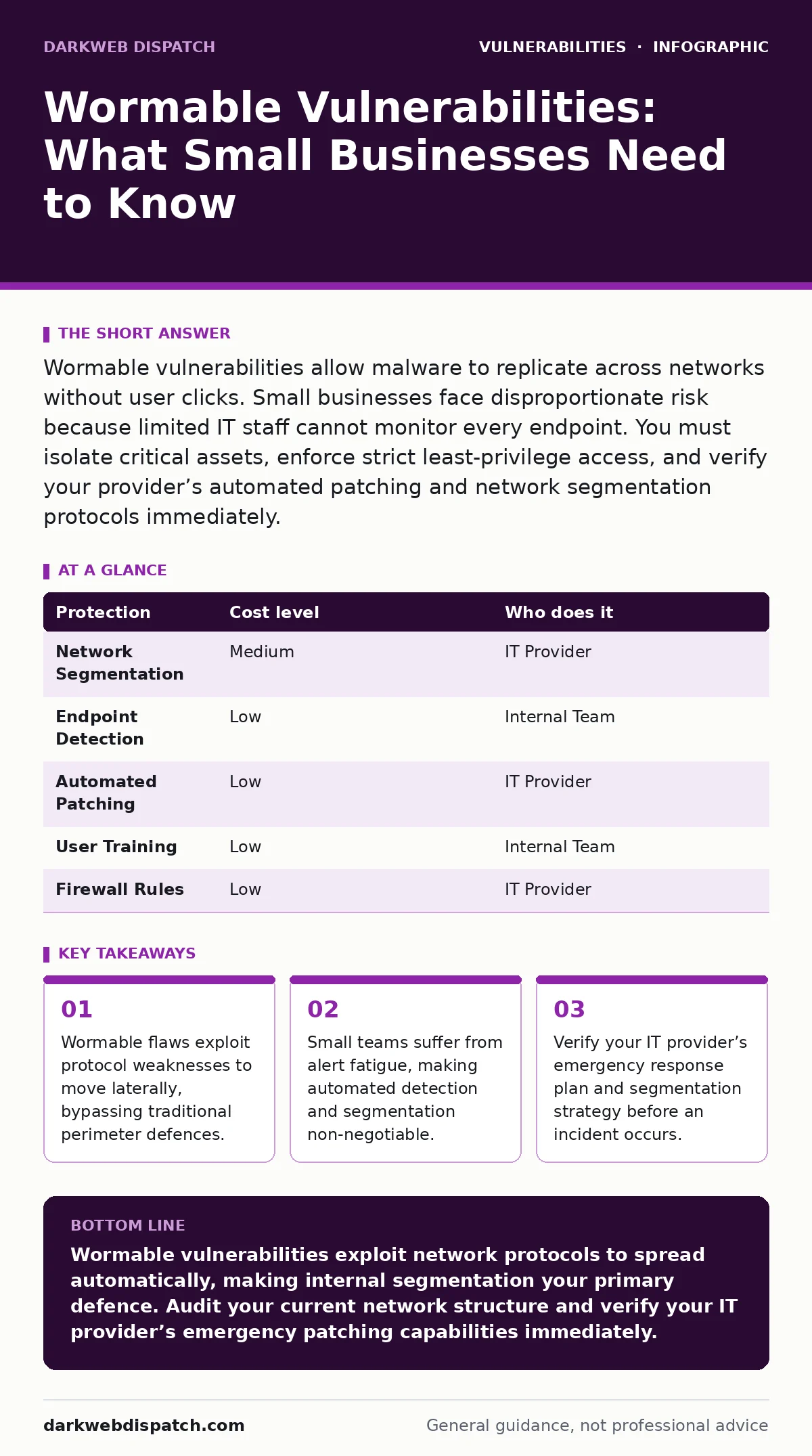
Wormable vulnerabilities allow malware to replicate across networks without user clicks. Small businesses face disproportionate risk because limited IT staff cannot monitor every endpoint. You must isolate critical assets, enforce strict least-privilege access, and verify your provider’s automated patching and network segmentation protocols immediately.
The Silent Threat to Small Operations
Wormable vulnerabilities differ fundamentally from other security flaws because they require zero user interaction to propagate. Most malware relies on social engineering, tricking a user into clicking a link or opening an attachment. Worms exploit technical weaknesses in network protocols or operating systems to copy themselves from one machine to another.
This autonomy makes them exceptionally dangerous for small businesses. You lack the deep packet inspection resources of large enterprises. Your network likely operates on a flat structure, meaning one infected device has direct visibility to every other device. The speed of propagation is the primary concern. A worm can map your entire internal network and deploy payloads before you notice any performance degradation.
Why Scale Amplifies Risk
Small businesses often assume they are too small to be targeted by sophisticated automated attacks. This assumption is incorrect. Attackers use automated scanners to find exploitable systems across the entire internet. Your small footprint does not hide you; it simply means you have fewer layers of defence. When a wormable vulnerability is discovered, attackers race to exploit it before vendors release a fix.
This period, known as the window of exposure, can last days or weeks. For a small team, there is no dedicated security operations centre to monitor traffic anomalies. You rely on standard antivirus solutions, which often struggle to detect new, unknown worm signatures. The consequence is that a single unpatched server can compromise your entire operational capacity.
The Mechanics of Automatic Spread
Understanding how these threats move helps you design better defences. Worms typically exploit flaws in services that communicate over networks. Common targets include remote administration tools, file sharing protocols, and database services. The worm sends a specially crafted packet to a vulnerable service. If the service accepts the packet and executes it, the worm installs itself.
It then scans the local network for other devices running the same vulnerable service. It repeats this process exponentially. This mechanism means that traditional perimeter firewalls are insufficient. Once the worm is inside, it moves laterally. You must assume the perimeter has been breached and focus on internal containment. This is where the concept of network segmentation becomes vital.
Practical Containment Strategies
You cannot prevent every attempt at exploitation, but you can limit the damage. Network segmentation is your first line of defence. Divide your network into smaller zones based on function. Separate the finance team’s devices from the general staff’s workstations. Place servers in a distinct segment with strict access controls. If a worm infects one zone, it cannot easily jump to another.
Next, enforce the principle of least privilege. No user or service should have more access than strictly necessary. Disable remote administration protocols on devices that do not require them. Turn off file sharing services on personal devices connected to the corporate network. These steps reduce the attack surface significantly.
| Protection | Cost level | Who does it |
|---|---|---|
| Network Segmentation | Medium | IT Provider |
| Endpoint Detection | Low | Internal Team |
| Automated Patching | Low | IT Provider |
| User Training | Low | Internal Team |
| Firewall Rules | Low | IT Provider |
Patching and Maintenance Realities
Keeping software updated is the most effective defence against wormable vulnerabilities. However, patching is not always straightforward. Some software vendors release updates irregularly. Critical infrastructure components may require downtime to update. This creates a difficult trade-off between security and availability. You must establish a routine for testing and deploying patches.
For small businesses, relying on an IT provider to manage this process is common. Ensure your provider has a clear policy for emergency patching. Standard monthly cycles are too slow for critical wormable flaws. You need a process that allows for rapid deployment when a severe threat emerges. Delaying patches to avoid disruption often leads to greater disruption later.
See also: IoT Vulnerability Lifecycle: From Physical Access to Data Theft · Network Segmentation for Small Business: Stop Lateral Movement
What to Ask Your IT Provider
Your IT provider is your partner in defence, but you must verify their capabilities. Do not assume they are monitoring for active worm propagation. Ask specific questions about their detection and response methods. Request details on how they segment your network. Understand their patch management timeline. Clarify who is responsible for monitoring alerts during off-hours. These questions reveal whether they have a proactive security posture or a reactive break-fix model. A provider who cannot explain their segmentation strategy may not be able to stop a lateral movement attack.
- How do you segment the network to limit lateral movement?
- What is your timeline for applying critical security patches?
- Do you monitor for unusual internal traffic patterns indicative of scanning?
- How do you validate patches before deployment to avoid system breaks?
- What is the process for emergency incident response?
Hidden Costs and Trade-offs
Implementing strong defences has hidden costs that small businesses often overlook. Network segmentation increases complexity. Troubleshooting connectivity issues becomes more difficult when multiple firewall rules are in place. You may need to update applications that rely on direct server-to-client communication. Endpoint detection and response tools consume system resources.
This can impact performance on older hardware. You must balance security with usability. Overly restrictive rules can hinder productivity. The goal is to create friction for attackers while maintaining smooth operations for legitimate users. Regular reviews ensure your security measures remain effective without becoming burdensome.
Beyond Basic Perimeter Defence
Traditional security focuses on the edge of your network. Wormable vulnerabilities require an internal focus. You must treat every device as a potential entry point. This shift in mindset is challenging but necessary. Integrate your security tools to share information. If an endpoint detects suspicious activity, the firewall should block that device’s traffic.
Look for related topics such as zero-day vulnerabilities to understand the race between attackers and defenders. Understanding input validation helps you appreciate how poor coding practices create these openings. Consider IoT device vulnerabilities as many small businesses use smart devices that are often poorly secured.
Building Resilience Over Time
Security is not a one-time project. It is an ongoing process of adaptation. Attackers constantly refine their methods. New protocols emerge with new flaws. You must stay informed about emerging threats. Subscribe to security advisories from vendors you rely on. Participate in industry groups that share threat intelligence. Regularly test your incident response plan.
Simulate a worm outbreak to see how your team reacts. Identify gaps in your detection and containment procedures. Update your plans based on what you learn. Resilience comes from preparing for failure, not just preventing it. By understanding the mechanics of wormable vulnerabilities, you can design a network that limits their impact.
Key takeaways
- Wormable flaws exploit protocol weaknesses to move laterally, bypassing traditional perimeter defences.
- Small teams suffer from alert fatigue, making automated detection and segmentation non-negotiable.
- Verify your IT provider’s emergency response plan and segmentation strategy before an incident occurs.
Wormable vulnerabilities exploit network protocols to spread automatically, making internal segmentation your primary defence. Audit your current network structure and verify your IT provider’s emergency patching capabilities immediately.
Frequently asked questions
Can a strong firewall stop a wormable vulnerability?
A firewall can block external access, but it cannot stop a worm that has already entered the network through an infected device or insider threat. Internal segmentation is required to stop lateral movement.
How do I know if I have a wormable vulnerability?
You must keep software updated and monitor for unusual network traffic spikes. Security scanners can identify known vulnerabilities, but they cannot detect unknown flaws without active threat intelligence.
Is network segmentation difficult to implement?
Initial setup requires planning and configuration, but modern networking tools simplify the process. The long-term benefit of contained breaches outweighs the initial complexity and minor troubleshooting overhead.
Do I need expensive enterprise software to detect worms?
No, many open-source and standard tools can detect anomalous traffic. Proper configuration and monitoring are more important than the price tag of the software. Focus on visibility and response speed.
How this guide was produced: written by the DarkWeb Dispatch editorial team with AI assistance, checked against the public references listed below, and reviewed when the facts change. See our editorial policy or report an error.