Prevent Microsoft Exchange Vulnerabilities: Priority Measures
Segmentation stops lateral movement faster than patching because attackers exploit the gap between update and restart.
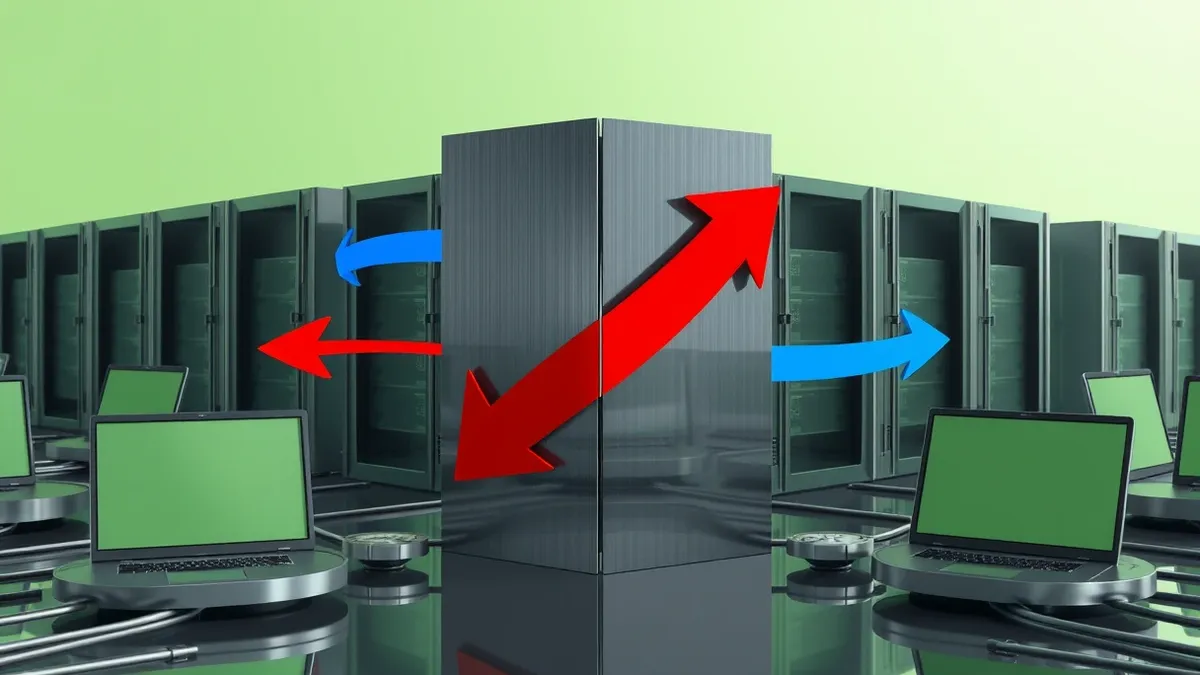
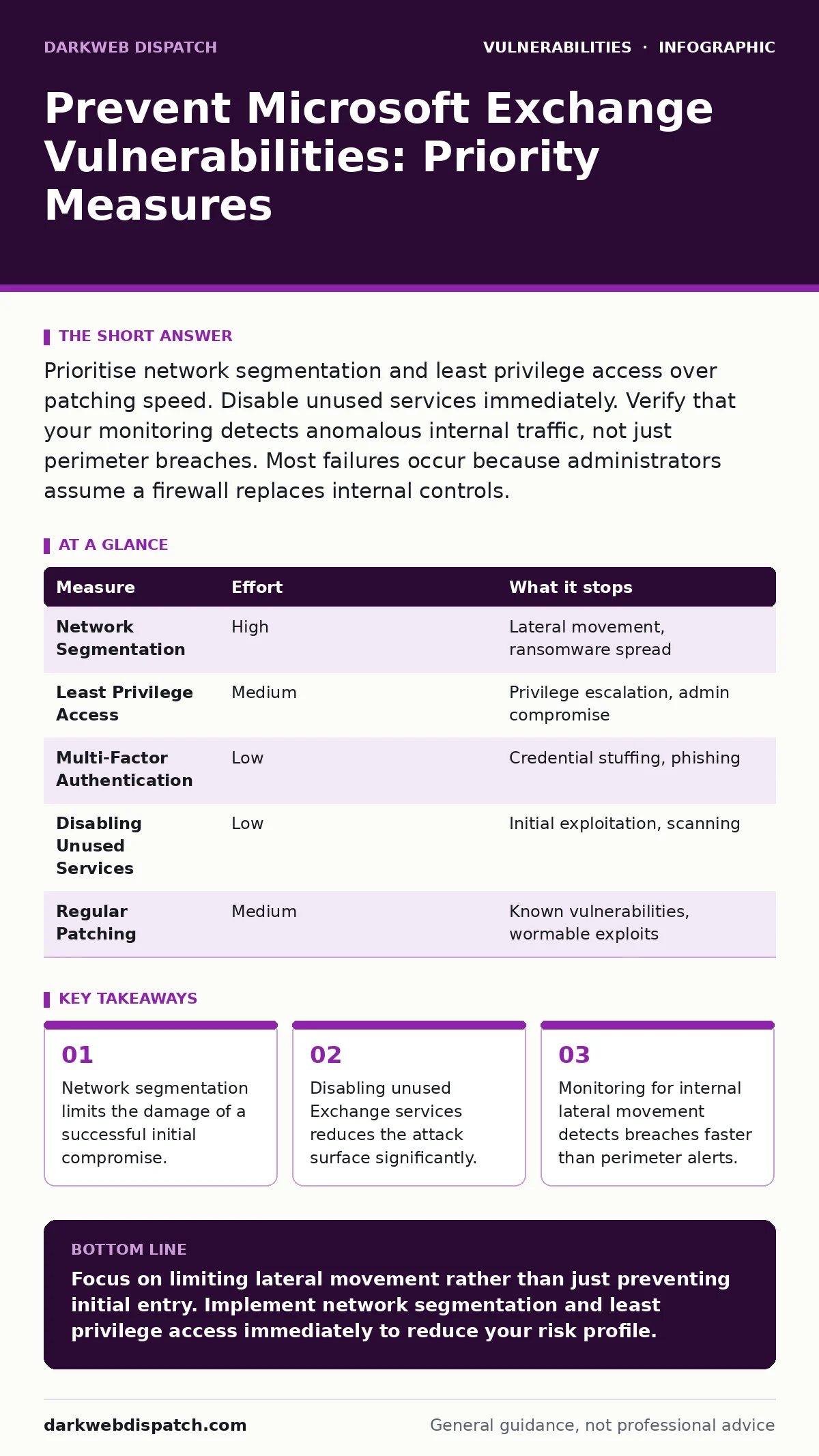
Prioritise network segmentation and least privilege access over patching speed. Disable unused services immediately. Verify that your monitoring detects anomalous internal traffic, not just perimeter breaches. Most failures occur because administrators assume a firewall replaces internal controls.
Rank prevention measures by risk reduction
You must treat Microsoft Exchange as a high-value target that sits at the edge of your network. Attackers often use Exchange as a foothold to move laterally into sensitive internal systems. The most effective prevention strategy focuses on limiting what an attacker can do after they breach the perimeter. Patching remains necessary, but it is not the first line of defence. You should rank your controls by how much risk they remove when a vulnerability is actively exploited.
Segmentation removes the most risk because it contains the breach. If an attacker compromises Exchange, segmentation prevents them from accessing domain controllers or file servers. This control works independently of whether your software is fully patched. You achieve this by placing Exchange servers in a dedicated subnet with strict firewall rules. These rules allow only necessary traffic, such as SMTP or IMAP, to pass through. All other traffic, including management protocols, is blocked by default.
Least privilege access removes significant risk by limiting the impact of stolen credentials. Exchange administrators often have high-level permissions that grant access to other systems. You must restrict these accounts to the minimum permissions required for their tasks. Use separate accounts for daily operations and emergency maintenance. This ensures that a compromised service account cannot escalate privileges to domain admin levels.
Patching removes the specific vulnerability but does not stop the attack chain. Updates often require a server restart, which creates a window of exposure. During this window, attackers can exploit the known weakness. You must plan updates during maintenance windows to minimise downtime. However, relying solely on patching leaves you vulnerable to zero-day vulnerabilities that have no fix yet.
Quick wins to reduce exposure immediately
You can reduce your attack surface within hours by disabling unnecessary services. Microsoft Exchange includes many components that most organisations do not use. These unused services present additional entry points for attackers. You should audit your Exchange configuration and disable any feature that is not actively required for business operations. For example, if you do not use Outlook Web Access, disable the corresponding virtual directories.
Another quick win is to enforce multi-factor authentication for all administrative access. Attackers frequently target admin accounts because they offer immediate control over the environment. Multi-factor authentication adds a layer of security that passwords alone cannot provide. You must ensure that this applies to both remote and local administrative interfaces. This measure stops credential stuffing attacks that rely on stolen passwords.
You should also review your public-facing settings. Exchange servers often expose diagnostic pages or status endpoints to the internet. These pages can leak information about your infrastructure. You must restrict access to these endpoints using IP allow-lists. Only trusted management IPs should be able to reach administrative interfaces. This simple change hides your server from casual scanners and automated bots.
What does not work as a standalone defence
Many organisations believe that a perimeter firewall is sufficient to protect Exchange servers. This belief is dangerous because it ignores the reality of modern attacks. Attackers often bypass perimeter controls by exploiting legitimate user sessions or using compromised credentials. A firewall cannot distinguish between a legitimate user and an attacker using that user's valid session. You must assume that the perimeter will eventually be breached.
Antivirus software on the server is another common misconception. While it helps detect known malware, it cannot prevent exploitation of memory corruption vulnerabilities. Attackers often use fileless techniques that do not leave traces on the disk. These techniques bypass traditional signature-based detection. You must rely on behavioural analysis and network monitoring to detect such activity. Antivirus is a hygiene measure, not a security control for Exchange.
Password complexity requirements alone do not stop attackers. Long, complex passwords are difficult to remember and often written down. Attackers use social engineering or phishing to obtain these passwords directly. You must focus on verifying the identity of the user, not just the strength of their password. This is why multi-factor authentication is superior to complex password policies.
The hidden cost of segmentation
Implementing network segmentation requires careful planning and testing. A misconfigured firewall rule can break email flow or prevent users from accessing their mailboxes. You must map all dependencies before implementing segmentation. This includes identifying which internal systems need to communicate with Exchange. Failure to identify these dependencies leads to outages and lost productivity.
Segmentation also adds complexity to your monitoring. You now have multiple network zones to monitor for anomalous traffic. This requires more sophisticated logging and analysis tools. You must ensure that your security operations team has the skills to interpret this data. Without proper monitoring, segmentation becomes a blind spot rather than a defence.
The effort required to maintain segmentation is ongoing. As your infrastructure changes, you must update your firewall rules accordingly. This requires a disciplined change management process. You must document every rule and its justification. This documentation helps during audits and incident response. It ensures that you understand why each rule exists.
| Measure | Effort | What it stops |
|---|---|---|
| Network Segmentation | High | Lateral movement, ransomware spread |
| Least Privilege Access | Medium | Privilege escalation, admin compromise |
| Multi-Factor Authentication | Low | Credential stuffing, phishing |
| Disabling Unused Services | Low | Initial exploitation, scanning |
| Regular Patching | Medium | Known vulnerabilities, wormable exploits |
Monitoring for lateral movement
You must monitor for signs of lateral movement within your network. Attackers often move from Exchange to other servers to steal data or deploy ransomware. You should look for unusual connections between Exchange servers and domain controllers. These connections may indicate an attempt to harvest credentials or modify Active Directory.
Network flow data is valuable for detecting this activity. You should analyse traffic patterns to identify anomalies. For example, a sudden increase in traffic from Exchange to a file server is suspicious. You must establish a baseline of normal traffic behaviour. This baseline helps you distinguish between legitimate administrative activity and malicious movement.
Endpoint detection and response tools can also help. These tools monitor processes and file changes on servers. You should configure alerts for suspicious process executions, such as PowerShell scripts running on Exchange servers. These scripts are often used by attackers to execute commands and move laterally.
See also: IoT Vulnerability Lifecycle: From Physical Access to Data Theft · Network Segmentation for Small Business: Stop Lateral Movement
Integrating with broader security frameworks
You should integrate your Exchange security measures with your broader security framework. This includes aligning with public frameworks that provide structured guidance. For example, the EPSS percentiles can help you prioritise which vulnerabilities to patch first. This data-driven approach ensures you focus on the most likely threats.
You must also consider the risk of wormable vulnerabilities. These are flaws that allow an attacker to spread automatically across a network. Exchange servers are often targets for such vulnerabilities. You must ensure that your segmentation and monitoring controls are robust enough to stop automatic spread.
Related topics such as mitigations and workarounds provide temporary protection while you apply patches. You should review these regularly to ensure they are still effective. Similarly, understanding server-side template injection can help you protect web-facing components of your infrastructure.
Closing checklist for today
You must take immediate action to reduce your risk. The following checklist provides three critical steps to implement today. These steps focus on quick wins and high-impact controls.
- Disable all unused Exchange virtual directories and services.
- Enforce multi-factor authentication for all administrative accounts.
- Verify that your firewall rules restrict internal traffic to Exchange servers.
Key takeaways
- Network segmentation limits the damage of a successful initial compromise.
- Disabling unused Exchange services reduces the attack surface significantly.
- Monitoring for internal lateral movement detects breaches faster than perimeter alerts.
Focus on limiting lateral movement rather than just preventing initial entry. Implement network segmentation and least privilege access immediately to reduce your risk profile.
Frequently asked questions
How do I know if my Exchange server is segmented correctly?
Test by attempting to connect from a non-Exchange server to Exchange management ports. If the connection fails, segmentation is working.
What is the biggest mistake administrators make with Exchange security?
They rely too heavily on perimeter defenses and ignore internal controls. This leaves them vulnerable to lateral movement.
Can I use EPSS percentiles for Exchange vulnerabilities?
Yes, EPSS provides a probability of exploitation. Use this to prioritise patching efforts for the most likely threats.
Does disabling Outlook Web Access affect mobile users?
It depends on your configuration. Mobile users often use ActiveSync, which is a separate service. You must test before disabling services.
How this guide was produced: written by the DarkWeb Dispatch editorial team with AI assistance, checked against the public references listed below, and reviewed when the facts change. See our editorial policy or report an error.