Browser Extension Vulnerabilities: Risks and Protection for Small Businesses
Browser extensions often possess deeper system privileges than the websites they visit, turning a simple productivity tool into a vector for persistent data theft.

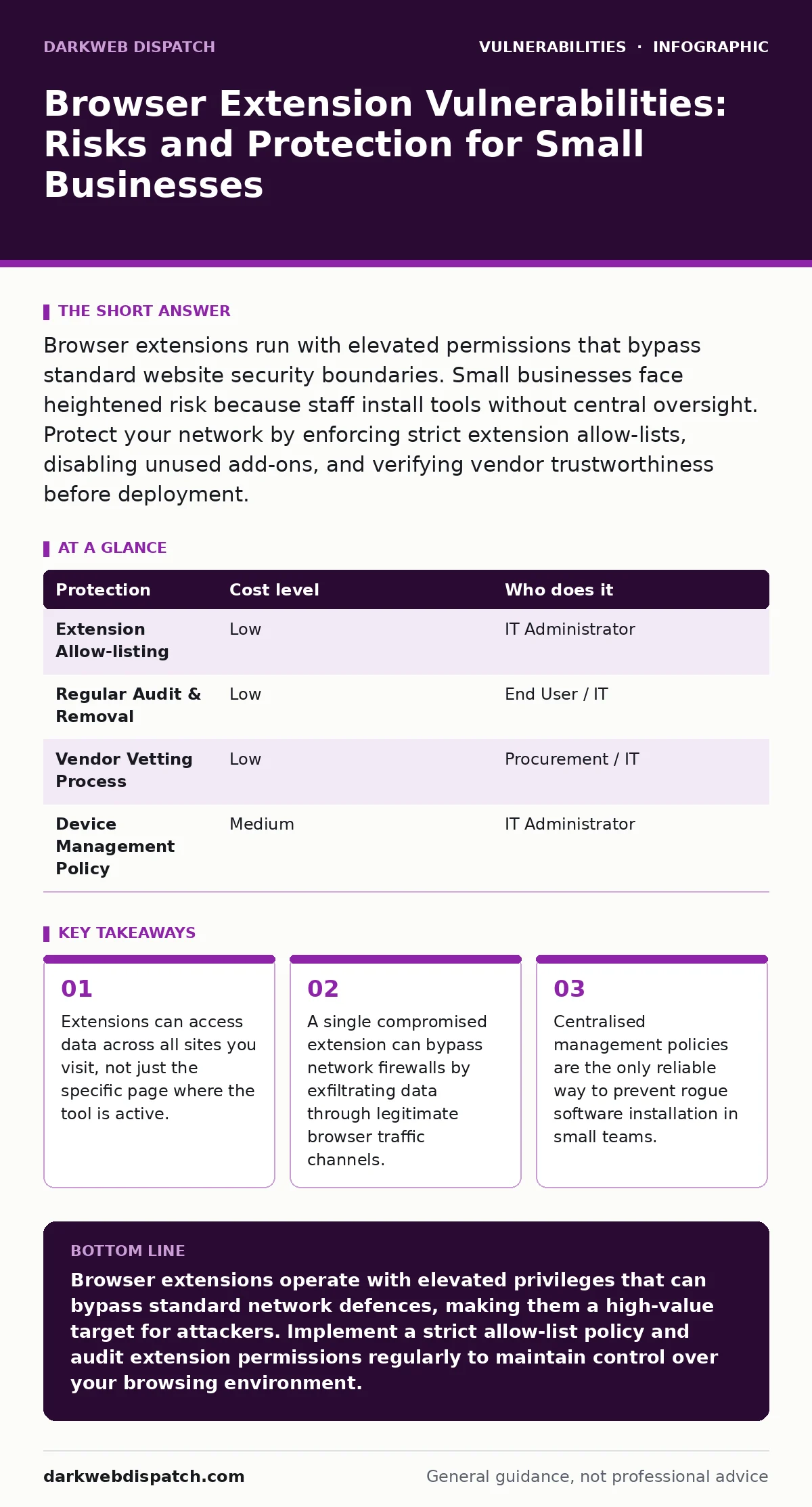
Browser extensions run with elevated permissions that bypass standard website security boundaries. Small businesses face heightened risk because staff install tools without central oversight. Protect your network by enforcing strict extension allow-lists, disabling unused add-ons, and verifying vendor trustworthiness before deployment.
The Privilege Gap in Browser Architecture
You might assume that a browser extension operates within the same security sandbox as the webpage you are viewing. This assumption is incorrect. Modern browsers grant extensions specific permissions that allow them to interact with the browser engine directly. These permissions often include the ability to read, modify, or inject content into any webpage you visit.
This architectural design creates a privilege gap. A malicious extension does not need to exploit a vulnerability in a website’s code to steal data. It simply waits for you to enter information into a form. Because the extension runs with higher privileges than the web page, it can capture keystrokes, read clipboard contents, and intercept network requests before encryption occurs.
The risk is compounded by the fact that extensions often request broad permissions. A tool designed to highlight text might request access to "all sites" to function correctly. This broad scope means that if the extension is compromised, the attacker gains a foothold in your entire browsing session. You are effectively trusting the extension developer with your digital identity.
Why Small Organisations Face Disproportionate Risk
Small businesses often lack the dedicated security teams required to audit every piece of software installed on corporate devices. This operational reality creates a blind spot. Employees frequently install extensions to improve productivity, such as grammar checkers, ad blockers, or PDF converters. These installations often happen without IT approval.
The consequence is a fragmented security posture. One employee might install a legitimate tool, while another installs a counterfeit version of the same tool. The counterfeit extension may contain malware designed to harvest credentials. Because small organisations rarely monitor browser activity at the extension level, this threat persists undetected.
Imagine a scenario where a sales representative installs a CRM integration tool. The tool is legitimate, but the developer’s account is hijacked. The attacker pushes a malicious update to all users. Without centralised control, the small business has no way to detect or roll back the change quickly. The attacker now has silent access to every customer interaction recorded in the browser.
The Hidden Cost of Convenience
Convenience is the primary driver for extension adoption, but it carries a hidden cost. When you grant an extension permission to read your browsing data, you are creating a persistent data collection point. This data is often stored locally on your device or transmitted to remote servers controlled by the extension developer.
If the developer’s infrastructure is breached, your data is exposed. You have no control over how that data is stored or protected. This is a significant risk for businesses handling sensitive client information. The extension becomes a secondary database that you did not authorise and cannot audit.
Furthermore, extensions can interfere with other security tools. A poorly coded extension might disable JavaScript security features or modify headers that security scanners rely on. This interference can create false negatives in vulnerability scans, giving you a false sense of security. You might believe your systems are secure when, in fact, the browser environment is compromised.
Low-Cost Protections for Limited IT Resources
You do not need an expensive security suite to mitigate extension risks. Basic administrative controls can significantly reduce your exposure. The first step is to enforce an allow-list policy. Only pre-approved extensions should be permitted on company devices. This policy prevents employees from installing unknown or unvetted tools.
The second step is to disable unused extensions. Every active extension increases your attack surface. By disabling tools that are not currently in use, you reduce the number of potential entry points for attackers. This simple habit limits the impact of a compromised extension to the specific tasks where it is active.
The third step is to verify the source of every extension. Check the developer’s reputation, the number of users, and the recency of updates. Avoid extensions with vague privacy policies or excessive permission requests. If an extension asks for more access than it needs to perform its stated function, treat it as suspicious.
| Protection | Cost level | Who does it |
|---|---|---|
| Extension Allow-listing | Low | IT Administrator |
| Regular Audit & Removal | Low | End User / IT |
| Vendor Vetting Process | Low | Procurement / IT |
| Device Management Policy | Medium | IT Administrator |
What to Ask an IT Provider
If you outsource your IT management, you must ensure that extension security is part of the service agreement. Many providers focus on server and network security, neglecting the endpoint browser environment. You need to verify that their monitoring extends to the applications running within the browser.
Ask your provider specific questions about their approach to extension management. Do they have a process for vetting new extensions before deployment? How often do they audit existing extensions for malicious behaviour? What is their response time if a popular extension is found to be compromised?
You should also inquire about their use of device management tools. Modern mobile device management solutions can enforce extension policies across all company devices. This ensures that even if an employee tries to install a banned extension, the installation is blocked automatically. This level of control is critical for maintaining a consistent security posture.
- How do you validate the security of browser extensions before allowing them on company devices?
- What is your process for monitoring extension updates and detecting malicious changes?
- Do you use centralised device management to enforce extension allow-lists?
See also: EPSS Percentiles: Prioritise Patching by Real-World Exploit Risk · How Citrix NetScaler Flaws Work: The Attack Chain Explained
The Role of Standards and Frameworks
While commercial products vary in quality, open standards provide a baseline for security. You should look for providers that adhere to established security frameworks. These frameworks often include guidelines for software supply chain security, which covers how extensions are developed, tested, and distributed.
Understanding the concept of zero-day vulnerabilities is also helpful. A zero-day is a security flaw that is unknown to the vendor and has no patch available. Extensions are particularly susceptible to zero-days because their code is often complex and poorly documented. If an extension contains a zero-day, it can be exploited before you have any chance to react.
Similarly, be aware of disputed and rejected CVEs. These are vulnerability reports that have been challenged or dismissed by the vendor. In the context of extensions, a rejected CVE might indicate that the vendor is downplaying a security issue. You should be cautious of extensions whose developers are unresponsive to security concerns.
Integrating Extension Security into Broader Defence
Extension security does not exist in isolation. It must be integrated with your broader security strategy. For instance, if you use a web application firewall, you should ensure that it can inspect traffic generated by extensions. Some extensions can bypass standard inspection by using encrypted channels or non-standard ports.
You should also consider the implications of directory listing exposure. If an extension stores data locally, that data might be accessible if your server configurations are misconfigured. Ensuring that your web servers do not expose directory listings prevents attackers from discovering stored extension data.
Finally, keep an eye on WordPress plugin update policies if you manage a web presence. While plugins and extensions are different, the security principles are similar. Both require regular updates and strict vetting. A lapse in one area often indicates a lapse in the other. By treating extensions with the same rigor as server-side plugins, you create a more resilient security posture.
Key takeaways
- Extensions can access data across all sites you visit, not just the specific page where the tool is active.
- A single compromised extension can bypass network firewalls by exfiltrating data through legitimate browser traffic channels.
- Centralised management policies are the only reliable way to prevent rogue software installation in small teams.
Browser extensions operate with elevated privileges that can bypass standard network defences, making them a high-value target for attackers. Implement a strict allow-list policy and audit extension permissions regularly to maintain control over your browsing environment.
Frequently asked questions
Can a browser extension steal my password?
Yes, if the extension has permission to access your browsing data or interact with forms, it can capture passwords as you type them or retrieve them from stored credentials.
How do I know if an extension is malicious?
Look for signs such as excessive permission requests, poor user reviews, lack of developer transparency, or sudden changes in functionality. Regular audits by IT can also detect anomalies.
Do antivirus programs protect against bad extensions?
Traditional antivirus software may not detect malicious extensions because they run within the browser process. Specialised endpoint detection and response tools are more effective.
Should I disable all extensions for security?
Disabling all extensions is impractical for most workflows. Instead, disable unused extensions and maintain a strict allow-list of verified, necessary tools to balance security and productivity.
How this guide was produced: written by the DarkWeb Dispatch editorial team with AI assistance, checked against the public references listed below, and reviewed when the facts change. See our editorial policy or report an error.