Role-Based Access Control Example: How RBAC Limits Exposure
Assigning permissions to job titles rather than individuals reduces the risk of orphaned accounts and simplifies security audits.

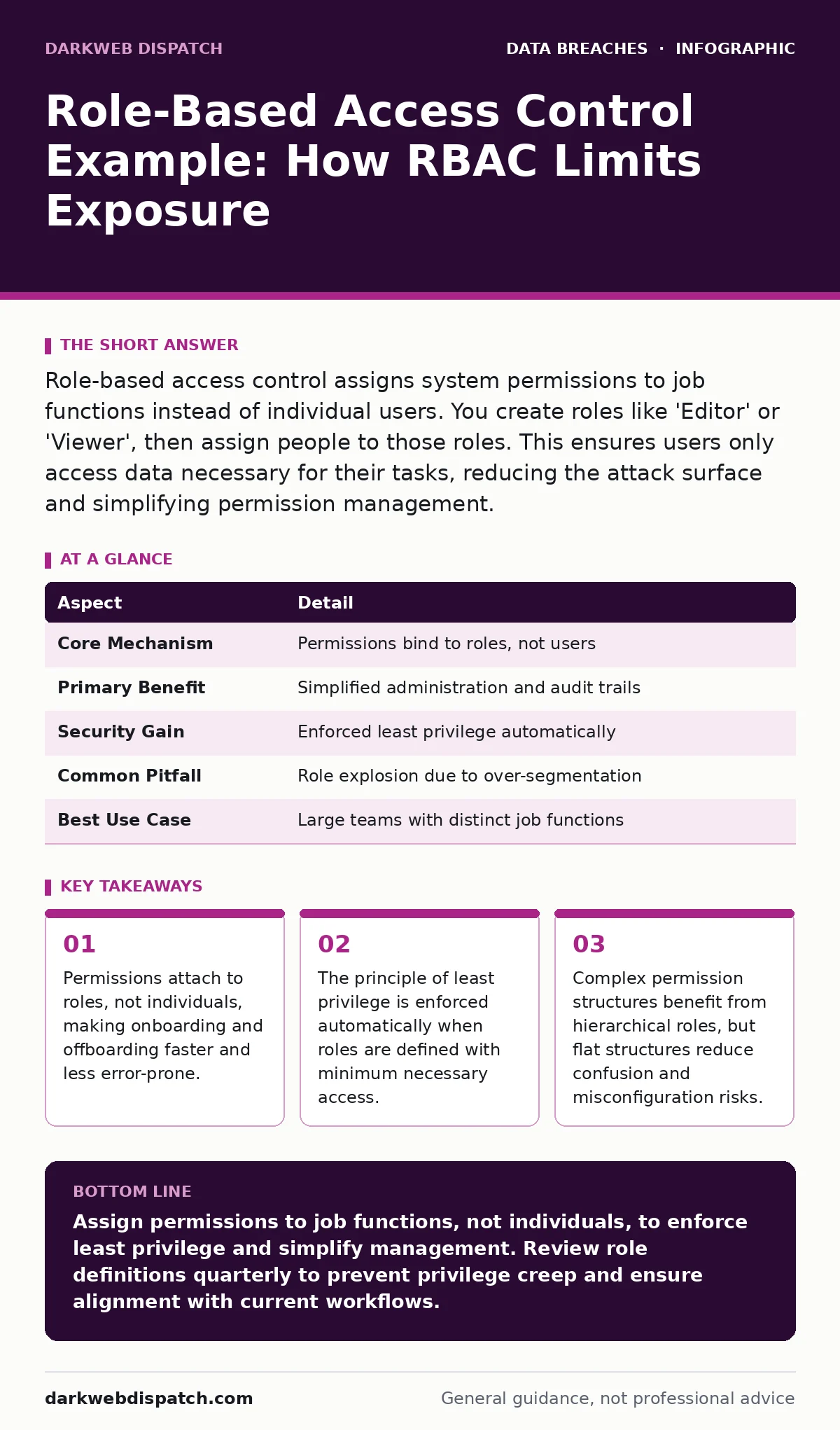
Role-based access control assigns system permissions to job functions instead of individual users. You create roles like 'Editor' or 'Viewer', then assign people to those roles. This ensures users only access data necessary for their tasks, reducing the attack surface and simplifying permission management.
What is role-based access control
Role-based access control is a method of regulating access to computer or network resources based on the roles of individual users within an enterprise. Instead of granting permissions to specific people, you grant them to job titles or functions. This approach separates the security policy from the user assignment.
Imagine a hospital database. You do not grant 'Access Patient Records' to John or Jane. You grant it to the role 'Doctor'. When John becomes a doctor, he gets the access. When he leaves, you remove his assignment to the role. The role remains unchanged. This decoupling is the core mechanic of the system.
| Aspect | Detail |
|---|---|
| Core Mechanism | Permissions bind to roles, not users |
| Primary Benefit | Simplified administration and audit trails |
| Security Gain | Enforced least privilege automatically |
| Common Pitfall | Role explosion due to over-segmentation |
| Best Use Case | Large teams with distinct job functions |
This model contrasts with discretionary access control, where data owners decide who sees what, and mandatory access control, where the system enforces strict labels like 'Top Secret'. Role-based access control sits in the middle, offering a balance of security and usability for most organisations.
A role-based access control example
Understanding the mechanics requires seeing how permissions flow from definition to execution. The process begins with identifying the functions within your organisation. You then map the required permissions to each function. Finally, you assign users to those functions.
This scenario highlights the administrative efficiency. If the dashboard adds a new 'Export' feature, you grant it to the 'Campaign Manager' role. Everyone in that role gains access instantly. You do not need to visit twenty individual user profiles. This scalability is why large organisations prefer this model over manual user-by-user configuration.
How the model works in practice
The system relies on three components: users, roles, and permissions. Users are the human actors. Roles are collections of permissions. Permissions are the atomic actions allowed on a resource, such as 'read', 'write', or 'delete'.
You define the roles first. A 'Financial Analyst' role might include 'view reports' and 'export data'. A 'System Administrator' role might include 'modify settings' and 'manage users'. These definitions are static. They do not change when staff turnover occurs.
When a user logs in, the system checks their assigned roles. It aggregates all permissions from all their roles. If any role grants access, the user is allowed to proceed. This is known as a union of permissions. Some systems support intersection, where all roles must agree, but union is more common for ease of use.
The enforcement happens at the application or server level. The software consults the access control list associated with the role. This check occurs before every action. If the user lacks the permission, the system denies the request and logs the attempt. This logging is vital for detecting unauthorized access attempts.
Who this affects and why it matters
This model affects every organisation with more than a handful of employees sharing digital resources. Small teams often rely on shared credentials or overly broad admin rights. This creates a hidden cost. When an employee leaves, their access often remains active because no one tracks individual permissions.
Role-based access control eliminates this drift. It forces a structure where access is tied to employment status and function. This reduces the risk of credential leaks persisting after someone departs. It also clarifies accountability. If data is leaked, you know exactly which role had the capability, not just which person clicked a button.
Consider the impact on secrets management. If roles are poorly defined, users may store sensitive keys in insecure locations because they cannot access them through proper channels. Well-defined roles ensure that only authorised personnel can retrieve secrets, reducing the temptation to bypass security controls.
What people usually get wrong
A common error is creating a role for every unique permission combination. This leads to role explosion. You might end up with fifty roles for a team of ten people. This defeats the purpose. The goal is to group users by function, not by their every possible action.
Another mistake is ignoring the principle of least privilege. Administrators often grant 'Admin' rights to everyone to avoid friction. This is dangerous. It means a single compromised account can destroy the entire environment. Define roles with the minimum access needed to do the job. If a user needs more, create a separate, specific role or use temporary elevation.
People also forget to review role definitions. Business processes change. A 'Sales' role might not need access to 'Customer Support Tickets' after a system integration. If you do not audit the roles, permissions accumulate. This stale access increases the attack surface. Regular audits are necessary to keep the model effective.
See also: Difference Between Authorized and Unauthorized Access: The Hidden Boundaries · What is Cloud Governance: Control Access Without Choking Innovation
Managing the lifecycle of access
The value of this model shines during onboarding and offboarding. When a new employee starts, you assign them to one or more roles. This takes minutes. When they leave, you revoke their role assignments. This happens instantly across all systems.
You must also handle changes in role. When an employee moves departments, you remove old roles and add new ones. This separation of duties is critical. It ensures that no single person has conflicting interests. For example, the person who writes code should not be the one who deploys it to production.
This lifecycle management supports data inventory and mapping efforts. You can trace exactly which roles have access to which data sets. This visibility is required for compliance frameworks. It helps you answer questions about who can see what, and when they last accessed it.
Integrating with broader security strategies
Role-based access control does not exist in isolation. It works best when combined with other controls. Multi-factor authentication ensures that the person logging in is who they claim to be. Without this, role assignments are meaningless if credentials are stolen.
It also complements data breach prevention strategies. By limiting access, you reduce the amount of data exposed in a breach. If an attacker compromises a low-privilege account, they cannot access sensitive databases. This containment limits damage.
Furthermore, it aids in managing email account compromise. If an attacker gains access to an email account, they may try to reset passwords for other systems. If the email account has no administrative roles, the attacker cannot escalate privileges. This segmentation contains the breach.
Practical steps for implementation
Start by auditing your current access. Identify who has access to what. Group users by their job functions. Look for commonalities in their permissions. These commonalities form the basis of your roles.
Define the roles clearly. Name them by function, not by person. Describe the permissions each role holds. Review these definitions with stakeholders. Ensure they reflect the actual workflow.
Assign users to roles. Remove any direct permissions assigned to individuals. Monitor the system for errors. Users may complain if they lose access to something they think they need. Investigate these complaints. They often reveal hidden dependencies or poorly defined roles.
Regularly review the roles. Remove unused permissions. Merge redundant roles. Split roles that have become too broad. This continuous refinement keeps the system secure and manageable.
Key takeaways
- Permissions attach to roles, not individuals, making onboarding and offboarding faster and less error-prone.
- The principle of least privilege is enforced automatically when roles are defined with minimum necessary access.
- Complex permission structures benefit from hierarchical roles, but flat structures reduce confusion and misconfiguration risks.
Assign permissions to job functions, not individuals, to enforce least privilege and simplify management. Review role definitions quarterly to prevent privilege creep and ensure alignment with current workflows.
Frequently asked questions
How does role-based access control differ from attribute-based access control?
Role-based access control uses job titles to grant access, while attribute-based access control uses dynamic attributes like location, time, or device status. The latter is more flexible but complex to manage.
Can one user have multiple roles?
Yes, users can have multiple roles. The system combines the permissions from all assigned roles. This is useful for users with cross-functional responsibilities, but requires careful monitoring to avoid privilege creep.
Is role-based access control suitable for small teams?
It is suitable for any team sharing resources. For very small teams, the overhead may seem high, but it establishes good habits early. It prevents the accumulation of unmanaged permissions as the team grows.
How do you handle temporary access needs?
Create specific roles for temporary needs, such as 'Project Alpha Contributor'. Assign users to these roles for a limited time. Use automated tools to revoke access after the project ends.
How this guide was produced: written by the DarkWeb Dispatch editorial team with AI assistance, checked against the public references listed below, and reviewed when the facts change. See our editorial policy or report an error.