Difference Between Authorized and Unauthorized Access: The Hidden Boundaries
The boundary between authorized and unauthorized access often fails not at the firewall, but within the permissions granted to legitimate users who misuse their rights.

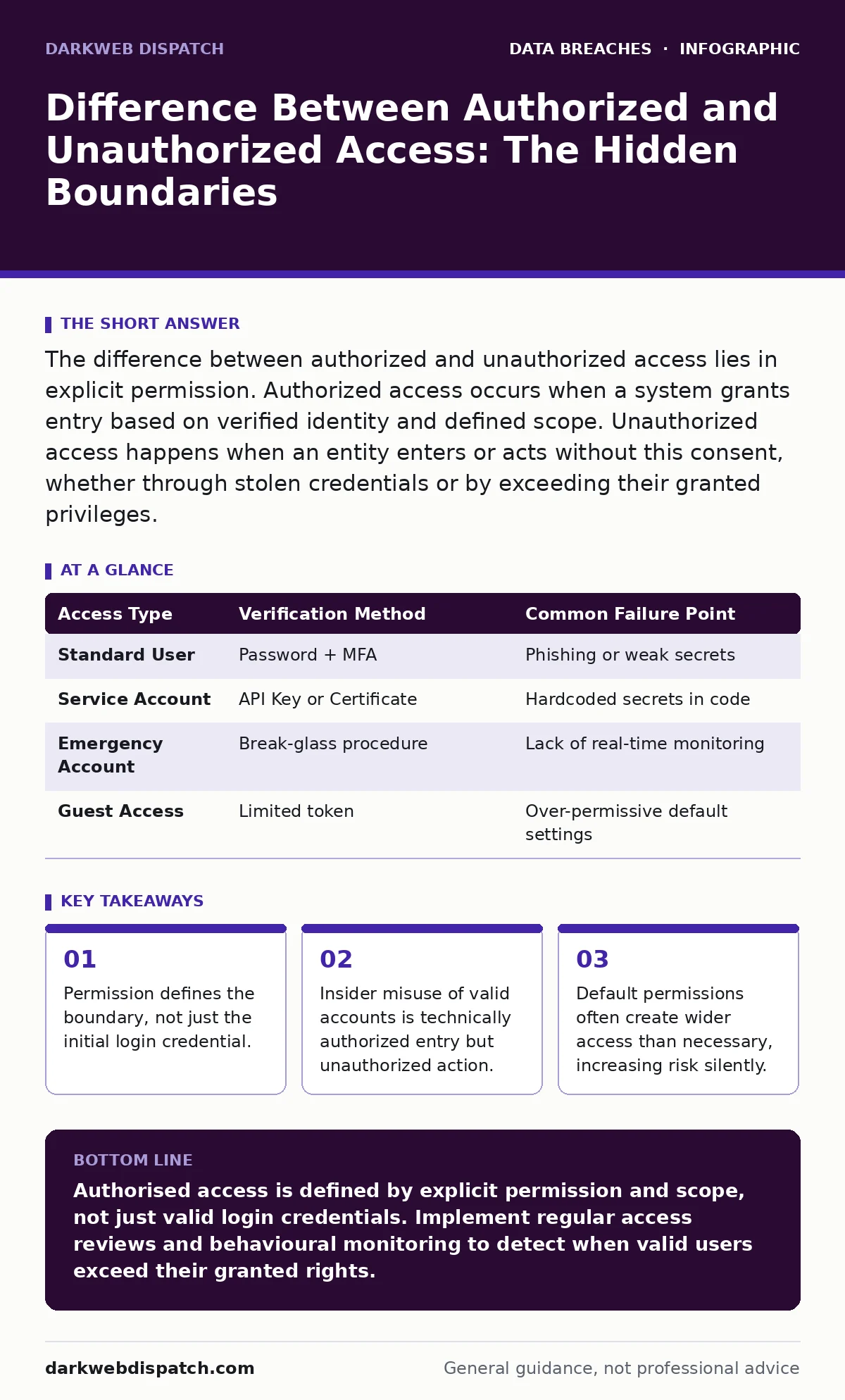
The difference between authorized and unauthorized access lies in explicit permission. Authorized access occurs when a system grants entry based on verified identity and defined scope. Unauthorized access happens when an entity enters or acts without this consent, whether through stolen credentials or by exceeding their granted privileges.
What is the fundamental difference between authorized and unauthorized access?
The difference between authorized and unauthorized access is the presence of explicit, verifiable permission to interact with a specific resource. Authorized access means the system recognises the user and permits the specific action they request. Unauthorized access means the system either rejects the user or the user performs an action outside their granted scope. This distinction matters because security tools often only block the latter, leaving the former vulnerable to misuse.
How does a system determine if access is authorised?
Systems determine authorisation through three distinct steps: identification, authentication and authorisation. Identification claims an identity, such as a username. Authentication proves that identity, usually via a password or token. Authorisation checks whether that proven identity has the right to perform the requested action on the specific object. Many organisations focus heavily on authentication while neglecting the granular checks of authorisation, creating gaps where valid users can cause harm.
Can a user have authorised access but perform unauthorised actions?
Yes, a user can hold valid credentials and still perform actions they are not permitted to take. This scenario is known as privilege abuse or insider threat. The system grants entry because the identity is correct, but the user exceeds their defined role. For example, a support agent may access customer records to fix a ticket but then export that data for personal use. The entry was authorised; the data exfiltration was not. Detecting this requires monitoring behaviour, not just checking login success.
Why do default permissions often lead to unauthorised access?
Default permissions frequently grant more access than necessary to ensure system functionality, a practice known as least privilege violation. When accounts are created, they often inherit broad rights to simplify initial setup. Over time, these rights are rarely reviewed or removed. This accumulation of unused privileges creates a large attack surface. If an attacker compromises one of these accounts, they gain immediate access to resources the original user never needed. Regular audits of role-based access control settings prevent this silent expansion of risk.
How do stolen credentials blur the line between authorised and unauthorised access?
Stolen credentials allow an attacker to masquerade as a legitimate user, making their access appear authorised to the system. The system sees a valid username and correct password, so it grants entry. To the security logs, this looks like normal activity. The unauthorised nature of the access is hidden behind the validity of the credentials. This is why monitoring for impossible travel or unusual login times is necessary. Without behavioural analysis, stolen credentials bypass basic access controls entirely. Reviewing credential leaks in public databases helps identify compromised accounts before attackers use them.
See also: Role-Based Access Control Example: How RBAC Limits Exposure · What is Cloud Governance: Control Access Without Choking Innovation
What role does context play in determining access rights?
Context determines whether a specific request is appropriate at a given time and place. Context-aware access control considers factors like location, device health and time of day. A user logging in from an unusual country may trigger a block, even with correct credentials. This adds a layer of security beyond simple password checks. It recognises that a valid identity does not always imply a legitimate intent. Implementing these checks reduces the risk of account takeover, though it may occasionally inconvenience legitimate users travelling or working remotely.
How can misconfigurations create unauthorised access points?
Misconfigurations often leave resources exposed to the public internet without any authentication requirement. This is common in misconfigured cloud storage leaks, where administrators forget to set private permissions on shared folders. Any person with the link can view or download the data. This is not a hack in the traditional sense; it is a failure to restrict access. The system allows anyone to enter because it was never told to stop them. Regular scanning for open ports and public buckets is necessary to find these gaps.
What are the exceptions to standard access control models?
Emergency access accounts, often called break-glass accounts, bypass standard controls to allow immediate entry during crises. These accounts have elevated privileges to resolve critical system failures. The exception is that they often lack the same logging or multi-factor authentication requirements as standard accounts. This creates a high-risk vector if not monitored closely. Another exception is service accounts, which run automated processes and may have broad permissions. Both require strict oversight to prevent abuse.
| Access Type | Verification Method | Common Failure Point |
|---|---|---|
| Standard User | Password + MFA | Phishing or weak secrets |
| Service Account | API Key or Certificate | Hardcoded secrets in code |
| Emergency Account | Break-glass procedure | Lack of real-time monitoring |
| Guest Access | Limited token | Over-permissive default settings |
How do standards help manage authorised access?
Frameworks like ISO 27001 and PCI DSS provide structured approaches to managing access rights. They require organisations to define who needs access to what and to review those rights regularly. These standards do not dictate specific tools but enforce processes. They mandate that access is granted on a need-to-know basis and revoked when no longer required. Adhering to these standards reduces the likelihood of orphaned accounts and excessive privileges. They also help demonstrate due diligence in the event of an audit or incident.
What steps should you take to secure access boundaries?
You must implement continuous monitoring and regular access reviews. Start by mapping your data with a thorough data inventory and mapping exercise to understand what needs protection. Then, apply the principle of least privilege, granting only the minimum access required for each role. Use automated tools to detect anomalies in user behaviour, such as large data downloads or logins at odd hours. Finally, ensure that third-party vendors undergo third-party risk assessments to verify their access controls meet your standards. This layered approach closes gaps that single-point solutions miss.
Key takeaways
- Permission defines the boundary, not just the initial login credential.
- Insider misuse of valid accounts is technically authorized entry but unauthorized action.
- Default permissions often create wider access than necessary, increasing risk silently.
Authorised access is defined by explicit permission and scope, not just valid login credentials. Implement regular access reviews and behavioural monitoring to detect when valid users exceed their granted rights.
Frequently asked questions
Is unauthorized access always a hacker?
No. Unauthorized access can be an insider misusing valid credentials, a misconfigured system allowing public entry, or an attacker using stolen details. The key is the lack of permission for the specific action.
How do I know if my access controls are working?
You cannot know for certain without testing. Conduct regular penetration tests and review access logs for anomalies. If you never attempt to access a resource you shouldn't, you won't know if the controls actually block you.
What is the biggest mistake companies make with access?
The biggest mistake is granting permissions and never revoking them. Employees change roles or leave, but their access remains. This accumulation of unused rights creates a significant security risk that is often overlooked.
Can multi-factor authentication prevent unauthorized access?
Multi-factor authentication prevents unauthorized login by verifying identity. It does not prevent unauthorized actions by a legitimate user. Once logged in, a user with MFA can still perform actions they are not supposed to if authorisation is weak.
How this guide was produced: written by the DarkWeb Dispatch editorial team with AI assistance, checked against the public references listed below, and reviewed when the facts change. See our editorial policy or report an error.