Emergency Patching: The High Cost of Fixing Critical Flaws Fast
Emergency patching often introduces more instability than it resolves, making careful triage more valuable than rapid deployment.

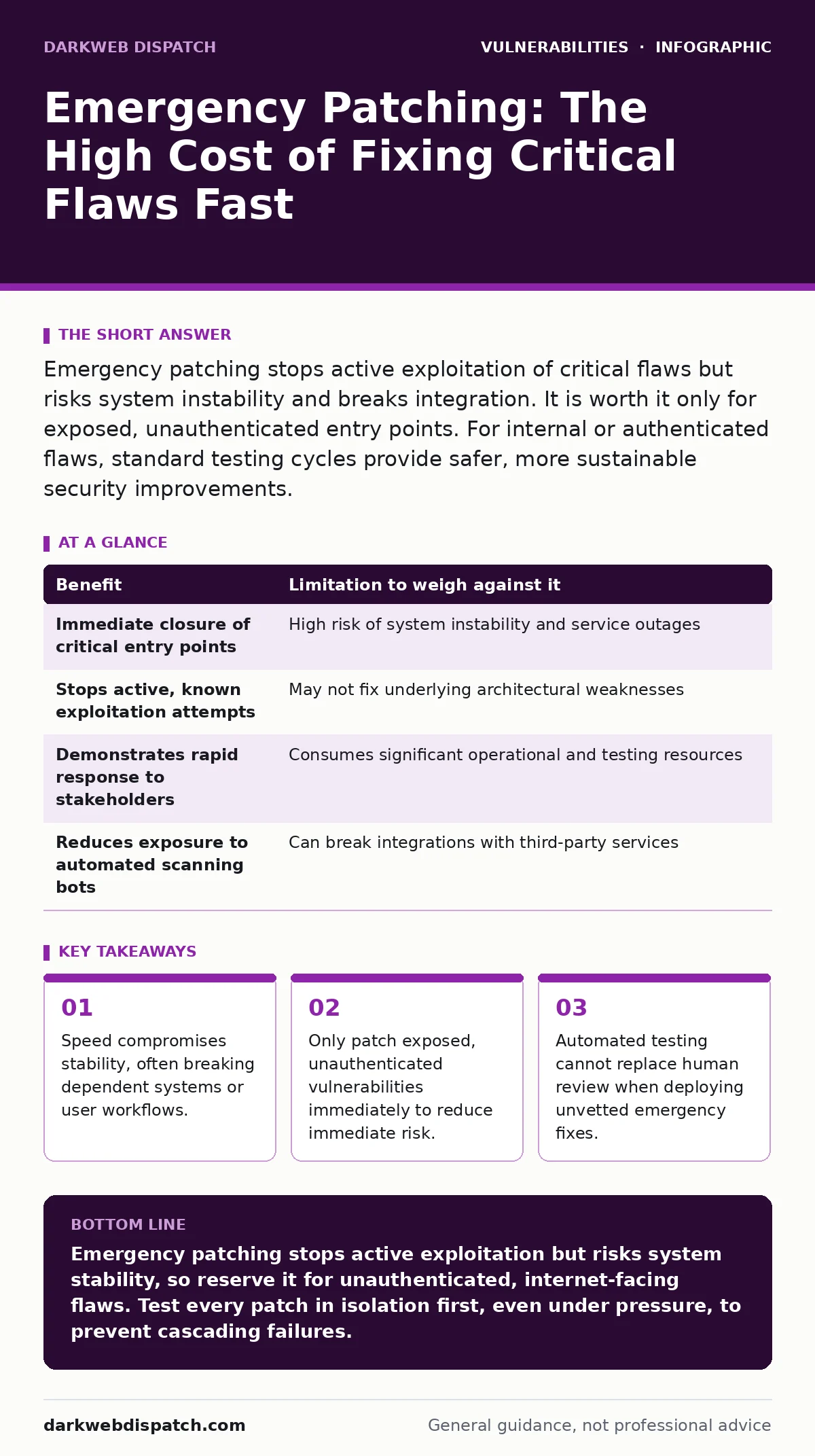
Emergency patching stops active exploitation of critical flaws but risks system instability and breaks integration. It is worth it only for exposed, unauthenticated entry points. For internal or authenticated flaws, standard testing cycles provide safer, more sustainable security improvements.
The Mechanics of Emergency Response
Emergency patching occurs when a vendor releases a software update to address a critical security flaw before the standard release cycle concludes. You deploy this update immediately, bypassing the usual weeks of regression testing. The goal is to close a window of opportunity for attackers who are actively scanning for that specific weakness. This process differs fundamentally from routine maintenance, which focuses on stability and feature additions.
Imagine you discover a flaw that allows anyone on the internet to execute commands on your server without logging in. This is an unauthenticated remote code execution vulnerability. In this scenario, every minute you delay patching increases the probability of compromise. The attacker does not need credentials; they only need the flaw to exist. Your response must be immediate because the exposure is total.
However, emergency patches are often rushed. The vendor has had little time to test how the fix interacts with other parts of the system. This creates a trade-off between security and availability. You gain protection against a specific attack but risk introducing new bugs that crash services or corrupt data. You must weigh the certainty of the threat against the uncertainty of the fix.
Benefits and Hidden Costs
The primary benefit of emergency patching is the immediate reduction of attack surface. You remove the specific code path that attackers use to breach your defences. This stops active exploitation in its tracks, provided the patch is correct and applied fully. It also demonstrates due diligence, showing that you respond to threats with appropriate urgency.
Yet, the hidden cost is often operational disruption. A patch might change a default setting, alter a file format, or modify an API response. Systems that depend on the previous behaviour may fail silently or crash entirely. This is particularly dangerous in complex environments where services are tightly coupled. A broken login screen is a minor inconvenience; a broken payment processor is a business crisis.
Furthermore, emergency patches rarely address the root cause of poor coding practices. They fix the symptom, not the disease. If the underlying architecture allows for input validation failures, the next patch will likely address a similar flaw elsewhere. You are playing catch-up rather than building resilience. This dynamic drains your security team’s resources, leaving less time for proactive measures.
| Benefit | Limitation to weigh against it |
|---|---|
| Immediate closure of critical entry points | High risk of system instability and service outages |
| Stops active, known exploitation attempts | May not fix underlying architectural weaknesses |
| Demonstrates rapid response to stakeholders | Consumes significant operational and testing resources |
| Reduces exposure to automated scanning bots | Can break integrations with third-party services |
When Rapid Deployment Is Warranted
You should prioritise emergency patching when the vulnerability allows unauthenticated access. If an attacker can reach the flaw from the public internet without needing a username or password, the risk is severe. These flaws are often exploited by automated bots within minutes of disclosure. Delaying the patch invites compromise.
Suppose a web server has a directory listing exposure that reveals sensitive configuration files. If these files contain database credentials, an attacker can pivot deeper into your network. This is a clear case for immediate action. The exposure is direct, the impact is high, and the attack vector is simple. You cannot wait for the next scheduled maintenance window.
Another scenario involves flaws in widely used, internet-facing components. If a popular web framework has a server-side template injection vulnerability, thousands of sites are at risk simultaneously. Attackers scan for these common targets aggressively. The probability of being targeted is high, so the cost of waiting outweighs the risk of a buggy patch. You must patch to survive the initial wave of attacks.
When Standard Processes Are Superior
Not every vulnerability requires an emergency response. If a flaw requires authentication, the attacker must already have a foothold in your system. This changes the calculus significantly. Your focus should shift to detecting the intrusion and revoking access, not just patching the code. The window for external exploitation is much smaller.
Consider a flaw that allows a logged-in user to escalate their privileges. If your access controls are strict and you monitor for unusual activity, the risk is manageable. You can schedule the patch for the next maintenance window. This allows your team to test the update in a staging environment. You ensure that the fix does not break critical business processes.
Also, avoid emergency patching for low-severity issues or those with complex mitigation paths. If a vulnerability requires a specific chain of events to exploit, the likelihood of attack is low. Rushing a patch for such a flaw introduces unnecessary risk. You might break a feature that generates revenue while fixing a theoretical issue. Patience here is a strategic advantage, not negligence.
The Testing Bottleneck
The biggest limitation of emergency patching is the lack of testing time. Standard processes include unit tests, integration tests, and user acceptance testing. Emergency deployments often skip these steps or reduce them to a superficial check. This increases the chance of introducing regressions. A regression is a bug that reappears or is introduced after a fix.
Imagine you patch a web application to fix an input validation error. The patch changes how the application handles special characters. However, your reporting module relies on those characters for formatting. After the patch, the reports fail to generate. Your security posture improves, but your business operations halt. This is the classic trade-off of speed versus stability.
To mitigate this, you must have a robust rollback plan. If the patch causes issues, you must be able to revert to the previous version quickly. This means keeping backups of configurations and data. It also means having clear communication channels with your operations team. They need to know what to expect and how to respond if things go wrong.
See also: How to Spot JWT Vulnerabilities Before They Breach Your System · Prevent Microsoft Exchange Vulnerabilities: Priority Measures
Managing the Aftermath
Once the emergency patch is deployed, your work is not done. You must monitor the system closely for signs of instability. Check logs for errors, watch performance metrics, and listen to user feedback. Any anomaly should be investigated immediately. This phase is critical for catching issues that testing missed.
You should also review the patch itself. Understand what changed and why. This helps you identify if there are similar flaws elsewhere in your codebase. If the vendor changed how they handle memory allocation, you might need to review other modules that use similar patterns. This turns a reactive fix into a proactive improvement.
Finally, document the incident. Record what happened, how you responded, and what the outcome was. This documentation serves as a reference for future incidents. It helps you refine your emergency procedures and identify areas for improvement. Over time, this reduces the frequency and impact of emergency patching events.
Building Long-Term Resilience
Emergency patching is a stopgap, not a strategy. Relying on it too often indicates deeper issues in your development lifecycle. You should aim to reduce the need for emergency responses by improving your regular processes. This includes better code reviews, automated security testing, and regular dependency updates.
Consider implementing out-of-band patches for critical infrastructure. These are updates that bypass the normal release channel but are thoroughly tested. They provide a middle ground between standard updates and emergency fixes. This approach allows you to respond quickly to threats without sacrificing stability.
Additionally, focus on reducing your attack surface. Minimise the number of exposed services and harden the ones you must expose. If fewer systems are visible to the internet, fewer systems need emergency patching. This is a more sustainable approach to security than constantly reacting to new vulnerabilities. It shifts the burden from the defender to the attacker, making their job harder.
Key takeaways
- Speed compromises stability, often breaking dependent systems or user workflows.
- Only patch exposed, unauthenticated vulnerabilities immediately to reduce immediate risk.
- Automated testing cannot replace human review when deploying unvetted emergency fixes.
Emergency patching stops active exploitation but risks system stability, so reserve it for unauthenticated, internet-facing flaws. Test every patch in isolation first, even under pressure, to prevent cascading failures.
Frequently asked questions
How do I know if a vulnerability requires an emergency patch?
Check if the flaw allows unauthenticated access from the internet. If attackers can exploit it without credentials, treat it as urgent. If authentication is required, you have more time to test.
Can I automate emergency patching?
Automation can deploy patches quickly, but it cannot assess risk. Use automation for deployment only after a human has triaged the severity and approved the change. Automated testing should still run before full rollout.
How this guide was produced: written by the DarkWeb Dispatch editorial team with AI assistance, checked against the public references listed below, and reviewed when the facts change. See our editorial policy or report an error.