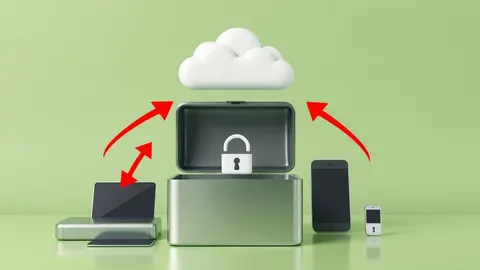
Shared Responsibility Model Cloud: Who Owns What Security
You control the data and identity inside the cloud, but the provider owns the physical infrastructure and underlying operating systems, creating a boundary many organisations miss.

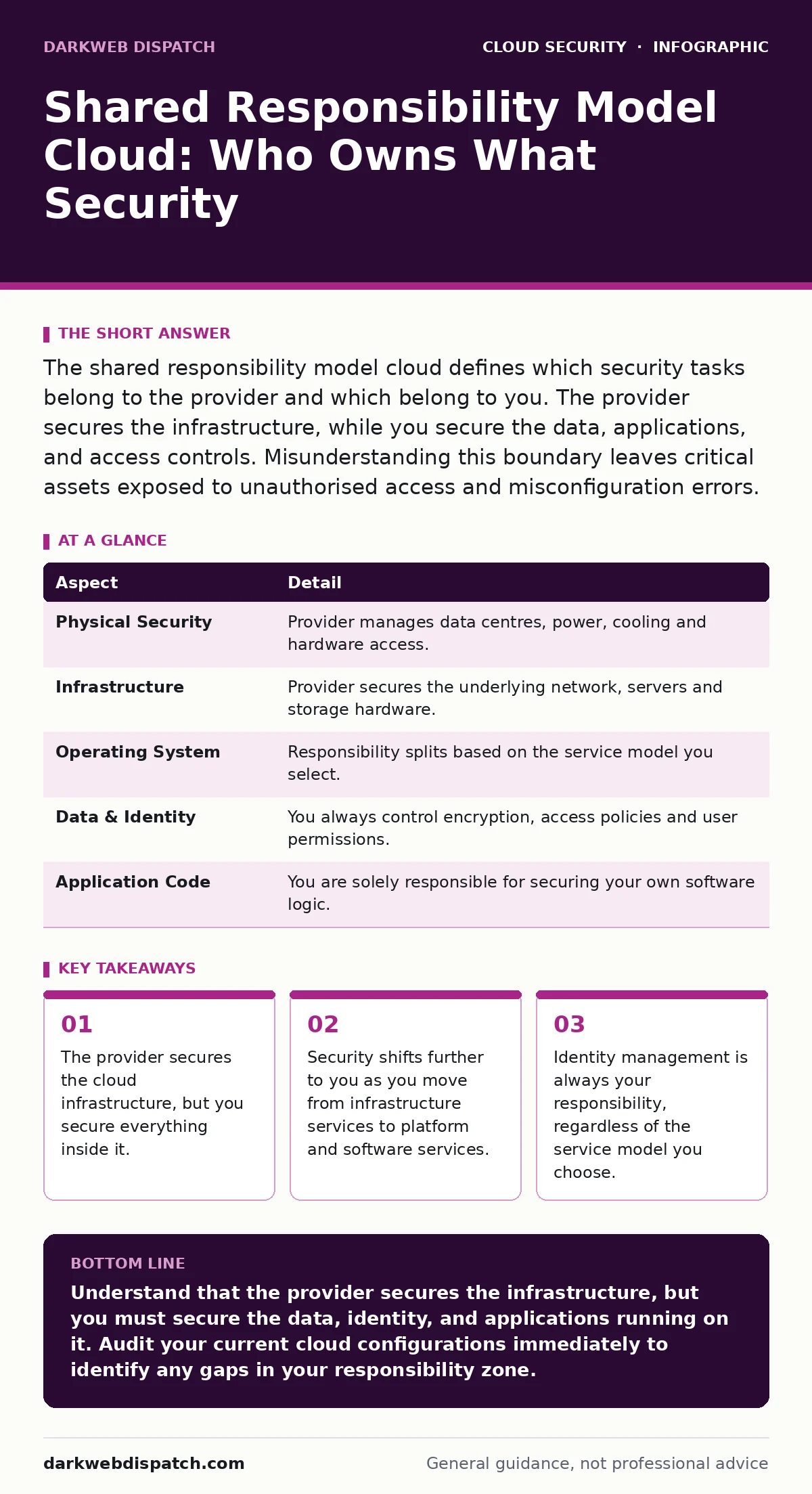
The shared responsibility model cloud defines which security tasks belong to the provider and which belong to you. The provider secures the infrastructure, while you secure the data, applications, and access controls. Misunderstanding this boundary leaves critical assets exposed to unauthorised access and misconfiguration errors.
The Foundation of Cloud Security
Imagine renting a hotel room. The hotel manages the building structure, the locks on the main doors, and the fire safety systems. You, however, are responsible for locking your room door and keeping your valuables safe inside. If a thief breaks in through a window you left open, the hotel cannot be blamed for your loss. This analogy illustrates the core principle of cloud security. The shared responsibility model cloud establishes where the provider’s duties end and your obligations begin. It prevents organisations from assuming the vendor handles all security aspects, a misconception that leads to severe breaches.
| Aspect | Detail |
|---|---|
| Physical Security | Provider manages data centres, power, cooling and hardware access. |
| Infrastructure | Provider secures the underlying network, servers and storage hardware. |
| Operating System | Responsibility splits based on the service model you select. |
| Data & Identity | You always control encryption, access policies and user permissions. |
| Application Code | You are solely responsible for securing your own software logic. |
How the Model Shifts With Service Types
The division of labour changes depending on the cloud service model you adopt. In infrastructure as a service, you manage the operating system, middleware, runtime, and data. The provider only handles the physical hardware and virtualisation layer. This model offers maximum control but requires significant security overhead from your team. You must patch the operating systems and configure firewalls manually.
Platform as a service shifts more burden to the provider. They manage the operating system and runtime environments. You focus on deploying applications and managing data. This reduces your patching workload but narrows your visibility into the underlying system security. Software as a service places the most responsibility on the vendor. They manage the entire stack, from hardware to application. Your role is limited to managing user access and ensuring you do not leak sensitive data through the interface. Understanding these shifts is vital for allocating security resources correctly.
Who Bears The Burden
This model affects every organisation using cloud services, from small startups to multinational enterprises. It specifically impacts security teams, system administrators, and application developers. Security teams must define boundaries clearly in contracts and technical documentation. System administrators need to know which patches they must apply and which the vendor handles automatically. Developers must ensure their code does not introduce vulnerabilities that the cloud platform cannot mitigate.
The burden also falls on governance and compliance officers. They must verify that security controls meet regulatory requirements within the shared framework. If a breach occurs, investigators will look at where the control failed. Was it a vendor infrastructure failure or a customer misconfiguration? Most breaches stem from customer-side errors, such as weak passwords or public storage buckets. You cannot outsource accountability, even if you outsource infrastructure.
Common Misconceptions About Responsibility
Many organisations assume that moving to the cloud transfers all security risk to the provider. This is incorrect. The provider secures the cloud, not what is in it. Another common mistake is believing that encryption at rest solves all data privacy issues. Encryption protects data if hardware is stolen, but it does not prevent unauthorised users from accessing it if they have valid credentials. You must still manage access controls rigorously.
Some teams think that network security is entirely the vendor’s job because the data centre is remote. While the provider secures the physical network cables, you configure the virtual network segments and firewalls. Misconfigured security groups often expose databases directly to the internet. This error is purely on the customer side. A related issue is overlooking identity management. MFA for cloud accounts is always your responsibility, regardless of how robust the vendor’s infrastructure is. Neglecting this simple step undermines all other controls.
Practical Steps For Implementation
Start by mapping your services to the responsibility model. Identify every cloud resource in use and document who manages its security. Create a matrix that lists each service, the security controls required, and the responsible party. This document serves as the single source of truth for your security posture. Review this matrix whenever you add new services or change configurations.
Implement strict access controls immediately. Use least privilege in the cloud to ensure users and services have only the permissions they need to function. Excessive permissions increase the attack surface. Enable MFA for cloud accounts for all users, especially those with administrative privileges. This adds a layer of defence against compromised credentials. Regularly audit access logs to detect unusual activity.
Encrypt data both at rest and in transit. Use strong encryption standards and manage the keys carefully. Consider using your own key management service to retain control over decryption. This ensures that even if the provider’s systems are compromised, your data remains secure. Integrate cloud workload protection tools to monitor applications and containers for threats. These tools provide visibility into the runtime environment, which traditional perimeter security misses.
See also: Policy as Code: Definition, Purpose and Practical Cloud Security · Bot Management FAQs: Distinguishing Humans from Automated Traffic
Maintaining Long-Term Security
Security is not a one-time setup but a continuous process. Cloud environments change dynamically, with resources scaling up and down automatically. Static security controls fail in this environment. You must implement automated security scanning that runs with every deployment. This ensures that new vulnerabilities are caught before they reach production.
Regular training for staff is necessary. Developers often focus on functionality and overlook security implications. Integrate security checks into the development lifecycle. Use microsegmentation to limit lateral movement within your cloud network. If one component is compromised, segmentation prevents the attacker from reaching critical assets. This approach reduces the impact of any single breach.
Monitor for configuration drift. Over time, settings may change or permissions may be expanded unnecessarily. Automated tools can detect these changes and alert you immediately. Review cloud identity governance policies regularly to ensure they align with current business needs. Remove access for employees who have left the organisation promptly. Stale accounts are a frequent entry point for attackers.
Integrating Advanced Controls
As your cloud footprint grows, simple controls may become insufficient. Consider implementing single sign-on to centralise identity management. This reduces the number of credentials users must remember and allows for centralised policy enforcement. It also simplifies the process of revoking access when an employee leaves.
For containerised applications, use Kubernetes admission controllers to enforce security policies at the deployment stage. These controllers can block containers that do not meet security standards, such as those running as root users. This prevents insecure workloads from ever entering your environment.
Be aware of OAuth token abuse risks when integrating third-party applications. Tokens can be stolen or misused if not properly scoped and rotated. Implement short-lived tokens and strict scope limitations. Monitor token usage for anomalies. These advanced controls add depth to your security strategy, addressing risks that basic configurations miss.
Conclusion Of Responsibilities
The shared responsibility model cloud is a framework for clarity, not a shield against liability. You must actively manage the security of your data, identity, and applications. The provider manages the foundation, but you build the house. Neglecting your side of the equation invites risk. Regular audits, strict access controls, and continuous monitoring are the keys to maintaining a secure cloud environment.
Key takeaways
- The provider secures the cloud infrastructure, but you secure everything inside it.
- Security shifts further to you as you move from infrastructure services to platform and software services.
- Identity management is always your responsibility, regardless of the service model you choose.
Understand that the provider secures the infrastructure, but you must secure the data, identity, and applications running on it. Audit your current cloud configurations immediately to identify any gaps in your responsibility zone.
Frequently asked questions
Does the cloud provider notify me if my configuration is insecure?
Providers typically do not monitor your configuration for security errors. You must implement your own monitoring and alerting systems to detect misconfigurations and potential vulnerabilities.
Who is responsible for patching the operating system?
In infrastructure as a service, you are responsible for patching the operating system. In platform as a service, the provider usually handles this, but you must verify the specific terms of your service agreement.
Can I transfer all security liability to the cloud vendor?
No, liability for data breaches caused by your misconfiguration or weak access controls remains with you. The vendor is only liable for failures in the underlying infrastructure they manage.
How often should I review my shared responsibility matrix?
Review it whenever you onboard new services, change security policies, or after any significant infrastructure change. Quarterly reviews are a good baseline for most organisations.
How this guide was produced: written by the DarkWeb Dispatch editorial team with AI assistance, checked against the public references listed below, and reviewed when the facts change. See our editorial policy or report an error.