Malware analysis VM: safe isolation and detection methods
Virtual machines create disposable environments where malware executes without harming your host system, allowing researchers to observe behaviour safely.

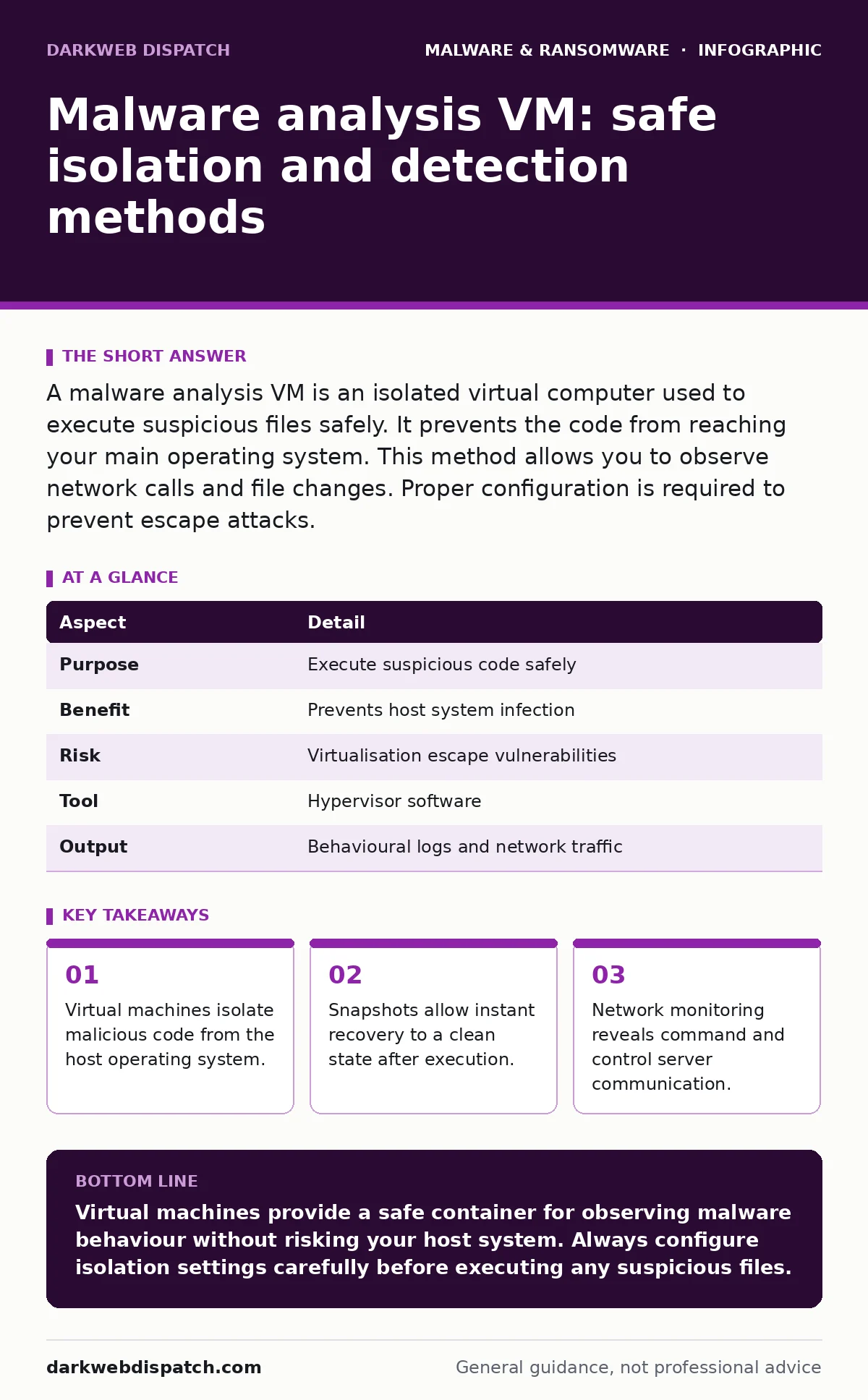
A malware analysis VM is an isolated virtual computer used to execute suspicious files safely. It prevents the code from reaching your main operating system. This method allows you to observe network calls and file changes. Proper configuration is required to prevent escape attacks.
What is malware analysis vm
Malware analysis vm refers to the practice of using virtualisation software to examine suspicious code in a contained environment. You run this virtual machine on your physical hardware, but it operates as a separate computer with its own virtualised hardware resources. The primary goal is to observe what the malware does without risking your actual files, network or identity. This method provides a safe space to trigger the code and record its actions. You can pause, rewind or reset the virtual environment at any time. This control is impossible on a bare-metal physical system. The technique balances safety with the need for detailed behavioural data.
| Aspect | Detail |
|---|---|
| Purpose | Execute suspicious code safely |
| Benefit | Prevents host system infection |
| Risk | Virtualisation escape vulnerabilities |
| Tool | Hypervisor software |
| Output | Behavioural logs and network traffic |
How virtualisation isolates threats
Virtualisation software creates a hardware abstraction layer that separates the guest operating system from the physical host. The malware runs inside this guest environment, believing it controls the hardware. In reality, the hypervisor mediates all requests for disk access, network connectivity and memory usage. If the malware attempts to delete system files, it only affects the virtual disk image.
It cannot touch your real operating system files. This isolation prevents lateral movement to other devices on your local network. You monitor the virtual machine through a console interface or remote desktop protocol. The host system remains inert and protected from direct execution. This separation is the foundation of safe dynamic analysis.
Setting up a secure environment
A secure analysis environment requires deliberate configuration to prevent detection and escape. You must create a snapshot of the virtual machine before installing any tools or samples. This snapshot represents a known good state. If the malware damages the system, you revert to this point instantly. Network configuration is equally critical. Use an isolated virtual network adapter that does not bridge to your physical network interface.
This prevents the malware from scanning your local subnet or contacting external servers. Some analysts use a mirror network to simulate real internet conditions without risking actual exposure. You should also disable hardware acceleration features that might leak information back to the host. Consistent configuration ensures repeatable results across multiple analyses.
Observing malware behaviour
Dynamic analysis involves running the malware and recording its actions. You look for file system changes, registry modifications and process creation. Tools within the virtual machine log these events in real time. Network monitoring captures packets sent to command and control servers. This traffic analysis reveals the malware’s communication protocols and data exfiltration methods.
You may see the malware attempt to disable security software or create persistence mechanisms. These actions confirm the malicious intent of the sample. Static analysis complements this by examining the code structure without execution. Combining both methods provides a complete picture of the threat. You document every step to build a profile of the malware’s capabilities.
Common configuration mistakes
Analysts often neglect to harden the virtual machine against escape techniques. Malware can detect virtualisation environments and refuse to execute if it senses it is being watched. This detection mechanism relies on specific hardware signatures or timing discrepancies. You must spoof hardware details to present a legitimate physical machine profile. Another frequent error is enabling USB passthrough without filtering.
A malicious device could exploit drivers on the host system. Shared folders provide a direct path for data exfiltration from the guest to the host. Disabling these features reduces the attack surface significantly. Failure to update the guest operating system leaves known vulnerabilities exposed. These oversights compromise the integrity of the analysis and the safety of the host.
See also: Blue Team Myths: Correcting Common Misunderstandings · Unified Kill Chain: Why Fragmented Threat Models Fail Your Defences
Handling advanced threats
Some malware employs sophisticated evasion techniques that challenge standard analysis. These threats may use packers to hide their true code structure. They might delay execution until specific conditions are met, such as user interaction or time delays. You must trigger these conditions manually within the virtual environment to observe the full behaviour. Advanced persistent threats often install rootkits that hide from standard monitoring tools.
These require specialized detection methods and deeper system introspection. The complexity of these samples demands higher skill levels and more robust infrastructure. Simple sandboxing solutions may miss these threats entirely. You should consider manual analysis steps for high-value targets. This approach allows for deeper inspection of memory and kernel interactions.
When to seek professional help
Not all malware requires deep technical analysis. Some threats are well-known and can be identified by their hash values. In these cases, standard removal tools suffice. However, novel or polymorphic malware may evade signature-based detection. This is where custom analysis becomes necessary. Organisations with limited security expertise should rely on managed detection and response services.
These providers have the infrastructure and expertise to handle complex threats. They can perform detailed analysis without exposing your internal systems. For individual users, the risk of mishandling malware is high. Incorrect analysis can lead to accidental infection or data loss. Knowing when to step back is as important as knowing when to proceed.
Related security considerations
Understanding malware analysis helps in broader security contexts. For instance, crypto-stealing malware often targets browser cookies and wallet files. Analysis of these samples reveals specific file access patterns. Similarly, spyware relies on keylogging and screen capturing, which leave distinct network traces. These behaviours are observable in a virtual environment. Mac malware is increasing in prevalence, requiring specific virtualisation setups for macOS analysis. Malvertising delivers payloads through legitimate advertising networks, making source identification difficult.
Analysis helps trace the delivery chain back to the origin. Software restriction policies can mitigate risk by limiting executable paths. Double extortion ransomware adds data theft to encryption, complicating recovery. Ransomware-as-a-service lowers the barrier for attackers, increasing volume. Understanding these variants improves defensive strategies.
Key takeaways
- Virtual machines isolate malicious code from the host operating system.
- Snapshots allow instant recovery to a clean state after execution.
- Network monitoring reveals command and control server communication.
- Improper configuration can allow malware to escape the sandbox.
Virtual machines provide a safe container for observing malware behaviour without risking your host system. Always configure isolation settings carefully before executing any suspicious files.
Frequently asked questions
Can malware escape from a virtual machine?
Yes, if the hypervisor has vulnerabilities or if the configuration allows direct hardware access. Escape exploits are rare but possible. Proper hardening minimises this risk significantly.
Do I need special software for malware analysis?
Standard virtualisation software works for basic analysis. Advanced analysis requires specific monitoring tools and debugging environments. These tools help record system calls and memory changes.
Is static analysis safer than dynamic analysis?
Static analysis is generally safer as it does not execute the code. However, it cannot reveal the full behaviour of obfuscated or encrypted malware. Dynamic analysis provides behavioural context that static methods miss.
How do I know if a file is malicious?
You cannot always know without analysis. Suspicious behaviour, unusual file extensions or unexpected downloads are red flags. Sandboxing the file in a VM is the only sure way to confirm its nature.
How this guide was produced: written by the DarkWeb Dispatch editorial team with AI assistance, checked against the public references listed below, and reviewed when the facts change. See our editorial policy or report an error.